5. Roll the trackball and press Set to begin a new distance measurement.
You can measure a maximum of four groups of data. The outcome
will be displayed in the measurement result window, as shown below.
6. Press Measure to finish and exit.
Ellipse Method
To measure Circumference / Area:
1. Press Measure to activate measurement function.
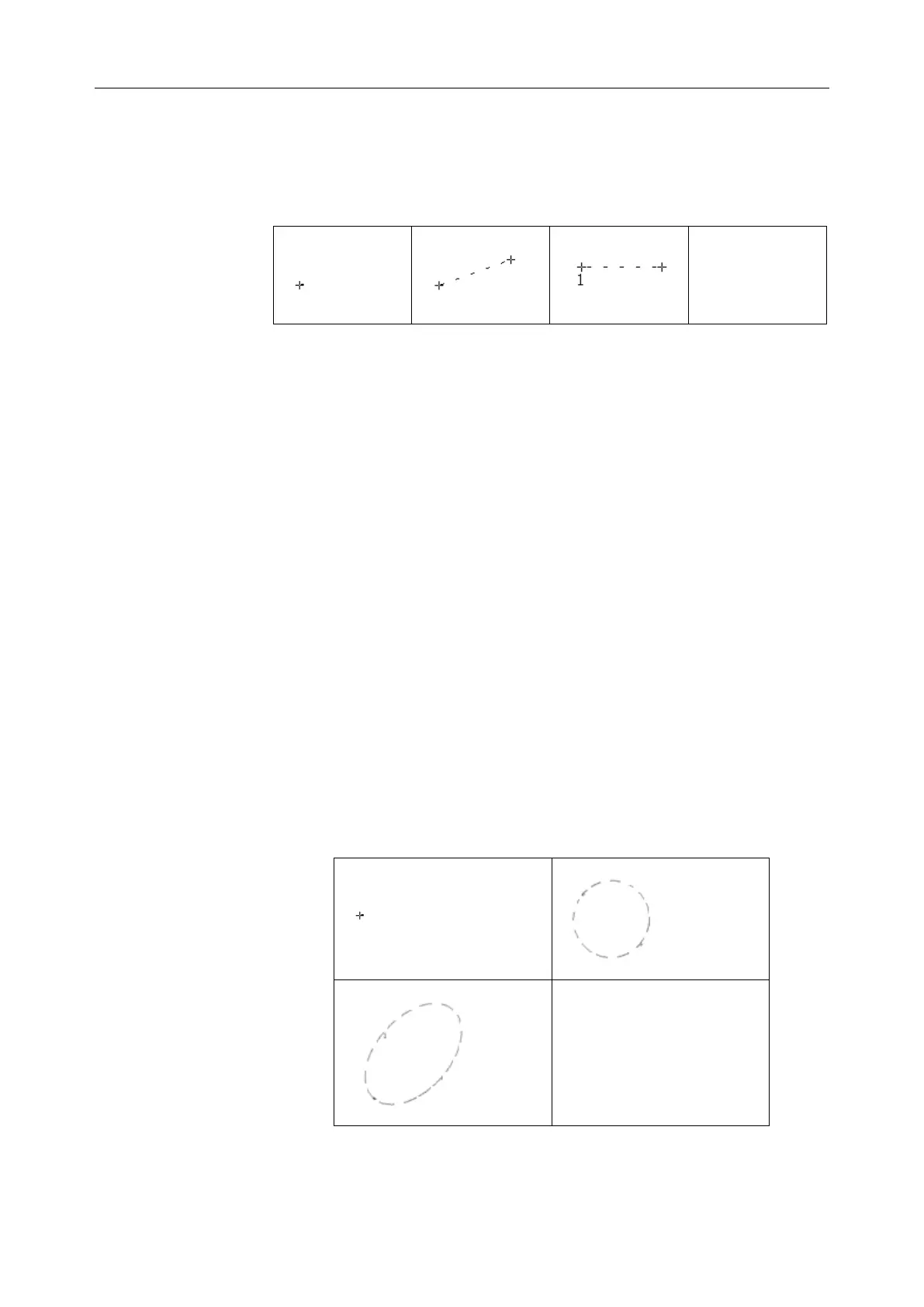
2. Roll the trackball to highlight Cir/Area. Then select Ellipse, and
press Set to activate a measurement cursor “+” on the screen.
3. Roll the trackball and press Set to anchor the start point of fixed
axis of ellipse.
4. Roll the trackball and press Set to anchor the end point of fixed
axis of ellipse.
5. Roll the trackball, and press Set to define the size of the ellipse.
6. Roll the trackball and press Set to begin a new
circumference/area measurement. You can measure a maximum
of four groups of data. The outcome will be displayed in the
measurement result window, as shown below.
7. Press Measure to finish and exit.



 To Next Page