EasyManua.ls Logo

Megger BD-59095 - User Manual

Megger BD-59095
48 pages
Print Icon
To Next Page IconTo Next Page
Loading...
User’s Manual
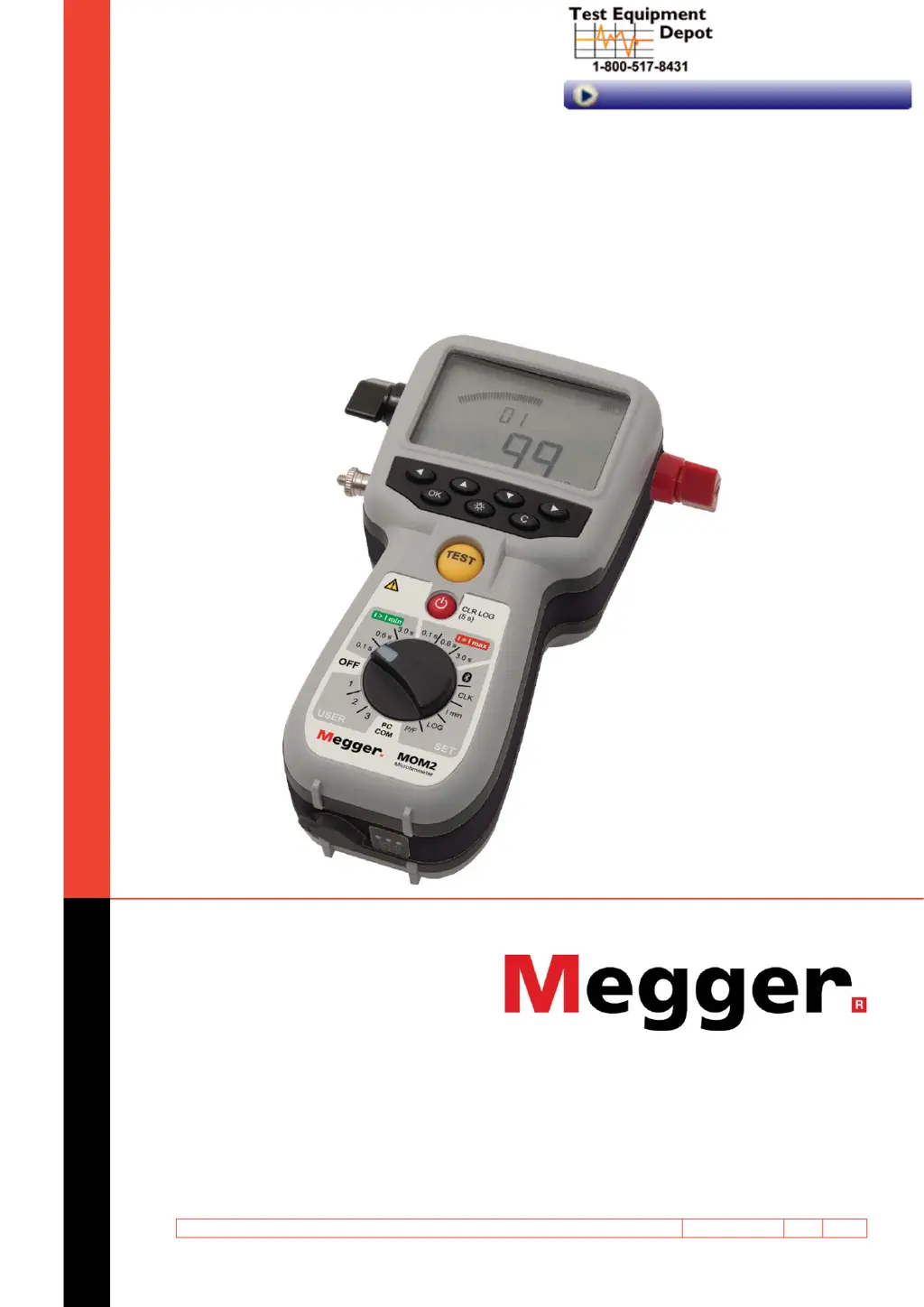
MOM2
MOM2 Win
Micro-ohmmeter
Art No. ZP-BD03E Doc. BD0333FE V06a 2016
99 Washington Street
Melrose, MA 02176
Phone 781-665-1400
Toll Free 1-800-517-8431
Visit us at www.TestEquipmentDepot.com

Table of Contents

Questions and Answers

  • D
    Duane ThomasAug 11, 2025
    What to do if Megger BD-59095 Measuring Instruments show 'OL'?
    • S
      smcclureAug 11, 2025
      If your Megger Measuring Instruments display 'OL', it indicates a bad connection or that the resistance is out of the measurement range. You should inspect the cables and connections to resolve this issue.
  • S
    Sandy SmithAug 20, 2025
    Why does the Megger BD-59095 Measuring Instruments show a warning sign on display and the battery charge indicator blinks?
    • J
      Jennifer SimmonsAug 21, 2025
      The warning sign appears and the battery charge indicator blinks on your Megger Measuring Instruments because the batteries are unable to charge the capacitor. To address this, charge the batteries. Note that you may still be able to proceed with some tests if you select a test position that requires less power and a shorter measuring time.
  • V
    Vanessa PerezAug 31, 2025
    What to do if Megger BD-59095 Measuring Instruments show a warning sign on display?
    • R
      roachwendyAug 31, 2025
      If your Megger Measuring Instruments display a warning sign, it means a thermal protection has tripped. To fix this, turn off the MOM2 and allow it to cool down.

Megger BD-59095 Specifications

General IconGeneral
BrandMegger
ModelBD-59095
CategoryMeasuring Instruments
LanguageEnglish

Related product manuals