BD0333FE ZP-BD03E MOM2
39
7 MOM2 WIN
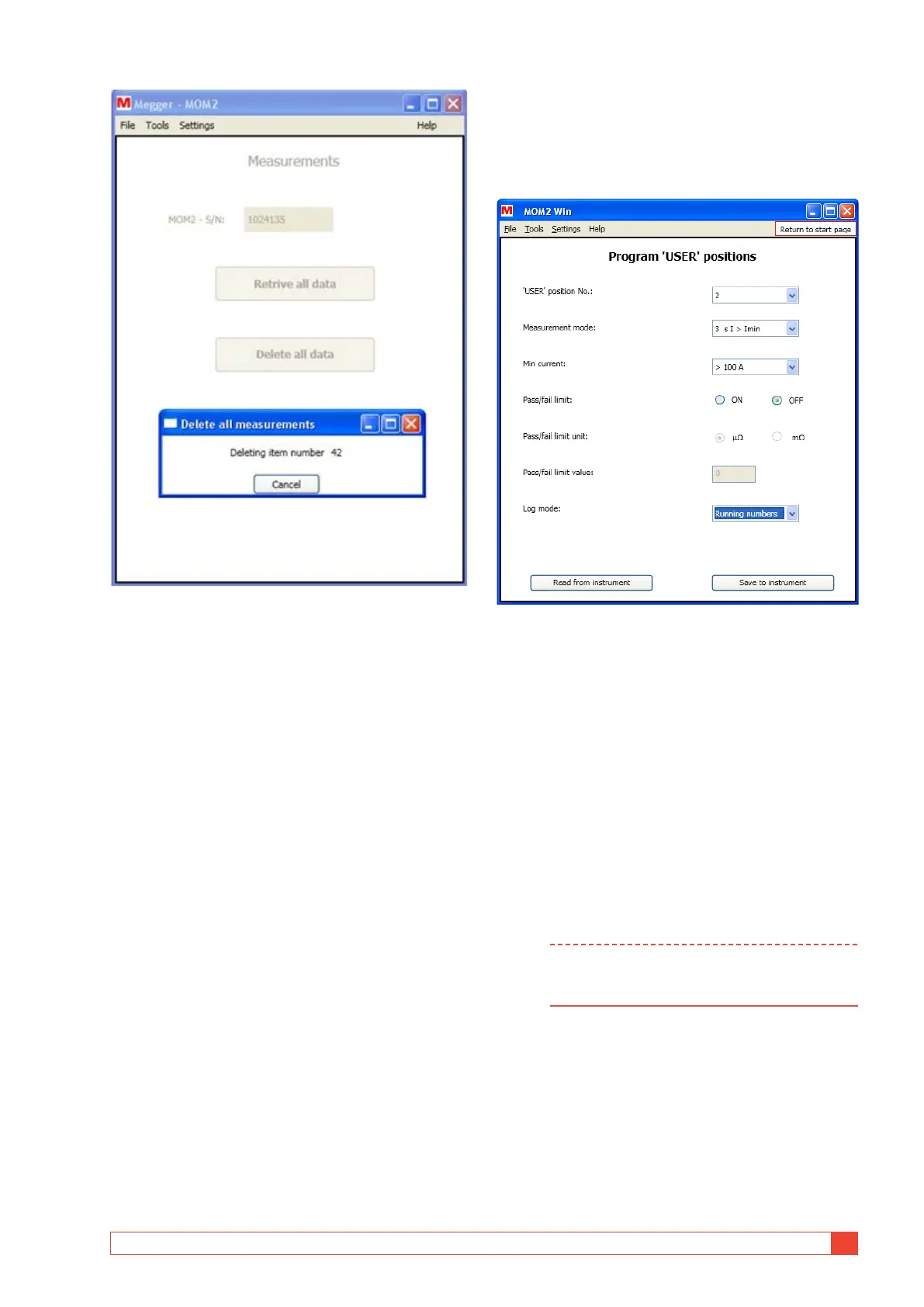
Figure 8.5.4 Delete all measurements progress.
7.6 User settings
1] Click the Program "User" positions" button
on the start page or choose Program "User"
positions from the "Tools" menu .
Figure 8.6.1 Program "User" positions
Read existing settings
1] Select "User" position No." (1 – 3).
2] Click the "Read from instrument" button to
see the current settings on the instrument.
All three user settings will be read, not only
the one selected in the combo box. The val-
ues for minimum current, pass/fail limit and
type of logging will be updated.
Program "User" positions
1] Make the desired settings and click the "Save
to instrument" button.
Note All three User positions will be updated on
the instrument, not just the currently selected
one.



 To Next Page