BD0333FE ZP-BD03E MOM2
37
7 MOM2 WIN
7.5 Read the measurement
log
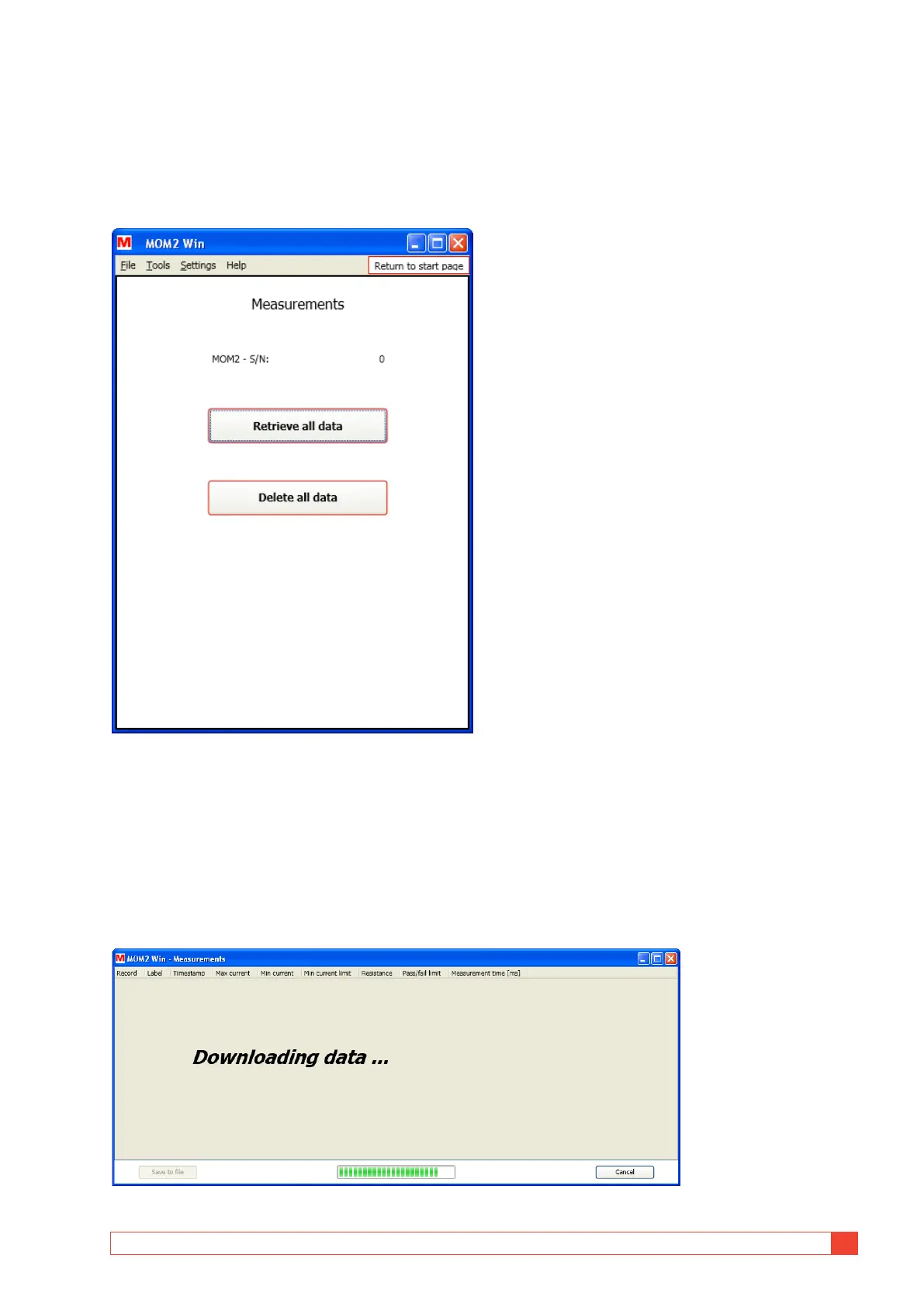
1] Click the "Measurements" button on the
Start page or select "Measurements" from
the "Tools" menu.
Figure 8.5.1 Data dumping dialog.
2] Click on the "Retrieve all data" button to
download all measurements stored in the
instrument.
A window will pop up showing the progress
of the download.
At any time the data dump can be stopped
by clicking the "Cancel" button. In that case
the data window will be closed.
Figure 8.5.2 Data dumping progress.



 To Next Page