BD0333FE ZP-BD03E MOM2
19
4 FUNCTIONS AND SET UP
4.7 Pass/Fail – P/F
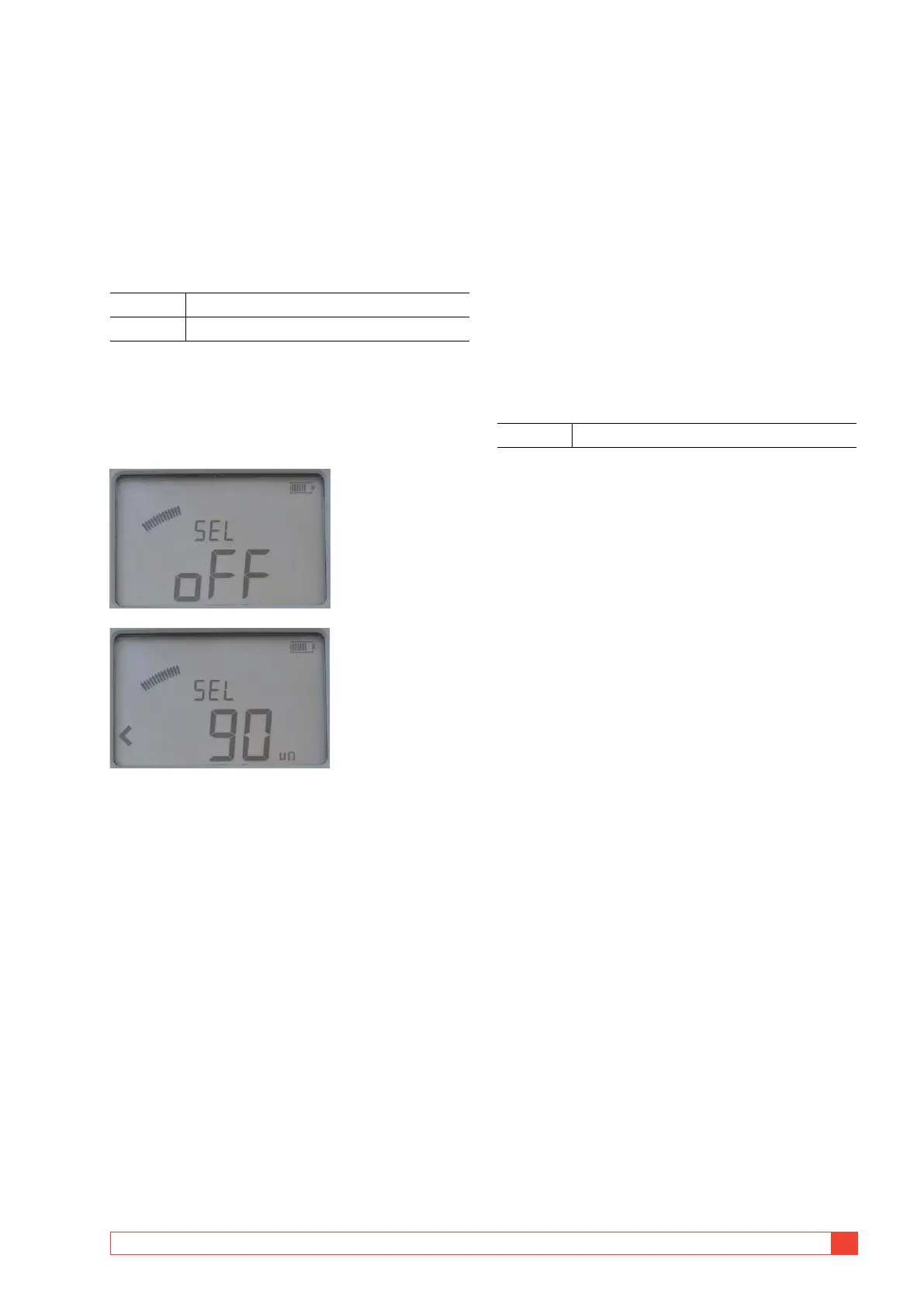
In the P/F position you can enable and set the limit for
the Pass/Fail function. If the measured value exceeds
the set limit it will result in a notification on the dis-
play and by an audio signal
SET / P/F
Display abbreviations
SEL Select
oFF OFF
Set-up
1]
Select SET / P/F. Present setting is displayed.
2] Press and hold OK key until character, "<" or
"oFF" start to blink.
3] Select "oFF" or a value using the ▲ ▼ keys.
4] Use the keys ▶ ◀ to select the digit to
change, it will blink.
5] Use the keys ▲ ▼ keys to set the desired
value.
6] Press OK key.
To cancel press C key or turn the function
selector to another position.
4.8
PC communication – PC
COM
The PC COM position is used for all operations per-
formed from a PC using MOM2 Win. You can:
▪
Dump measurement data from the MOM2
▪ Delete all measurements in the data log
▪ Program "User" positions
▪ Set MOM2 clock
▪ Calibrate
PC COM
Display abbreviations
rEn Remote
Set-up
The following is needed:
▪
A PC with MOM2 Win installed
See chapter 8 MOM2 Win
▪ A PC connected via Bluetooth
See section "Bluetooth set up"
Test Equipment Depot - 800.517.8431
99 Washington Street, Melrose, MA 02176
TestEquipmentDepot.com



 To Next Page