16 MOM2 ZP-BD03E BD0333FE
4 FUNCTIONS AND SET UP
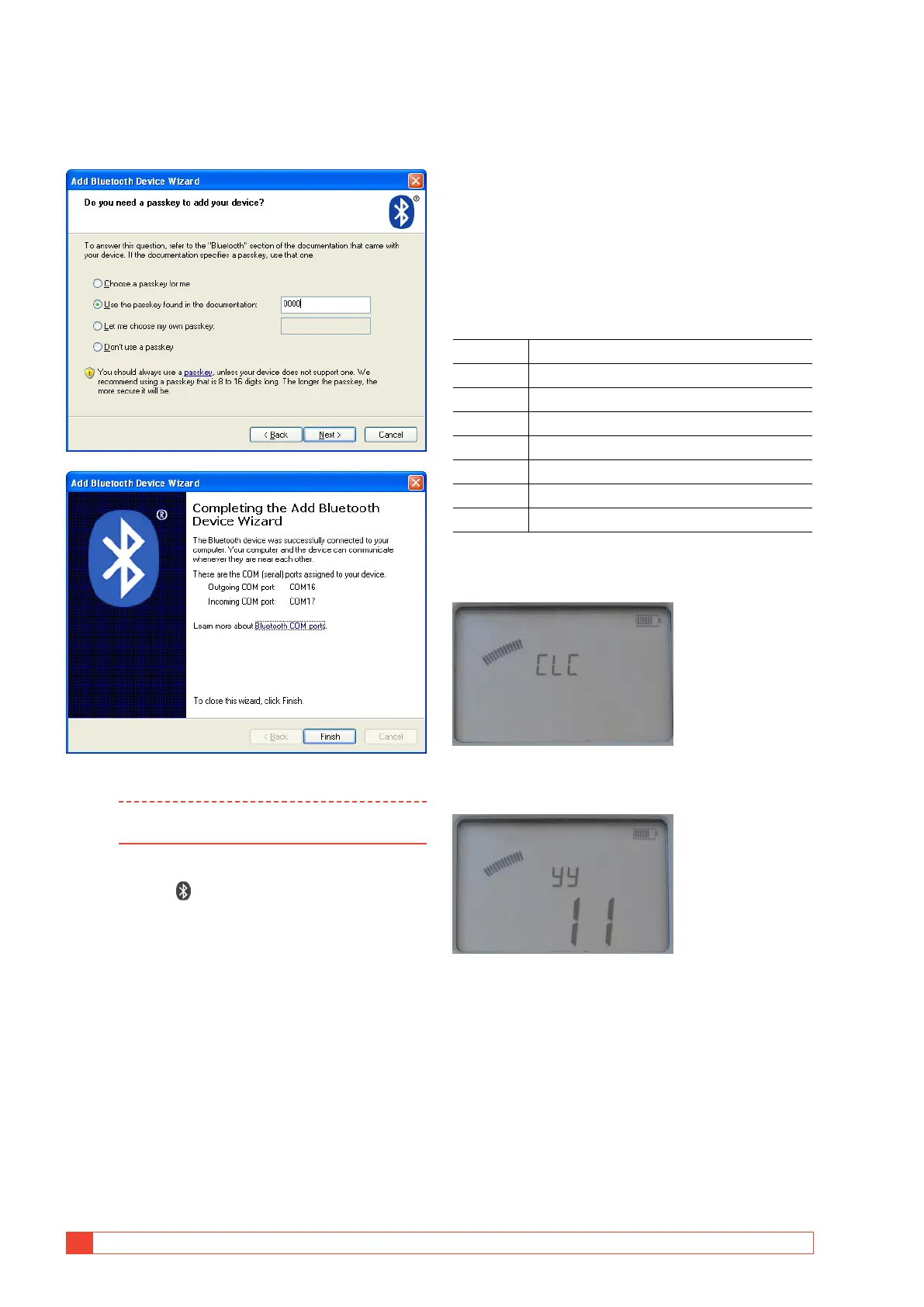
8] Check and click Next.
9] Select the second option, see below, enter
"0000" and click Next.
10] Display shows "Prd" and set up is complete.
Note The procedure to pair and assign com port
varies depending on the equipment.
How to pair a headset
1]
Select SET / on the MOM2.
2] Use the ◀ ▶ keys to find out that Bluetooth
is enabled, "EnA".
3] Press right arrow key twice.
The display shows “SHS”
4] Set the headset in pair mode (See the instruc-
tions for the headset.)
5] Press the OK key on the MOM2.
6] When the display shows “Prd” the pairing is
ready.
How to start the headset
1]
See the instructions for the headset
4.4 Clock – CLK
SET / CLK
There are three functions in this position:
A] Set date and time.
B] Set volume for the internal buzzer.
C] Discharge the MOM2 internal capacitor, (used
for service only).
Display abbreviations
CLC Clock
UOL Volume
dIS Discharge (used for service only)
yy Year
non Month
dd Day
HH Hour
nIn Minute
Date and time
1]
Select SET / CLC
2] Press and hold OK key until digits start to
blink under the "yy" letters.
3] Set year using the ▲ ▼ keys.
4] Press OK key.
5] Press the ▶ key to go further and set month,
day, hour an minute in the same way as
above.
6] Press C key to return.
Volume for buzzer
1]
Select SET / CLC
2] Press ▶ key, "UOL" is shown.



 To Next Page