BD0333FE ZP-BD03E MOM2
27
5 OPERATING INSTRUCTIONS
5.5 Measurement with user
defined settings
There are three positions for storing user defined
settings. These can only be set via a PC with the
MOM2Win Software, see chapter MOM2 Win.
5.6 Measurement using the
LOG function
See section 4.6 Data logger – LOG for how to set up.
Running numbers mode
The measurements are numbered in numerical order
1to1999
Measurement is automatically stored, provided that
the memory is not full (Running numbers =1999).
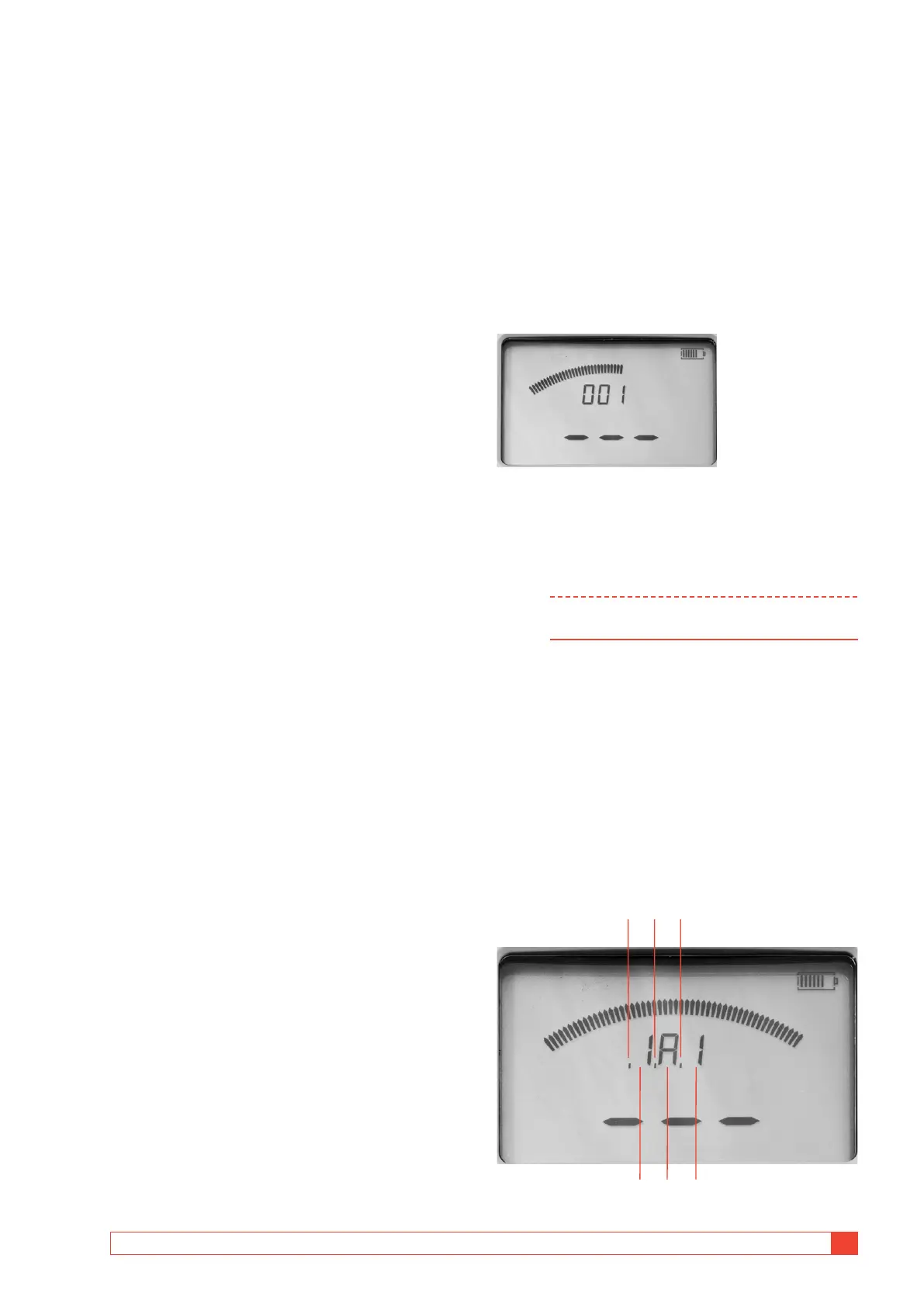
The display before first measurement.
The display after measurements
By using the ◀ ▶ and ▲ ▼ keys you can scroll be-
tween the saved test results.
Note You can only scroll through the measurements
in the selected LOG mode
Circuit breaker testing mode
Each label e.g. 1A1 in the memory for the circuit
breaker measurement can contain three measure-
ments. These are indicated by commas, see picture
below.
The label is built of three elements
▪ Two-digit indication of circuit breaker (1 to 19)
▪
A letter for phase (A,B,C)
▪ Digit for interrupter (1 to 9)
1
4
2 3
5 6



 To Next Page