28 MOM2 ZP-BD03E BD0333FE
5 OPERATING INSTRUCTIONS
1.
The first measurement on the present label
shown by a comma.
2.
The second measurement in the present
memory cell shown by a comma.
3.
The third measurement in the present memory
cell shown by a comma.
4.
Digit for the circuit breaker
5.
Letter for the phase
6.
Digit for the interrupter
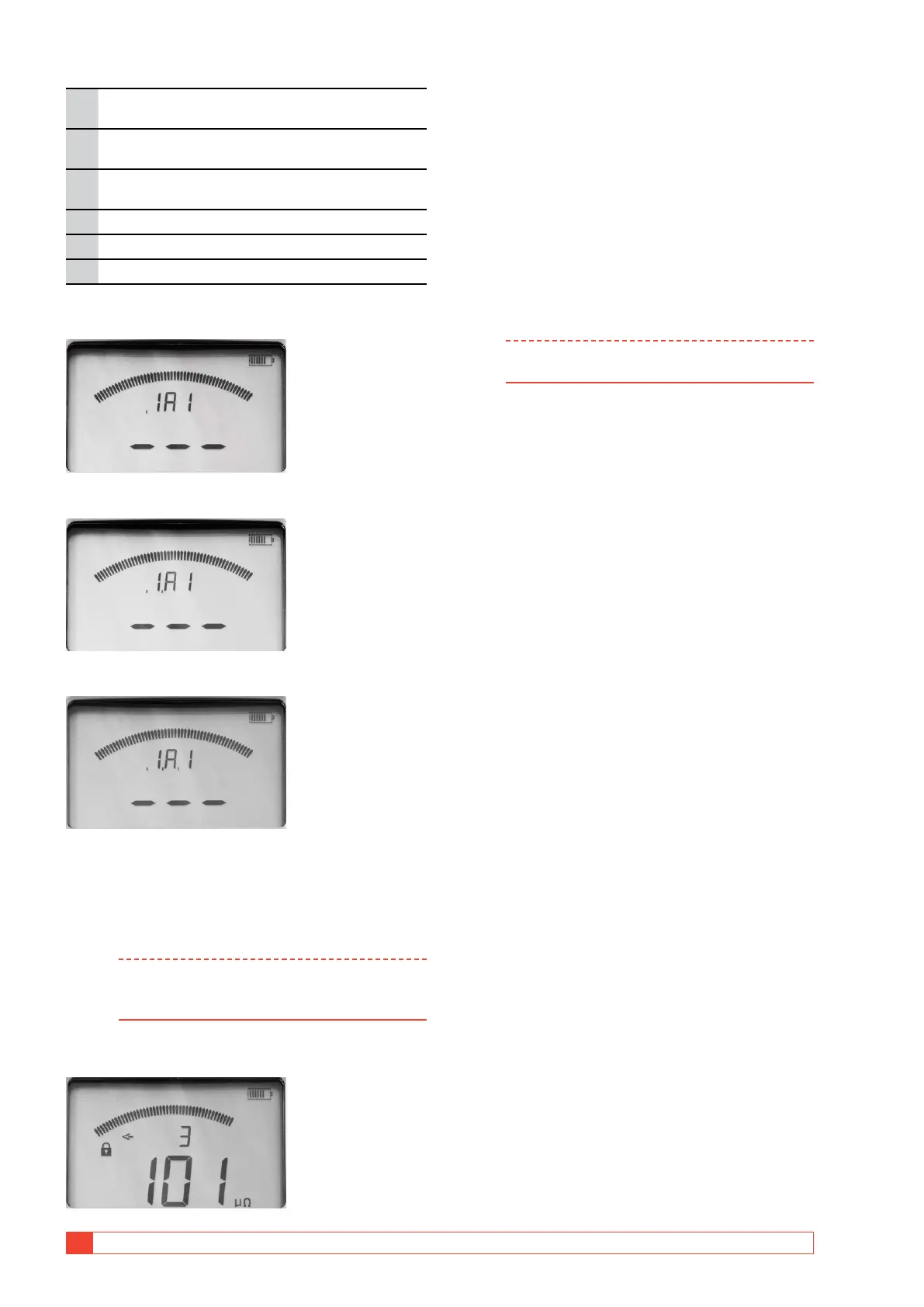
The display before measurement
The display before first measurement, one comma:
The display before second measurement, two commas:
The display before third measurement; three commas.
The display after measurements
When three measurements have been done and saved
to a label e.g. 1A1 the lock sign is shown.
Note To continue to measure you need to either
delete the latest measurement or scroll to a
blank label.
By using the ◀ ▶ and ▲ ▼ keys you can toggle be-
tween the saved test results
The display shows "3" for the third measurement for the
specific label. The arrow sign to the left only represents the
omitted characters to the left of the digit "3".
To view all measurements stored on the
same label
1] Press the ▲ ▼ keys until an arrow sign is
shown to the left.
2] Scroll between measurements 1, 2 and 3 by
using the ◀ ▶ keys.
Example: Three measurements on one label
are shown as e.g. "1A1-1", "1A1-2", "1A1-3".
Note You can only scroll through the measurements
in the selected LOG mode



 To Next Page