BD0333FE ZP-BD03E MOM2
41
7 MOM2 WIN
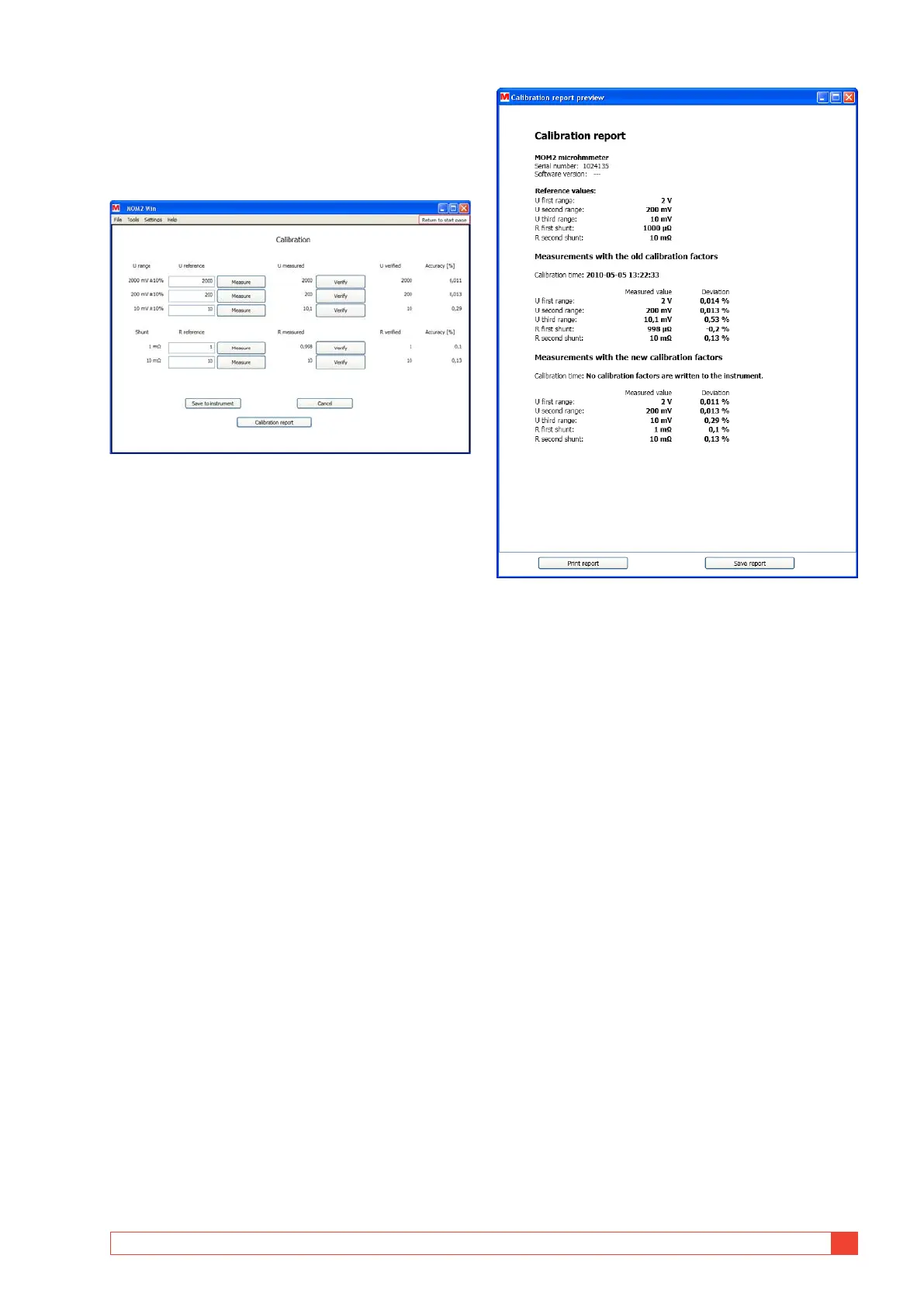
5] The measurement goes on and when it is finished
the "R Measured" field is filled with the meas-
ured resistance value and a new calibration factor
for this measurement range is calculated, see fig.
below.
Figure 8.7.4 Ammeter calibration.
6] Click the "Verify" button.
A measurement is started and the "Resist-
ance measurement in progress" window will
be shown.
7] Repeat from step 1 for the next reference
shunt.
When the resistances over both the shunts
have been measured and the result is satis-
factory you can save it to the MOM2.
8] Click the"Save to instrument" button.
9] If the result of the tests is not satisfying or
you want to start over, click the "Cancel"
button.
This will empty the calibration dialog and the
calibration factors are read from the instru-
ment again.
Calibration report
1] Click the "Calibration Report" button to
show a preview of a calibration report.
It can be opened at any time during the
calibration. However, a complete report with
a calibration time can only be made when
the calibration is completed and saved to the
MOM2.
2] The calibration report can be printed, either
by pressing ctrl-P or clicking on the "Print
report"button.
Figure 8.7.5 Calibration report.



 To Next Page