BD0333FE ZP-BD03E MOM2
11
3 MOM2 OVERVIEW
1.
Current output terminal (-)
2.
Current output terminal (+)
3.
Protective conductor terminal
4.
Display
▪ The display offers a combination of analogue arc
and a dual digital readout:
▪ Analogue arc:
Shows the capacitor charge.
▪ Dual digital display:
Large main digital readout for good visibility of all
main measurement results
Second digital display for additional data.
5.
Keys
Keys for navigation and to make settings in the
display .
◀ ▶
▲ ▼
Left, right is used to navigate between
characters/digits.
Up, down is used to change each
character/digit.
OK Press and hold to enable edit of pa-
rameters select and confirm param-
eters. Press shortly to confirm.
Backlight
Automatic switch off after 20 s.
C Clear / Cancel
6.
TEST button
When the function selector is in any of the po-
sitions I > I min , I = I max or USER measure-
ment is performed by pressing the button.
7.
Stand-by / Wake up
Press shortly to toggle
Clear log
(Press and hold for 5 s)
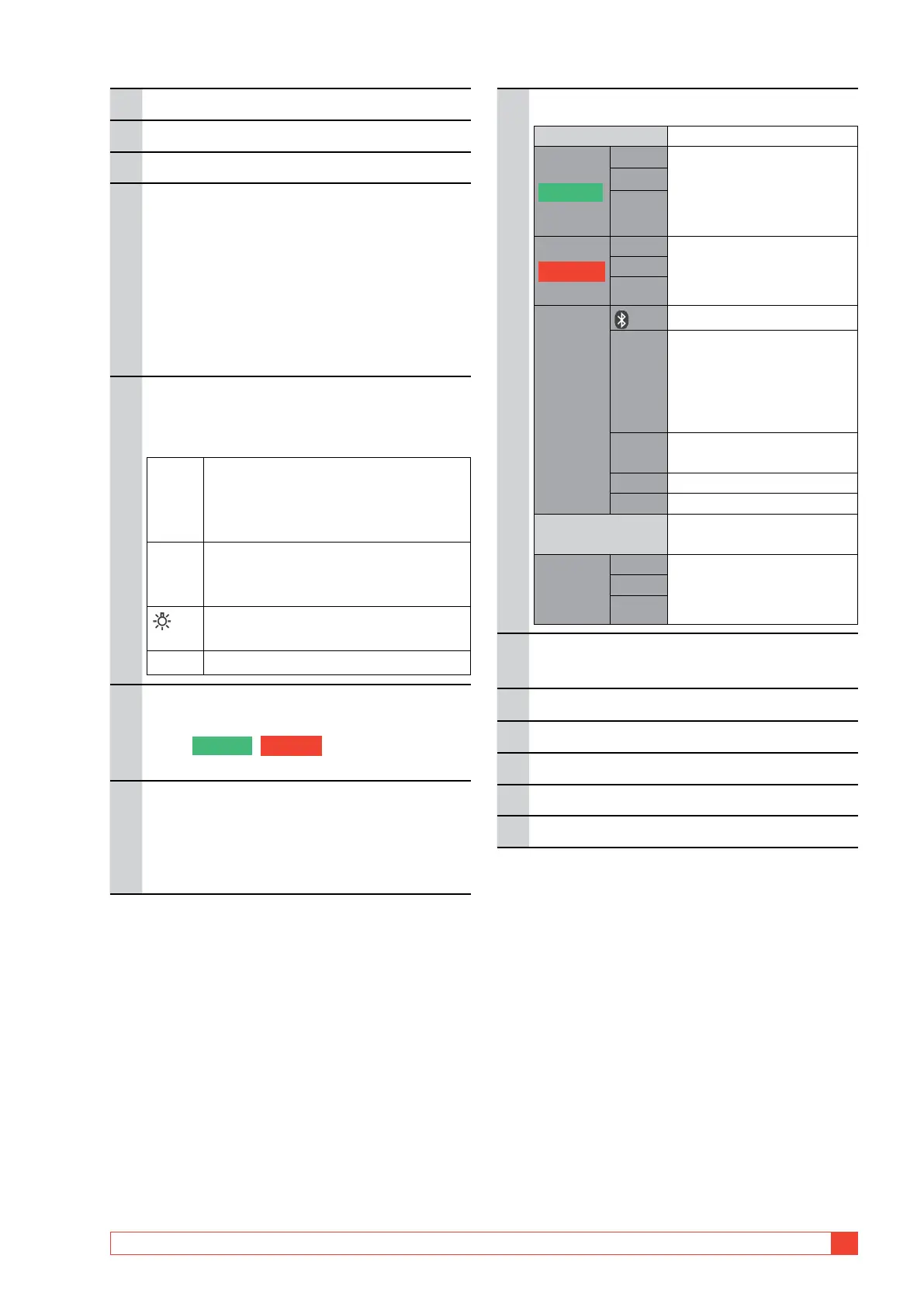
8.
Function selector
OFF
I > I min
0.1 s Test positions
Measurement time with
minimum current guaran-
tee
0.6 s
3 s
I = I max
0.1 s Test positions
Measurement time with
max. charge
0.6 s
3 s
SET
Bluetooth “pair units”
CLK
▪ Set date and time
▪ Set volume for the internal
buzzer
▪ Discharge the MOM2
internal capacitor
I min Minimum current guaran-
tee setting
LOG Data log settings
P/F Pass/Fail settings
PC COM
PC communication (dump
data to PC)
USER
1 Test positions
Stored settings (Set from
PC SW)
2
3
9.
Input for sensing voltage (-)
Connector for the negative test lead.
10.
Input for sensing voltage (+)
11.
Connector for trigger
12.
Battery lid
13.
Connector for the battery charger
14.
Battery charging indicator



 To Next Page