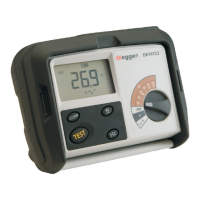
DET2/3
33
Data management
Data management
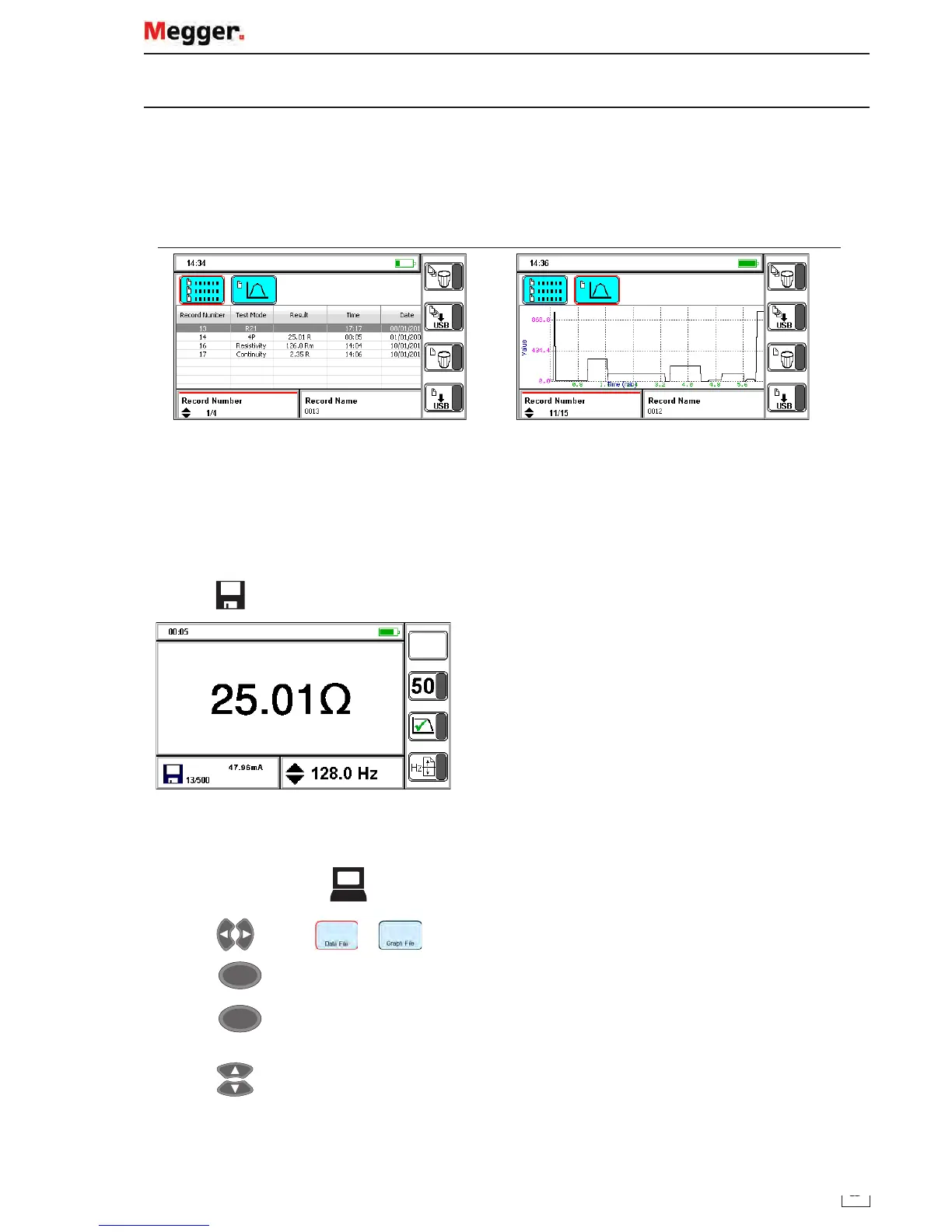
Use test result management mode of view saved test results and transfer saved test results to USB drive or PC.
Test result data is saved in two formats:
As a Data File: Data saved from manual or guided mode saved as a single data file.
As a Graph File: Data saved from continuous mode saved as a graph of a complete test.
Data file records Graph file records
Up to 500 test records can be saved (data and graph files). A test record is either:
Manual mode: A single test record, several saved records may be required to complete a test.
Continuous mode: A single test record as a graph file.
Note: A pop-up error dialogue box will show when the memory is full to tell the user to clear some space.
Save test result
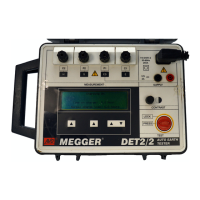
1. Press when the save icon is displayed.
The test is assigned a record number.
To edit a record file name as...
1. Set the mode switch to
2. Press
to select or
3. Press
OK
4. Press
OK
to select record name
(Red bar visible)
5. Press to select a test result
www.GlobalTestSupply.com
Find Quality Products Online at: sales@GlobalTestSupply.com


 To Next Page