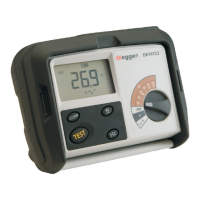
DET2/3
36
Maintenance
Maintenance
General maintenance
Test leads should be checked before use for damage and continuity.
Ensure the unit is kept clean and dry after use.
Close all covers and flaps when not in use.
Cleaning
1. If connected, disconnect from mains power.
2. Wipe the Instrument with a clean cloth dampened with either water or isopropyl alcohol (IPA).
Battery
Caution: Old batteries must be disposed of in accordance with local regulations.
Caution: Always set the instrument to Off and remove test leads before battery is removed and
installed. Only use approved batteries supplied by Megger.
Approved batteries (see Specifications (page 39)).
To help maintain the health, reliability and longevity of the installed battery:
Make sure that the battery is fully charged before the instrument is used
Keep the battery charged up whenever possible while in use. Li-Ion batteries prefer frequent top-ups and
should never be left in a flat state for extended periods as this can cause permanent damage
If the battery is to be stored for extended periods maintain a charge of 40%, allow for some discharge and
maintenance of the protection circuit.
Store the battery in a cool, dry place. Li-ion batteries can get stressed when exposed to heat which can
reduce its life. See Specifications (page 39).
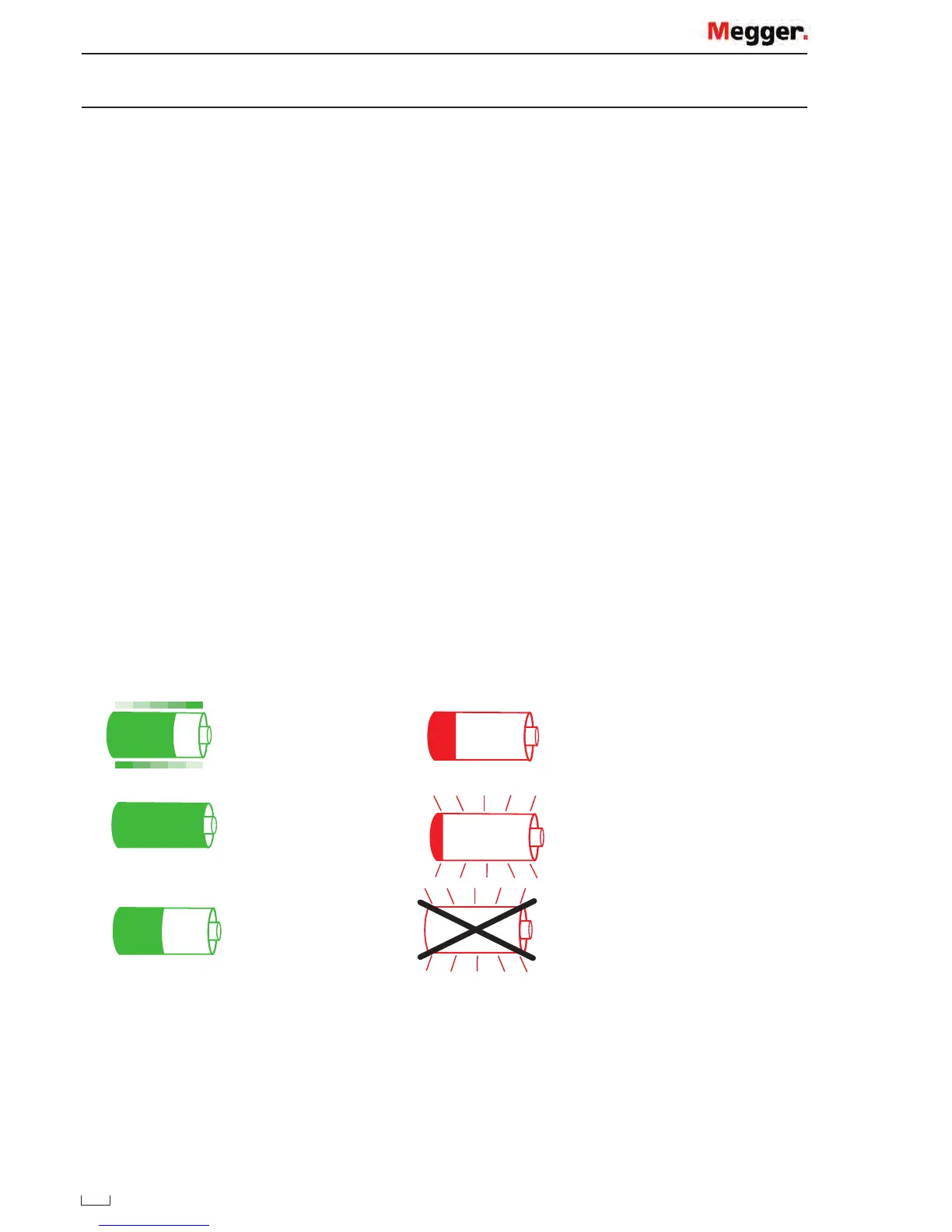
Battery status
Battery charging
Battery down to 6%-26%
Battery charged Battery low, 0%-5%, flashing
Battery discharging Battery faulty/error, flashing
When running from the battery, the above will indicate the current state of charge (the icon will be filled
proportionally to the state of charge). When the battery is charging, it will show an animation that starts with the
current state of charge and fills the indicator to 100 %, then repeats. Once the battery is full, the animation will
stop. If the charger is connected (and on), but unable to charge the battery, the icon will flash.
Capacity and typical charge life 10 hours max.
www.GlobalTestSupply.com
Find Quality Products Online at: sales@GlobalTestSupply.com


 To Next Page