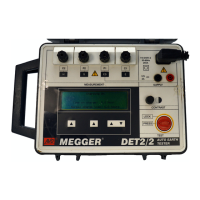
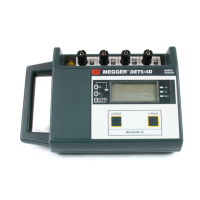
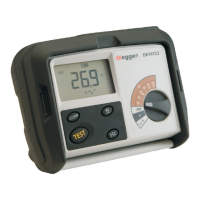
DET2/3
35
Data management
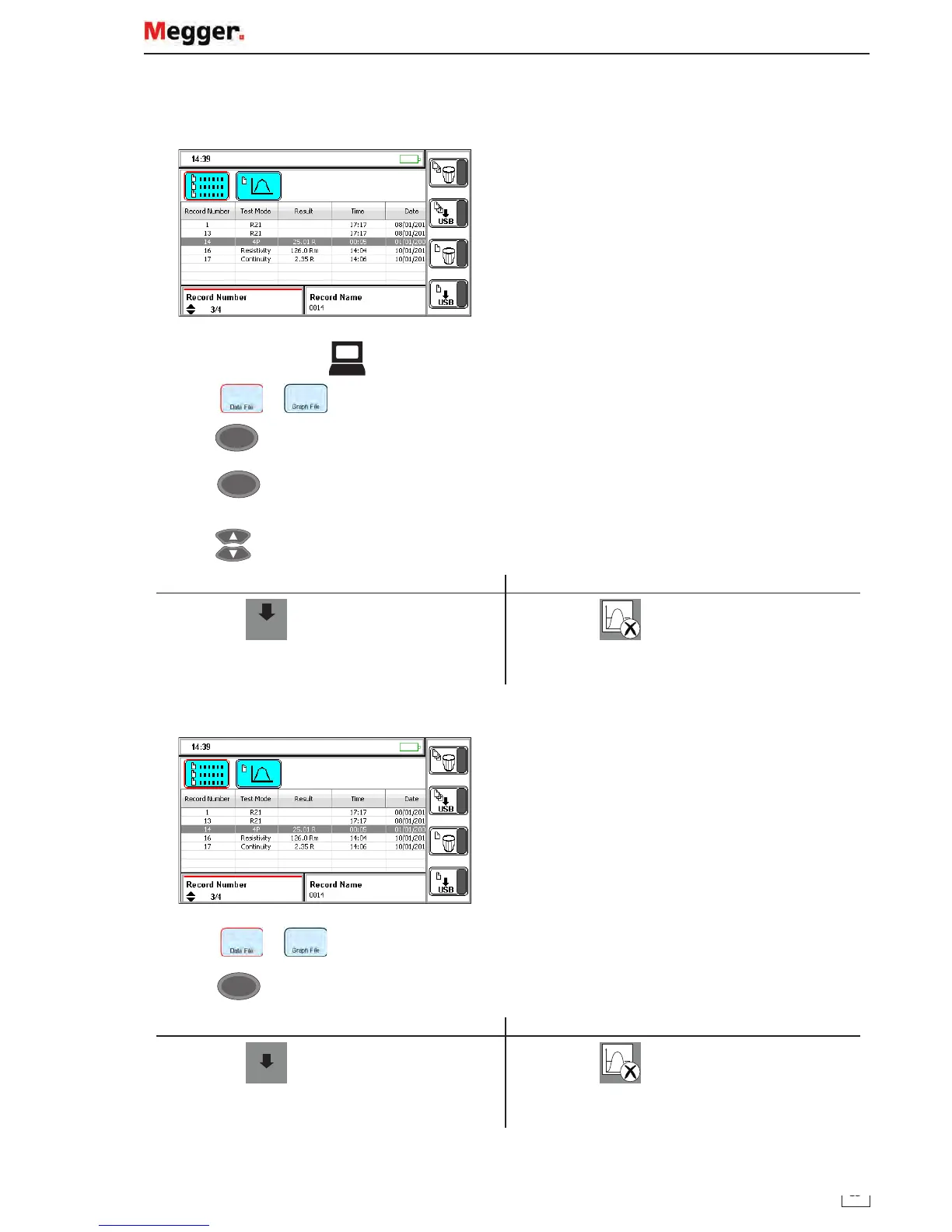
Single test result: download or delete
Connect a USB memory device to the instrument.
1. Set the mode switch to
2. Select or
3. Press
OK
4. Press
OK
to select record number
(Red bar visible)
5. Press
to select a test result:
Download a single test record Delete a single test record
Press
USB
The selected test record is downloaded (copied)
to the connected device
Press
The selected test record is deleted
Multiple test results: download or delete
6. Select or .
7. Press
OK
.
Download all test records Delete all test records
Press
USB
.
The selected test records are downloaded
(copied) to the connected device
Press
All saved test records are deleted
www.GlobalTestSupply.com
Find Quality Products Online at: sales@GlobalTestSupply.com


 To Next Page