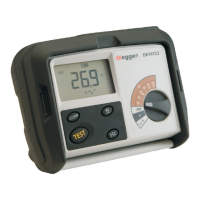
DET2/3
34
Data management
6. Press
OK
to move to Asset ID.
(Red bar visible)
7. Press
OK
.
Data file: Test001.tab.
Graph file: Graph001.tab.
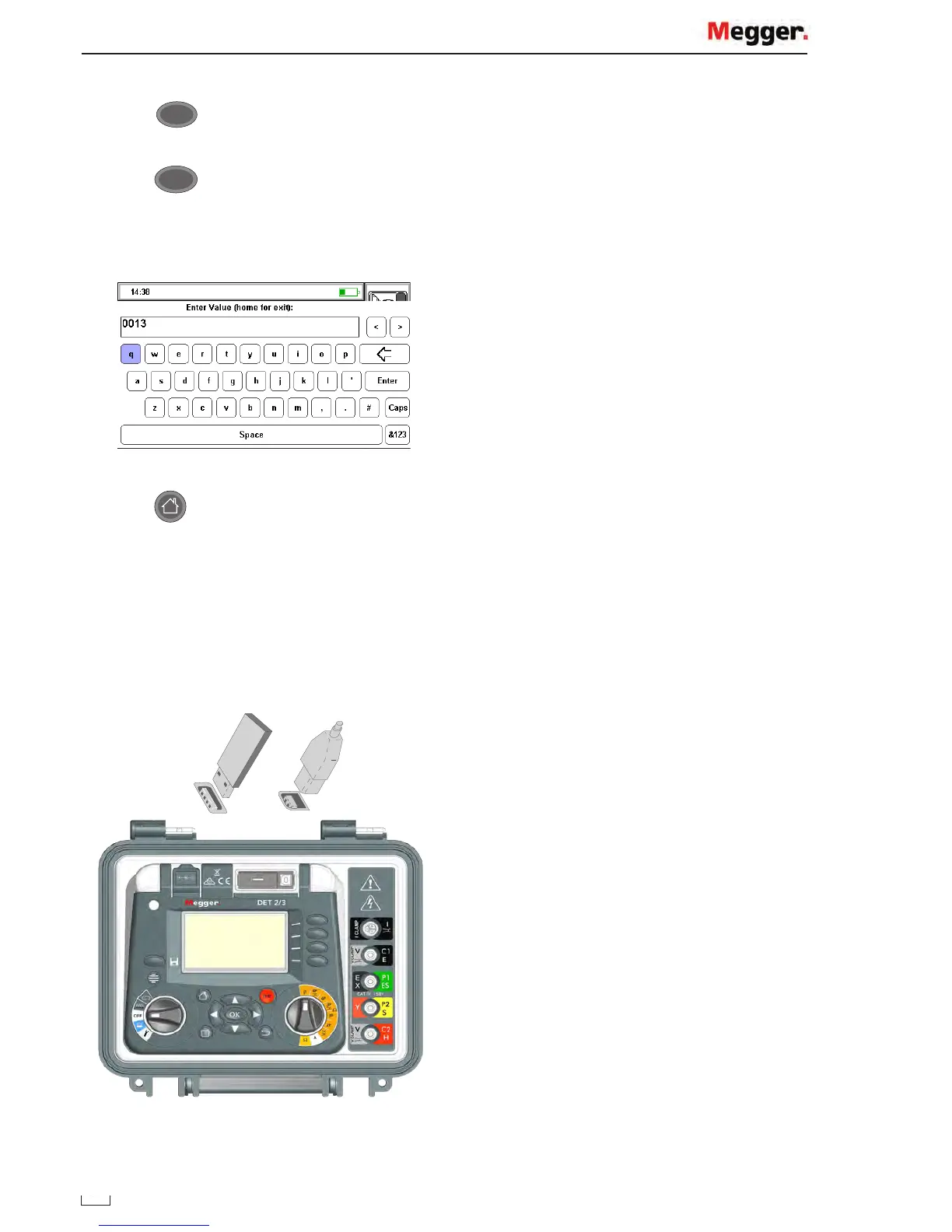
8. Enter a test result three digit number.
Keyboard show - use arrow keys to navigate.
9. Press to save and return.
The save icon will display when save function is available.
Press save button and a record number will display.
Note: In continuous graphical mode save can be pressed at any time.
USB connection
A USB type socket is provided for this purpose on the top of the DET2/3. The position is clearly marked with a
USB symbol.
www.GlobalTestSupply.com
Find Quality Products Online at: sales@GlobalTestSupply.com


 To Next Page