4 Description of the device
17
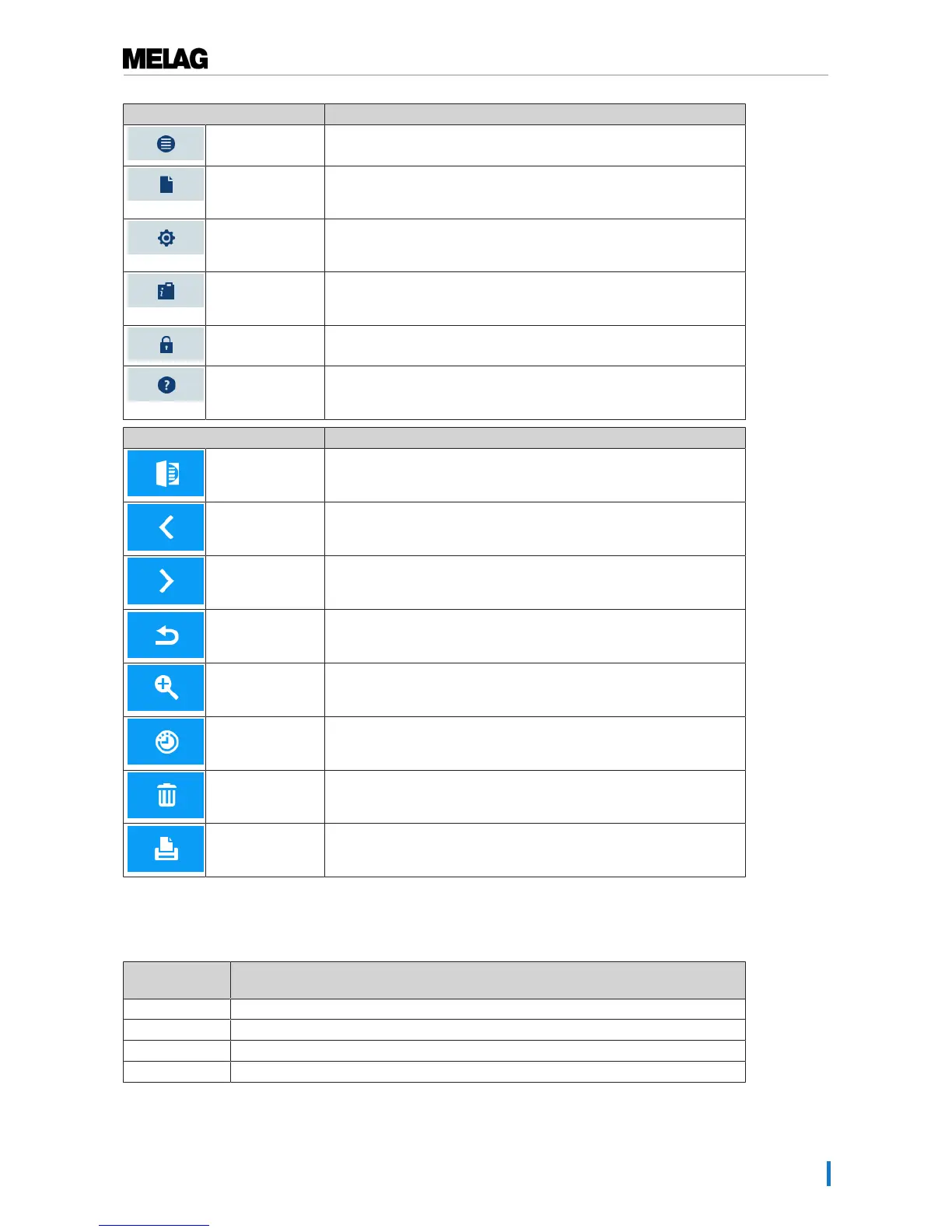
Symbol in the menu bar Meaning
Program/tests Lists all sterilization programs and tests e.g. Vacuum test, Bowie &
Dick- test etc.
Log output Here you can display the entire log list or the list of logs from a
restricted time e.g. the day, month etc. You can also delete specific log
types and logs.
Settings Here you can perform various settings such as date and time,
brightness etc. It also enables one-time setting of the "standard"
logging settings regarding log output.
Info/status window Displays information regarding the software version and device data
e.g. total number of batches, maintenance counter, log settings, log
memory and further technical values.
Service area Only for technicians
Help menu Depending on the window selected and the operating situation, gives
information regarding operation or the function of the window currently
selected.
Symbols in the action bar Meaning
Door open Opens the door of the steam sterilizer
Back Returns to the previous window
Forwards Navigates to the next window
Cancel/return
without saving
Navigates to the superordinate menu, leaves the window without
saving
Zoom (+) Displays further details such as further values after a completed
program
Start time pre-
selection
Navigates to the "Start time pre-selection" menu
Delete Deletes logs from the internal log memory / deletes the log printer or
label printer stored as standard
Search Searches for label printer(s)/log printer(s)
LED status bar
The status bar on the lowest edge of the display indicates different situations with various colours
Colour of the
LED
Meaning
Blue Standby, program running, drying has not yet begun
Green Drying running, program completed successfully
Yellow Warning message, software update is running
Red Malfunction message, program not completed successfully












 To Next Page