10 Settings
43
10 Settings
Logging
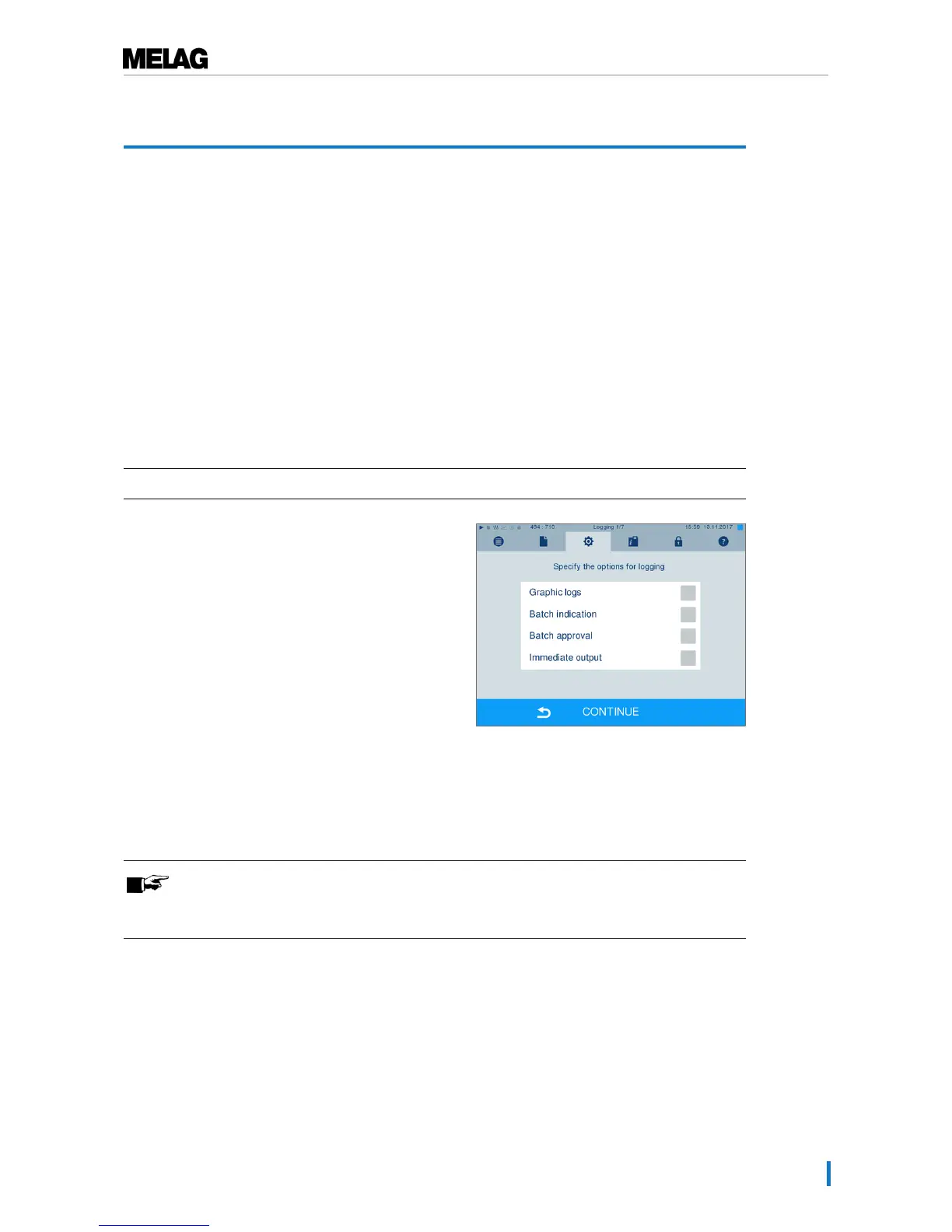
All settings pertaining to the output of text and graphic logs i.e. output medium, log format, immediate
output etc. are performed in the Settings menu →Logging.
To this end, you are led through a settings wizard.
Immediate log output
In its delivery state, the immediate output of the text and graphic logs via the CF card is activated
immediately after the program end.
Deactivate immediate output
If log output is not to be performed immediately following the end of a program, but saved in the internal
memory, (e.g. to be collected and outputted together within a single week), you can deactivate the
immediate output option. Proceed in the following fashion:
ü
Navigate toSettings →Logging.
1. Remove the checkmark in front of theImmediate
output option.
2. Press repeatedly on CONTINUE until you come to
the summary window.
3. Press SAVE to save the setting.
Outputting graphic logs (optional)
PLEASE NOTE
Graphic logs cannot be saved in the internal log memory. A subsequent output of
graphic logs is thus not possible.












 To Next Page