10 Settings
51
Changing the Admin PIN
PLEASE NOTE
If you forget the Admin PIN, consult your stockist/MELAG customer services provider.
The Admin PIN (standard: 1000) can be edited like every other User PIN and should be changed after
delivery.
Formatting the CF card
NOTICE
All data saved on the CF card is deleted during formatting.
n Check whether important data is stored on the CF card.
n Save any logs or other data on the computer or another memory medium.
1. Insert the CF card in the steam sterilizer card slot
correctly (tangible raised bar on the edge pointing
back right). Do not use force.
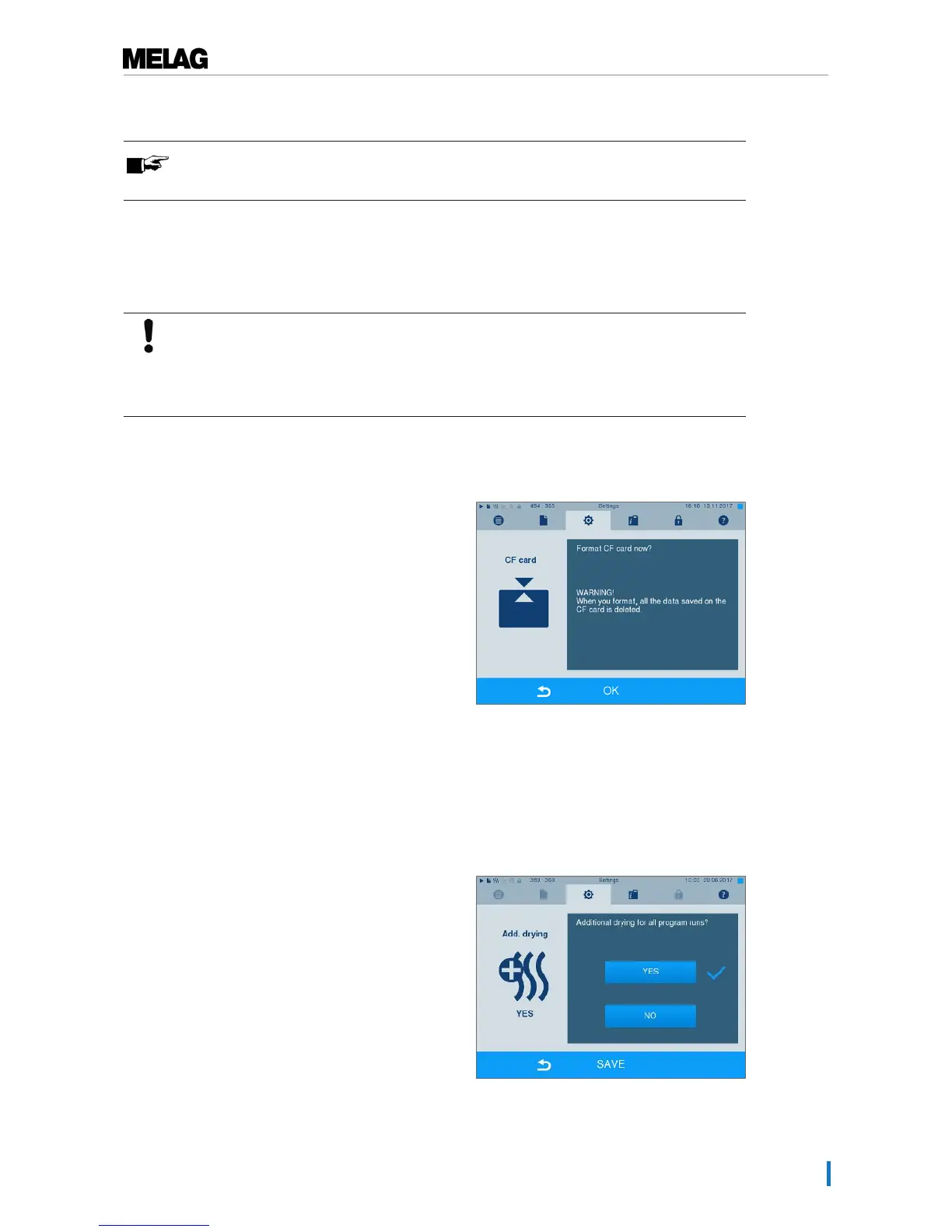
2. Select theSettings → Format CF card. The
display switches to the corresponding window.
3. To start formatting, press the OK button. Confirm
the security query with YES. You can remove the
CF card as soon as formatting has been completed.
Additional drying
Selecting additional drying extends the drying time of conventional drying by 50 %. Activating intelligent
drying restricts the criteria for ending the drying phase.
1. SelectSettings →Additional drying. The
display switches to the settings window.
2. Press YES or NO, to chose whether additional
drying should be performed during the next
program run.












 To Next Page