8 Logging
35
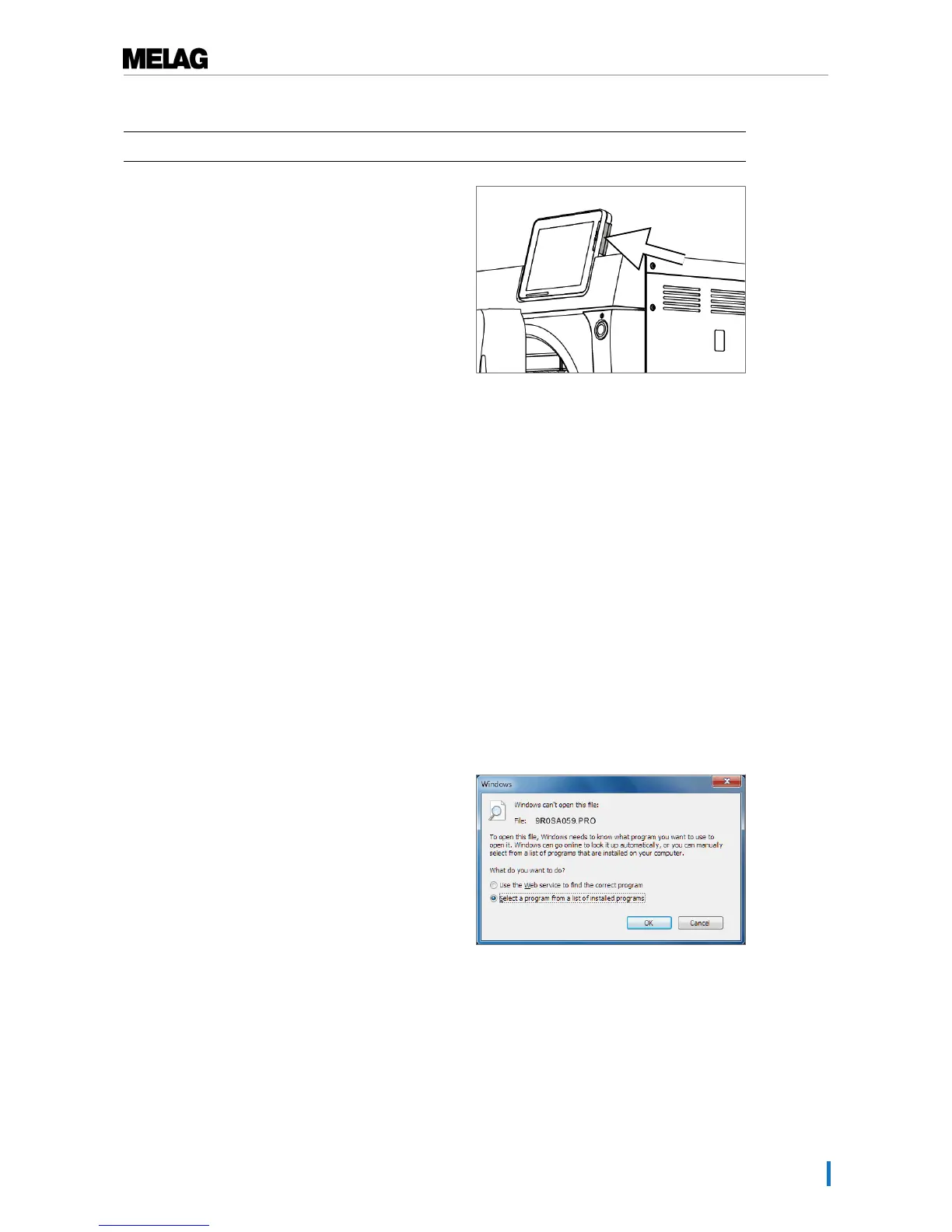
Proceed as follows in order to insert the CF card in the slot.
ü
The CF card is set as the output medium in theSettings →Logging menu.
1. Insert the CF card in the card slot fully with the raised
finger edge pointing rightwards and to the rear.
If the CF card is inserted correctly, a blue square will
illuminate in the right upper corner of the display.
2. Check whether the CF card has been selected as
the output medium.
Using the computer as an output medium
You can connect the steam sterilizer directly to a computer or integrate it in an existing (practice) network
via FTP or TCP. The computer must be fitted with a RJ45 socket (LAN).
Further information pertaining to the requirements and setting of the computer as an output medium is
available in the chapter Settings, logging [}page 43].
Reading out a text log on the computer
All text logs can be opened and printed out using a text editor, a word processing program or a
spreadsheet program. Graphic logs can only be displayed with the MELAtrace/MELAview documentation
software.
Each text log (e.g. PRO, .STR, .STB etc.) must be linked with the text editor to enable the computer to
open them automatically with a text editor. The meanings of the endings are outlined in the section
Subsequent log output [}page 37]. The following examples show how you can link the Windows7 editor
with a specific text log.
1. Working in Windows Explorer, double click on the
log file.
2. If the file ending is unfamiliar, Windows7 will display
the following message:












 To Next Page