182 of 289
4. Disconnect the power supply harness from the main PCB at connector number “Power” (white 8
pin bulk connector with 4 red and 4 black wires)
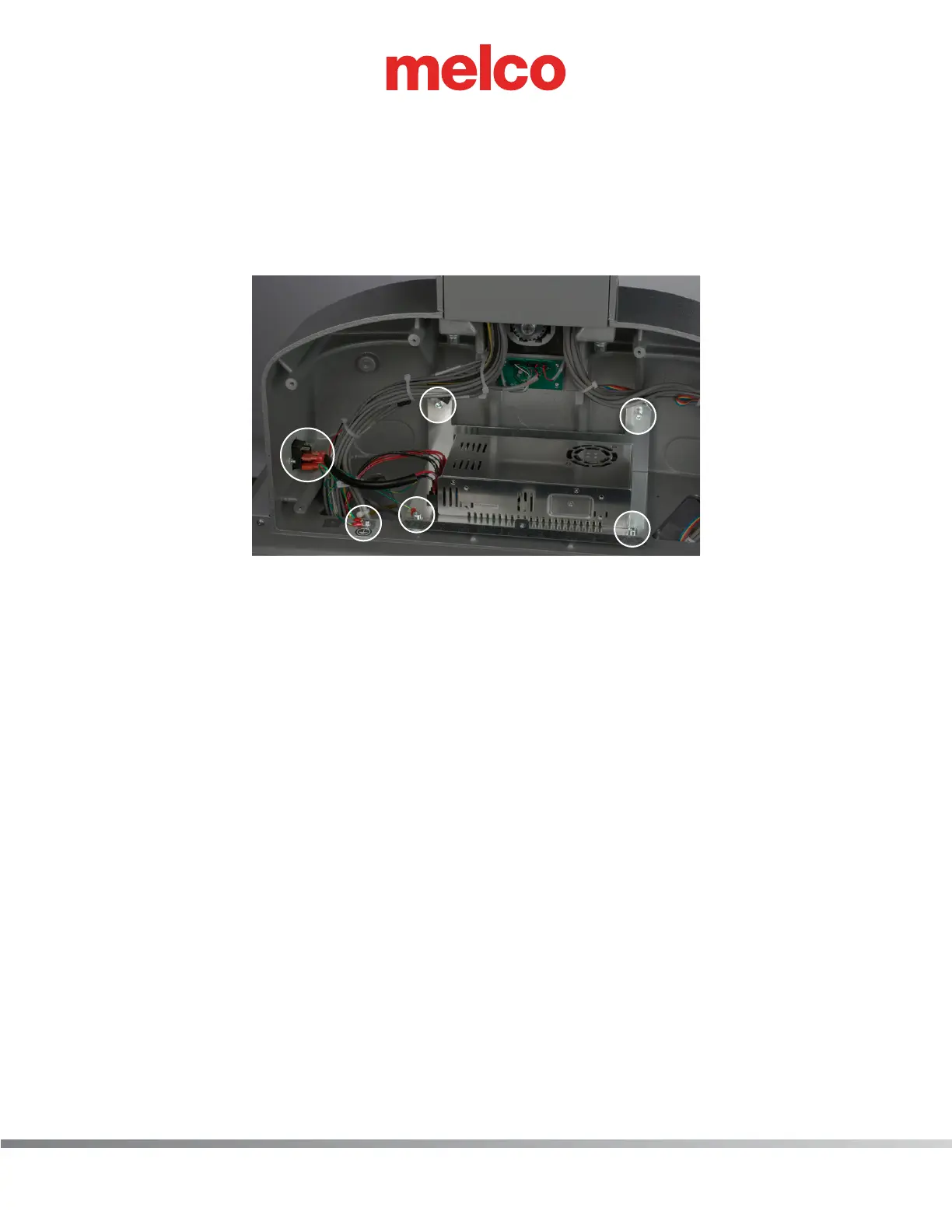
5. Disconnect both green ground wires from the machine casting
6. Disconnect the power harness from the on/off switch (note which color wire is connected which
terminal)
7. Remove the remaining 3 M6 socket head cap bolts securing the power supply in place.
8. Transfer the power supply harnesses from the old power supply to the new power supply (note
which color wire is connected which terminal)
9. Install new power supply following previous instructions in reverse order.



 To Next Page