88 of 289
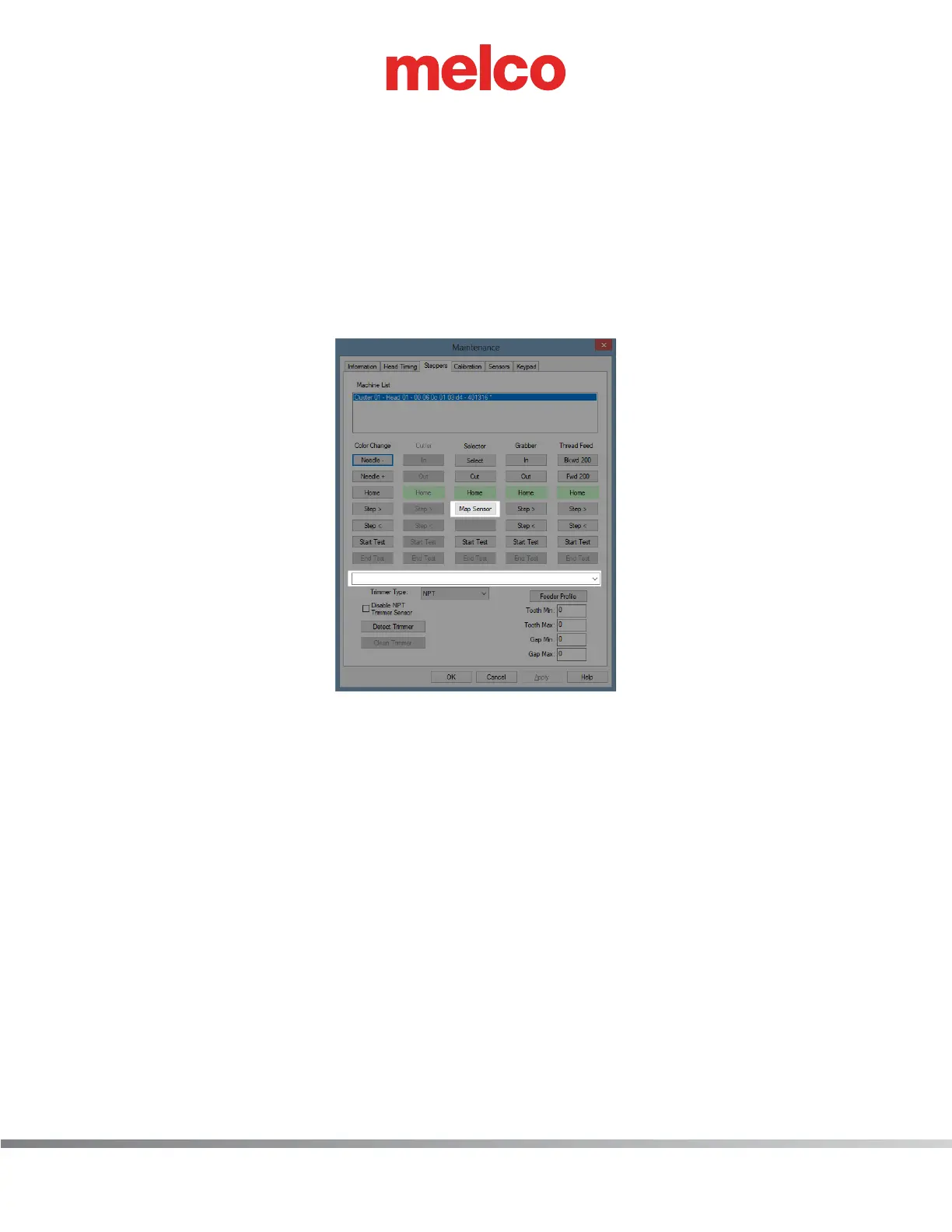
20. Map the sensor.
a. Select [Map Sensor] in the Selector column.
b. Wait until the values show up in the drop-down menu.
c. Values should be 32 ±1 and 52 ±1 (31-33 & 51-53).
d. If values do not fall in the acceptable range, check to make sure the trimmer sensor is installed
correctly per steps 10, 13, 14, 15, and 16.
e. If values do fall in acceptable range, the trimmer sensor is in the correct position and function-
ing correctly.
10.47.52 - Sensor map: “Cut sensor ended 32, ‘Home’ sensor started at 52



 To Next Page