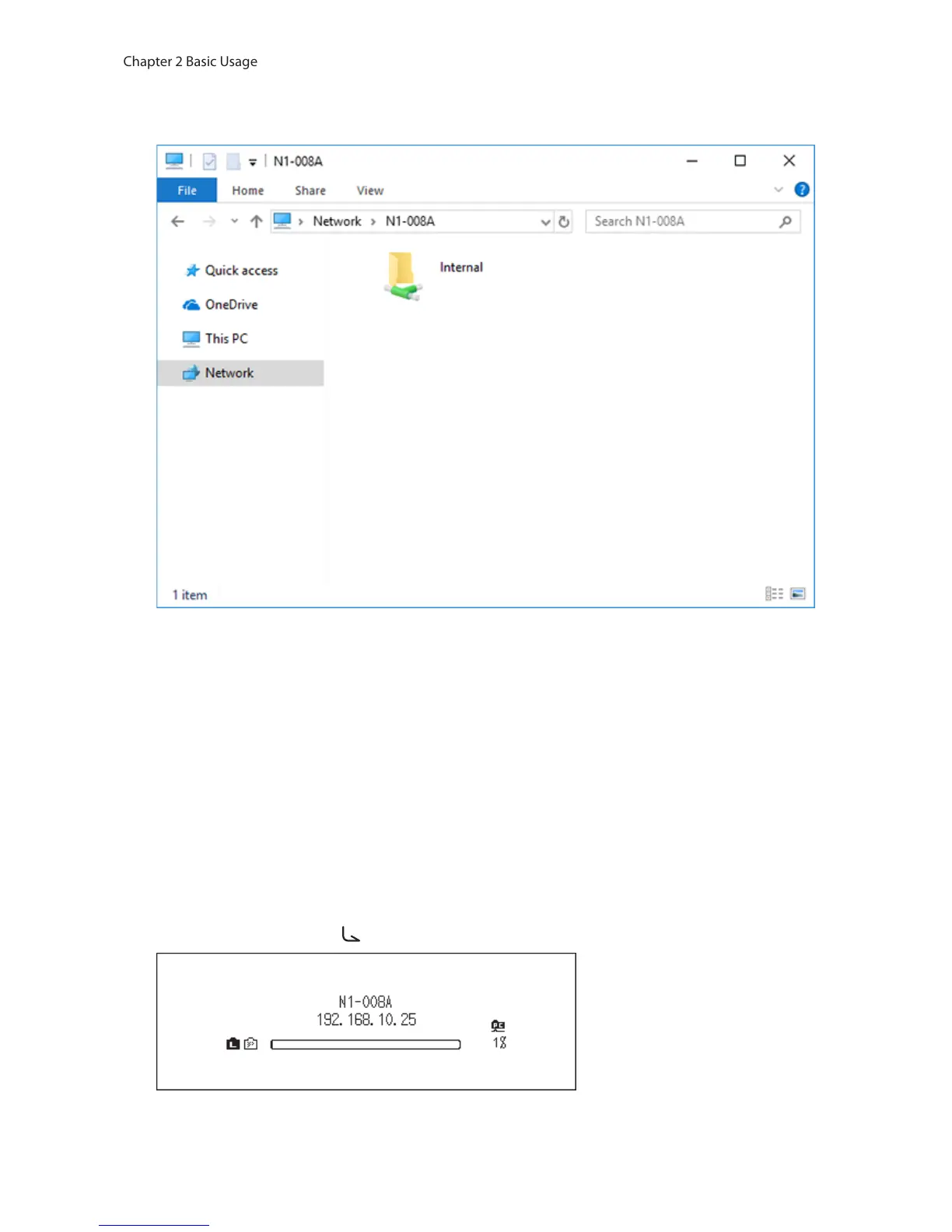
1 Enter “\\” and the N10/N100’s IP address or friendly name (hostname) into the address bar of Windows Explorer,
then press the Enter key. For macOS, click Connect to Server and enter “smb://” and the N10/N100’s IP address or
friendly name.
2 The “Internal” folder will be displayed. Double-click the “Internal” folder and if the imported files are displayed,
import was finished properly.
You can also import files from the computer to the displayed window mentioned in the step above.
Notes:
• On a computer, you can also check the imported files by installing a UPnP/DLNA-compatible app.
• If the “Internal” folder is not displayed, wait for about 30 seconds and try again.
• The USB drive will appear as the “Expansion” folder.
If Unable to Access from a Computer
If the file sharing status icon, number 12 in the “Home Screen” section, is not displayed on the home screen, enable
the file sharing service. To enable the file sharing service, follow the procedure below.
1 Press the Menu/Enter button ( ) to display the menu list at the home screen.



 To Next Page