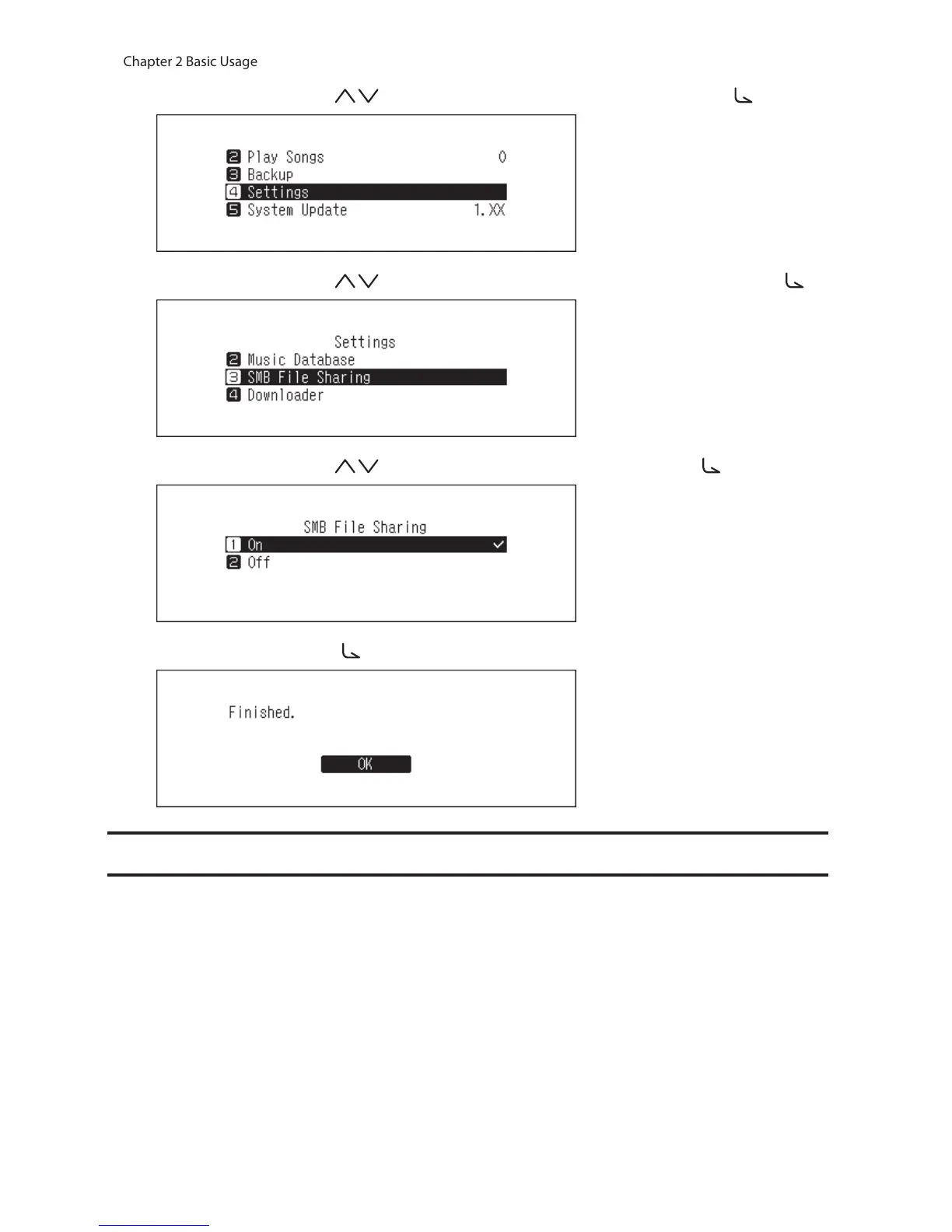
2 Press the Up/Down buttons ( ) and select “Settings”, then press the Menu/Enter button ( ).
3 Press the Up/Down buttons ( ) and select “SMB File Sharing”, then press the Menu/Enter button ( ).
4 Press the Up/Down buttons ( ) and select “On”, then press the Menu/Enter button ( ).
5 Press the Menu/Enter button ( ).
Downloading Music Files from Streaming Sites
Downloader can download music files from streaming sites automatically. Once you purchase the music files from
a mobile device or computer, the N10/N100 can download the files from the streaming site, even if you’re not at
home.
Supported streaming sites are listed below:
• HIGHRESAUDIO
• OTOTOY
*
• e-onkyo music
*
• mora
*
*These streaming sites are only for Japanese consumers. “e-onkyo music” is not the same as “Onkyo Music”, which is
for overseas consumers.



 To Next Page