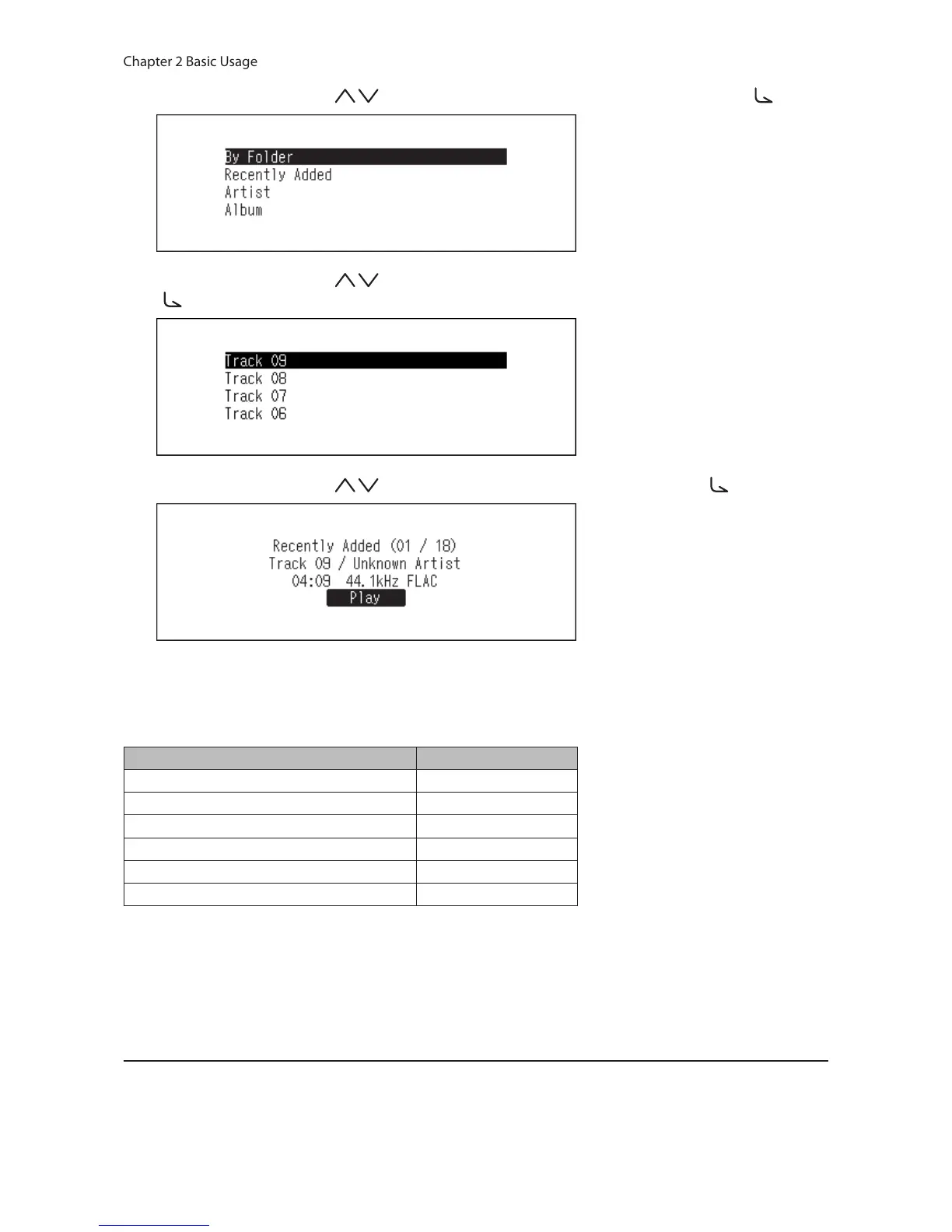
4 Press the Up/Down buttons ( ) and select the category, then press the Menu/Enter button ( ).
5 Press the Up/Down buttons ( ) and select the music file to play, then press the Menu/Enter button
( ).
6 Press the Up/Down buttons ( ) and select “Play”, then press the Menu/Enter button ( ).
The N10/N100’s USB-DAC supports streaming for the following file types and sampling rates.
Supported File Types
File Types Extensions
FLAC .flac
ALAC (Apple Lossless) / AAC .m4a
AIFF .aiff, .aif
WAV .wav
DSDIFF .dff
DSF .dsf
Supported Sampling Rates
• PCM: 44.1 kHz, 48 kHz, 88.2 kHz, 96 kHz, 176.4 kHz, 192 kHz, 352.8 kHz, 384 kHz, 705.6 kHz, 768 kHz
• DSD: 2.8 MHz, 5.6 MHz, 11.3 MHz, 22.6 MHz
Playing a CD Using an Optical Drive
CD Transport will allow you to play music tracks from the optical drive that is connected to the N10/N100 using USB-
DAC. To play music tracks using an optical drive, follow the procedure below.



 To Next Page