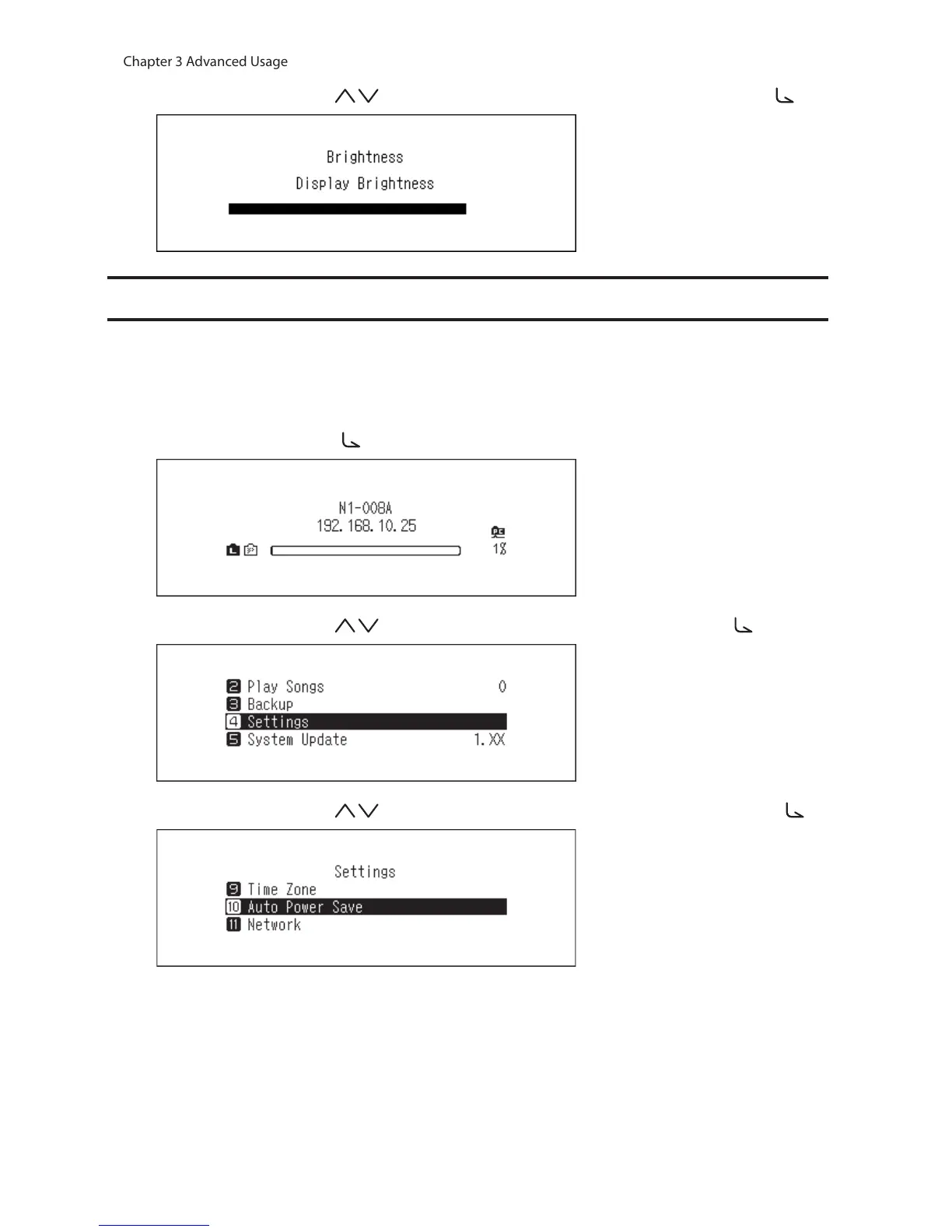
5 Press the Up/Down buttons ( ) and change the brightness, then press the Menu/Enter button ( ).
Configuring Automatic Power-Off
If auto power save is enabled, the N10/N100 will automatically power off after music stops playing and a specific
amount of time passes. Auto power save will not shut off the N10/N100 while the Network Audio Player that is
connected to the player port is on or while a USB-DAC or an optical drive is connected. To change the time settings
for auto power save or to turn it off, follow the procedure below.
1 Press the Menu/Enter button ( ) to display the menu list at the home screen.
2 Press the Up/Down buttons ( ) and select “Settings”, then press the Menu/Enter button ( ).
3 Press the Up/Down buttons ( ) and select “Auto Power Save”, then press the Menu/Enter button ( ).



 To Next Page