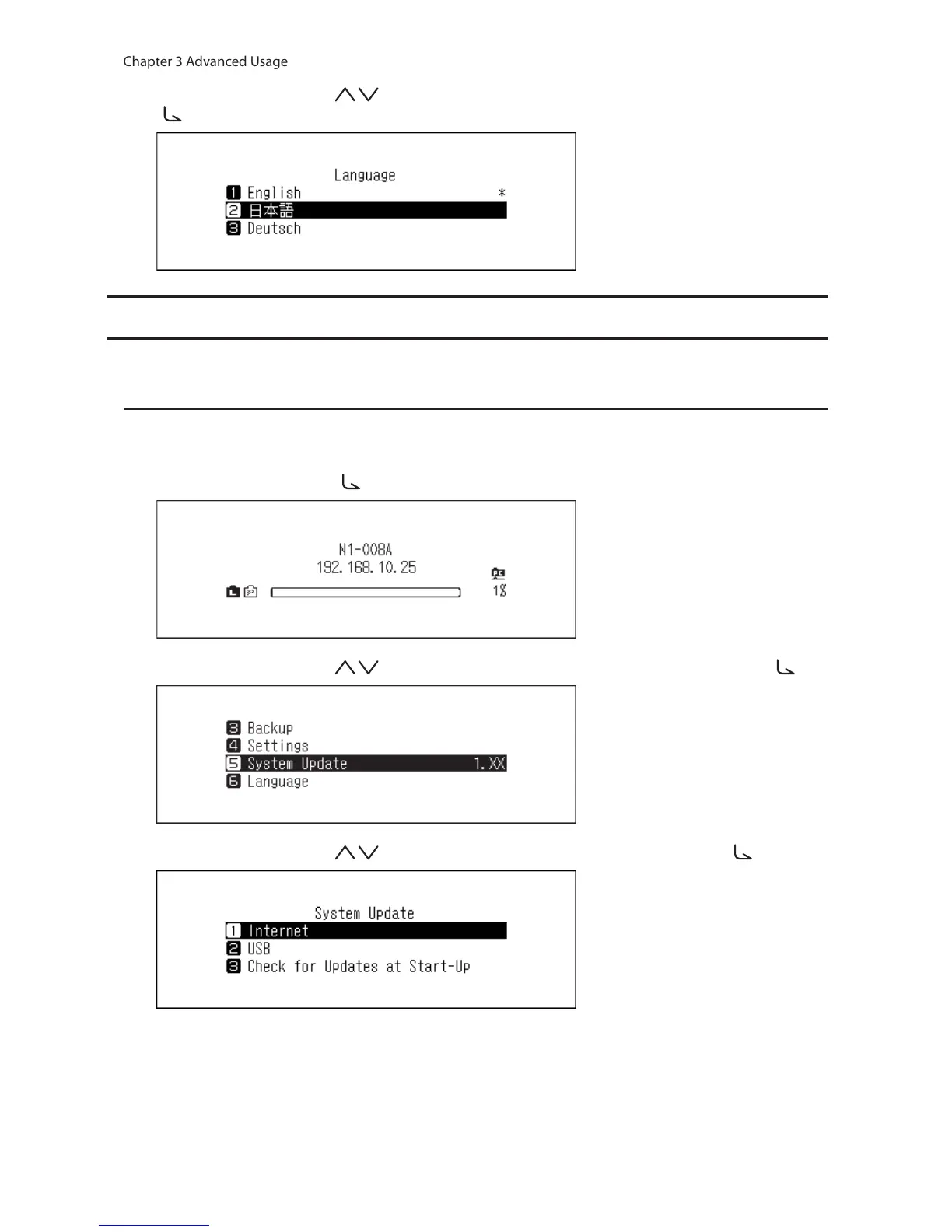
3 Press the Up/Down buttons ( ) and select the display language, then press the Menu/Enter button
( ).
Updating the Firmware
To update the N10/N100’s firmware version to the latest one, follow the procedure below.
Updating via the Network
Note: To update the firmware via the network, the N10/N100 should be connected to the Internet. If the N10/N100
is in isolated mode, use another Ethernet cable and connect it to the LAN port and the router.
1 Press the Menu/Enter button ( ) to display the menu list at the home screen.
2 Press the Up/Down buttons ( ) and select “System Update”, then press the Menu/Enter button ( ).
3 Press the Up/Down buttons ( ) and select “Internet”, then press the Menu/Enter button ( ).



 To Next Page