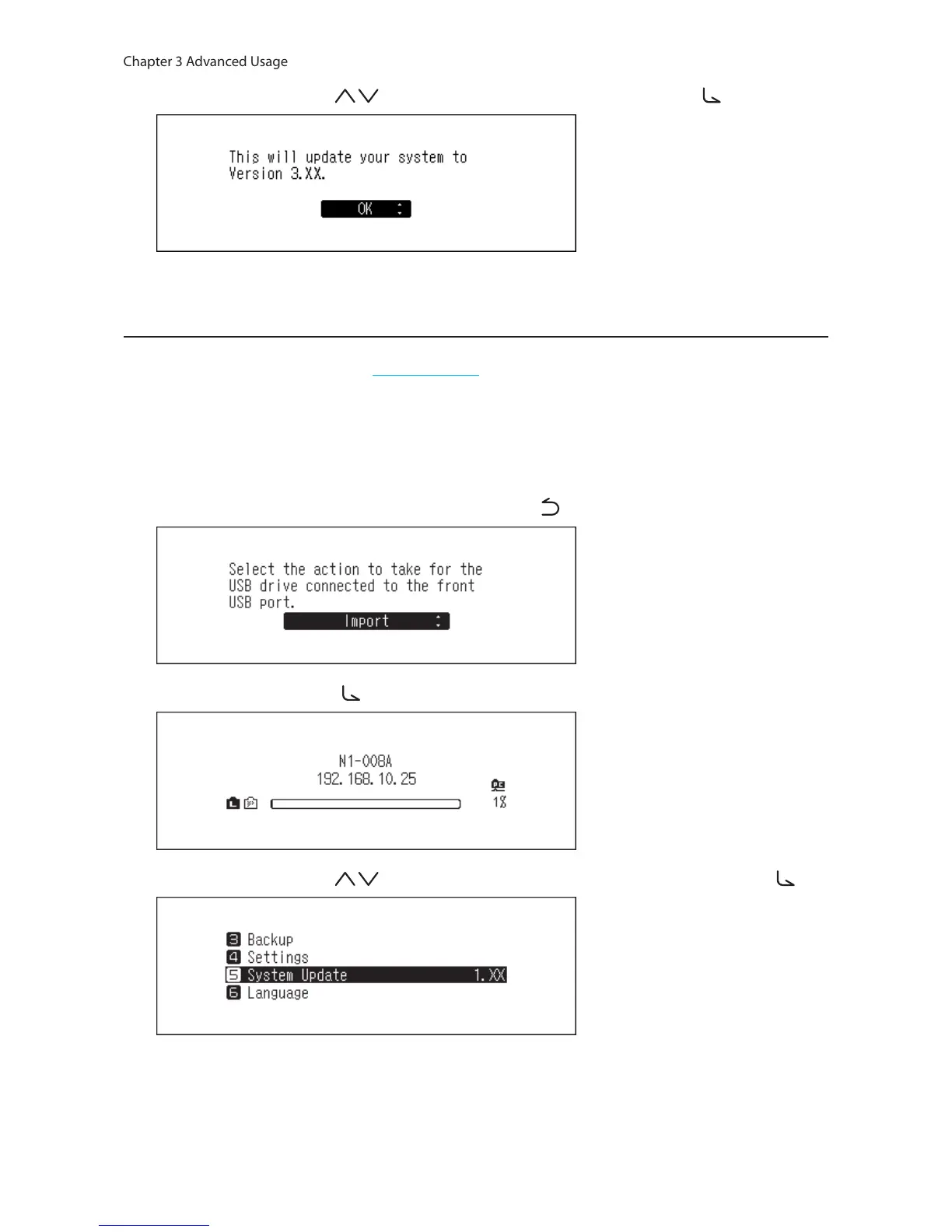
4 Press the Up/Down buttons ( ) and select “OK”, then press the Menu/Enter button ( ).
5 The N10/N100 will restart. Wait until the home screen is displayed.
Updating from the USB Device
1 Download the latest firmware from melco-audio.com.
2 Extract the downloaded file and copy “melco_musiclibrary_updater.bin” file from the extracted folder to the
USB drive (root directory).
3 Connect the USB drive to the front USB 2.0 port.
4 When the following screen is displayed, press the Back button ( ).
5 Press the Menu/Enter button ( ) to display the menu list at the home screen.
6 Press the Up/Down buttons ( ) and select “System Update”, then press the Menu/Enter button ( ).



 To Next Page