Chapter 1 Getting Started
Summary of Manual
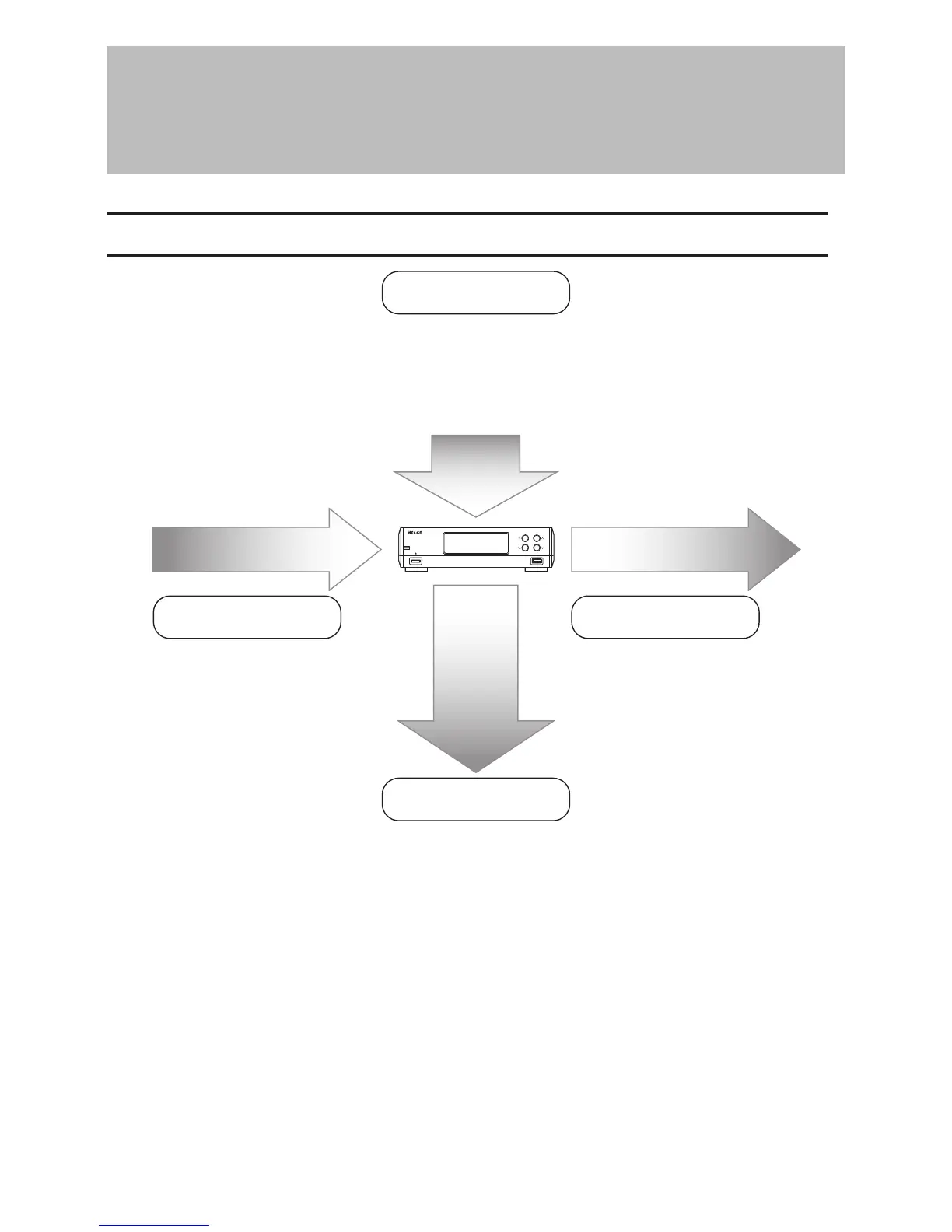
Display Panel
Import Playback
Backup, Format, and
Advanced Usage
Display Panel Details
- Chapter 2 “Display”
Display Panel Brightness
- Chapter 3 “Configuring Display Brightness”
Display Language
- Chapter 3 “Changing the Display Language”
Playback on a Network Audio Player
- Chapter 2 “Playing Music Files on a
Network Audio Player”
Playback on USB-DAC Devices
- Chapter 2 “Playing Music Files on
USB-DAC Devices”
Backing Up Music Files and Settings
- Chapter 2 “Backing Up and Restoring”
Deleting Imported Files
- Chapter 2 “Deleting the Imported Music Files”
Formatting Internal or USB Drives
- Chapter 3 “Formatting Drives”
Changing the IP Address and Hostname
-
Chapter 3 “Changing the IP Address”, “Changing the Friendly Name (Hostname)”
Date, Time, and Time Zone Settings
- Chapter 3 “Configuring the Date and Time”, “Changing the Time Zone”
Firmware Update - Chapter 3 “Updating the Firmware”
Importing from a USB Device
- Chapter 2 “Importing Music Files”
Importing from a CD
- Chapter 2 “Importing Music Files”
Checking If the Import Finished
Successfully
- Chapter 2 “Confirming Imported Files”
Importing from a Computer
- Chapter 2 “Importing Music Files”
Downloading
- Chapter 2 “Downloading Music Files
from Streaming Sites”
4



 To Next Page