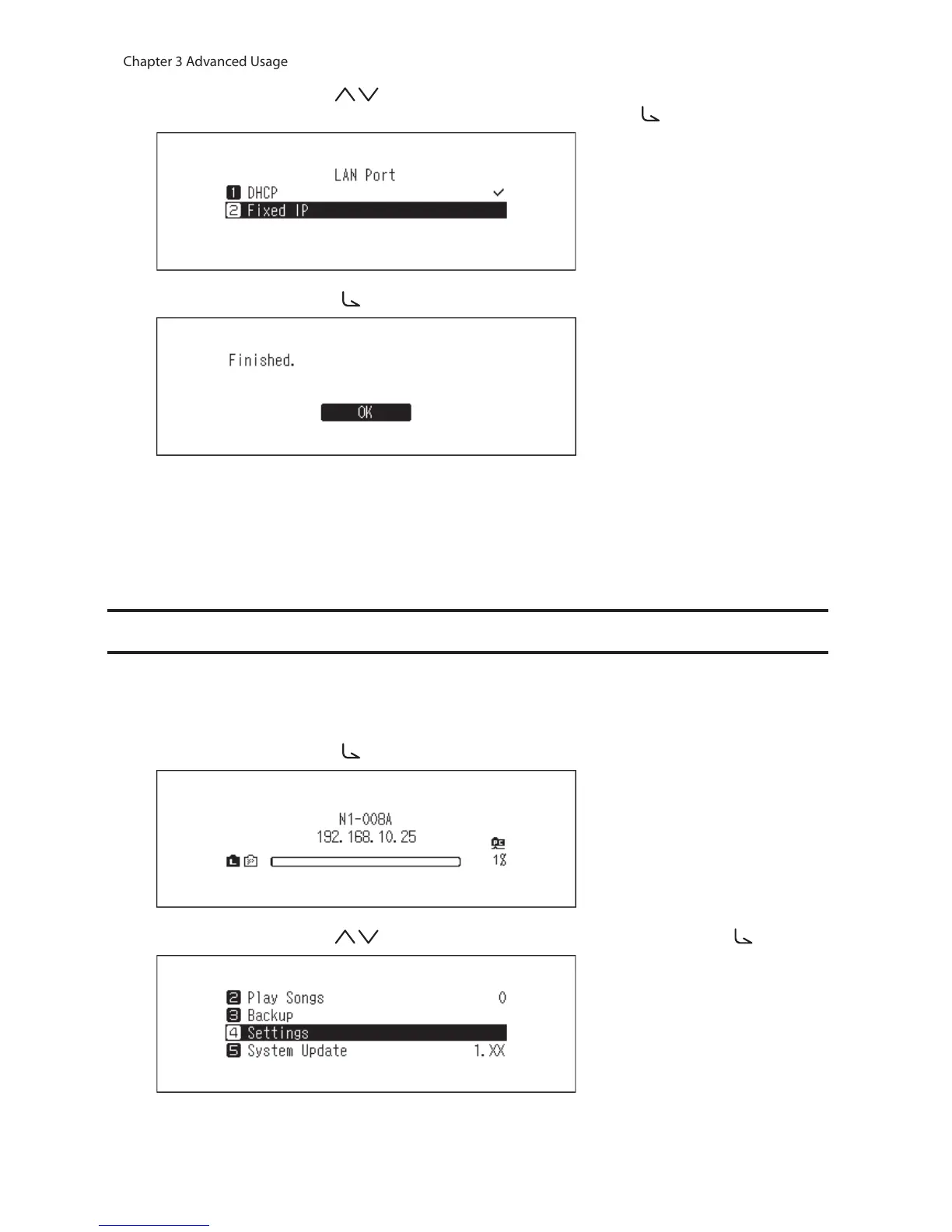
5 Press the Up/Down buttons ( ) and select whether to automatically acquire the IP address from the
DHCP server or configure a fixed IP address, then press the Menu/Enter button ( ).
6 Press the Menu/Enter button ( ).
Notes:
• To obtain the IP address from the DHCP server automatically, the DHCP server on the router should also be
enabled.
• If “Fixed IP” is selected, enter the desired IP address, subnet mask, default gateway, and DNS server in the
displayed screen.
Changing the Friendly Name (Hostname)
To change the friendly name of the N10/N100, follow the procedure below. After the procedure is finished, the N10/
N100 needs restarting and stop any importing or playback operations. We recommend finishing any file import or
playback before changing the friendly name.
1 Press the Menu/Enter button ( ) to display the menu list at the home screen.
2 Press the Up/Down buttons ( ) and select “Settings”, then press the Menu/Enter button ( ).



 To Next Page