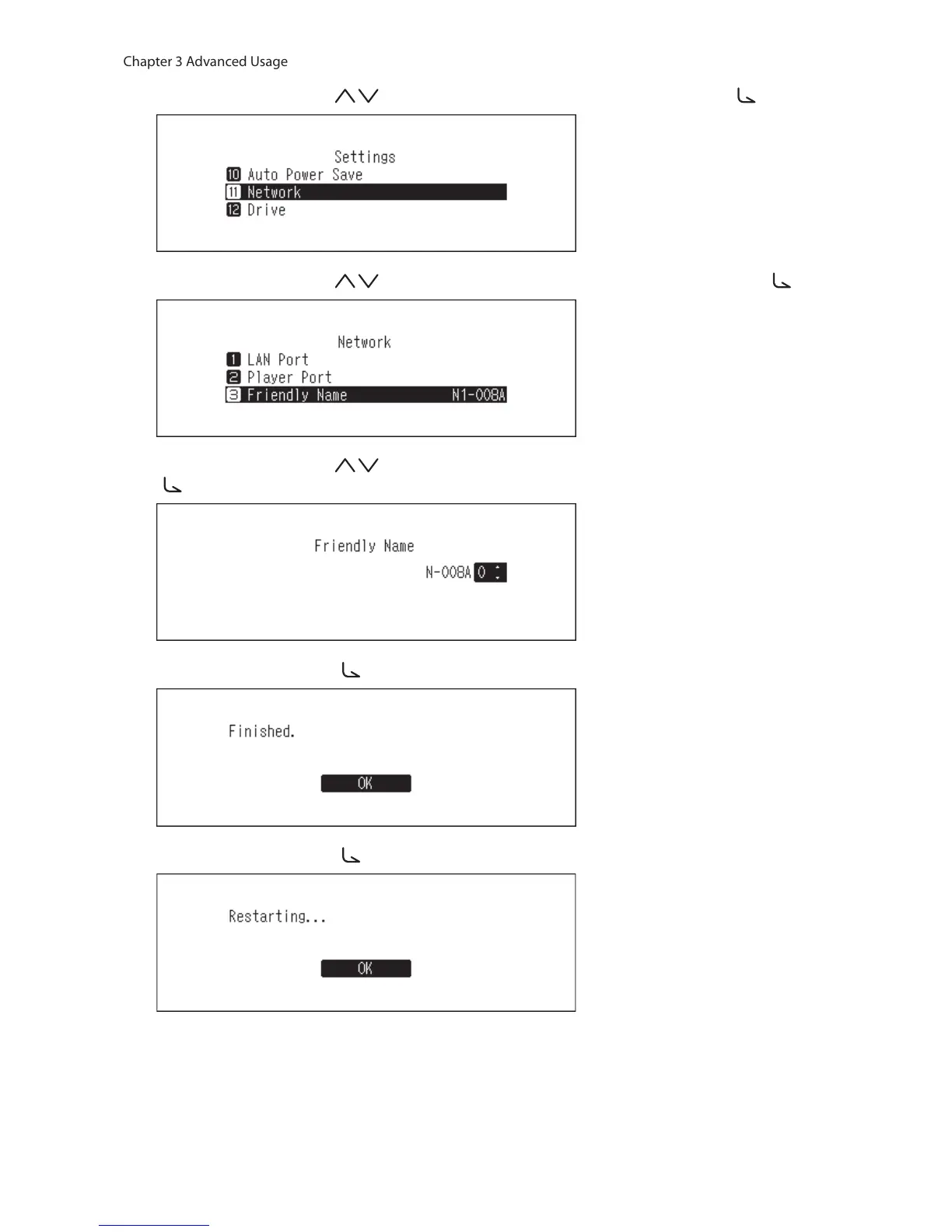
3 Press the Up/Down buttons ( ) and select “Network”, then press the Menu/Enter button ( ).
4 Press the Up/Down buttons ( ) and select “Friendly Name”, then press the Menu/Enter button ( ).
5 Press the Up/Down buttons ( ) and enter the new friendly name, then press the Menu/Enter button
( ).
6 Press the Menu/Enter button ( ).
7 Press the Menu/Enter button ( ).
8 The N10/N100 will restart. Wait until the home screen is displayed.
Notes:
• Friendly name may contain 0–9, A–Z, and hyphens (-).



 To Next Page