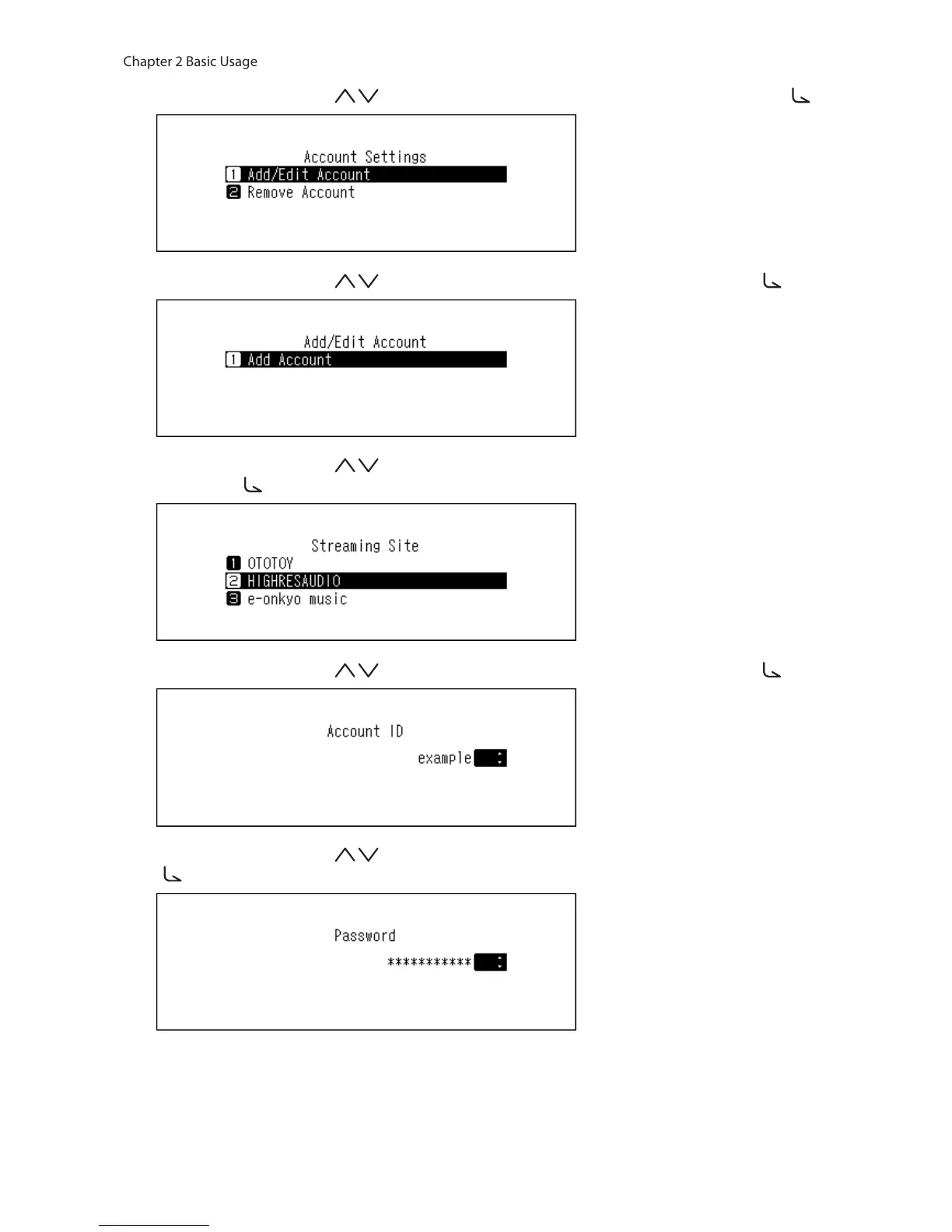
6 Press the Up/Down buttons ( ) and select “Add/Edit Account”, then press the Menu/Enter button ( ).
7 Press the Up/Down buttons ( ) and select “Add Account”, then press the Menu/Enter button ( ).
8 Press the Up/Down buttons ( ) and select the streaming site to add an account, then press the Menu/
Enter button ( ).
9 Press the Up/Down buttons ( ) and enter the account ID, then press the Menu/Enter button ( ).
10 Press the Up/Down buttons ( ) and enter the account password, then press the Menu/Enter button
( ).



 To Next Page