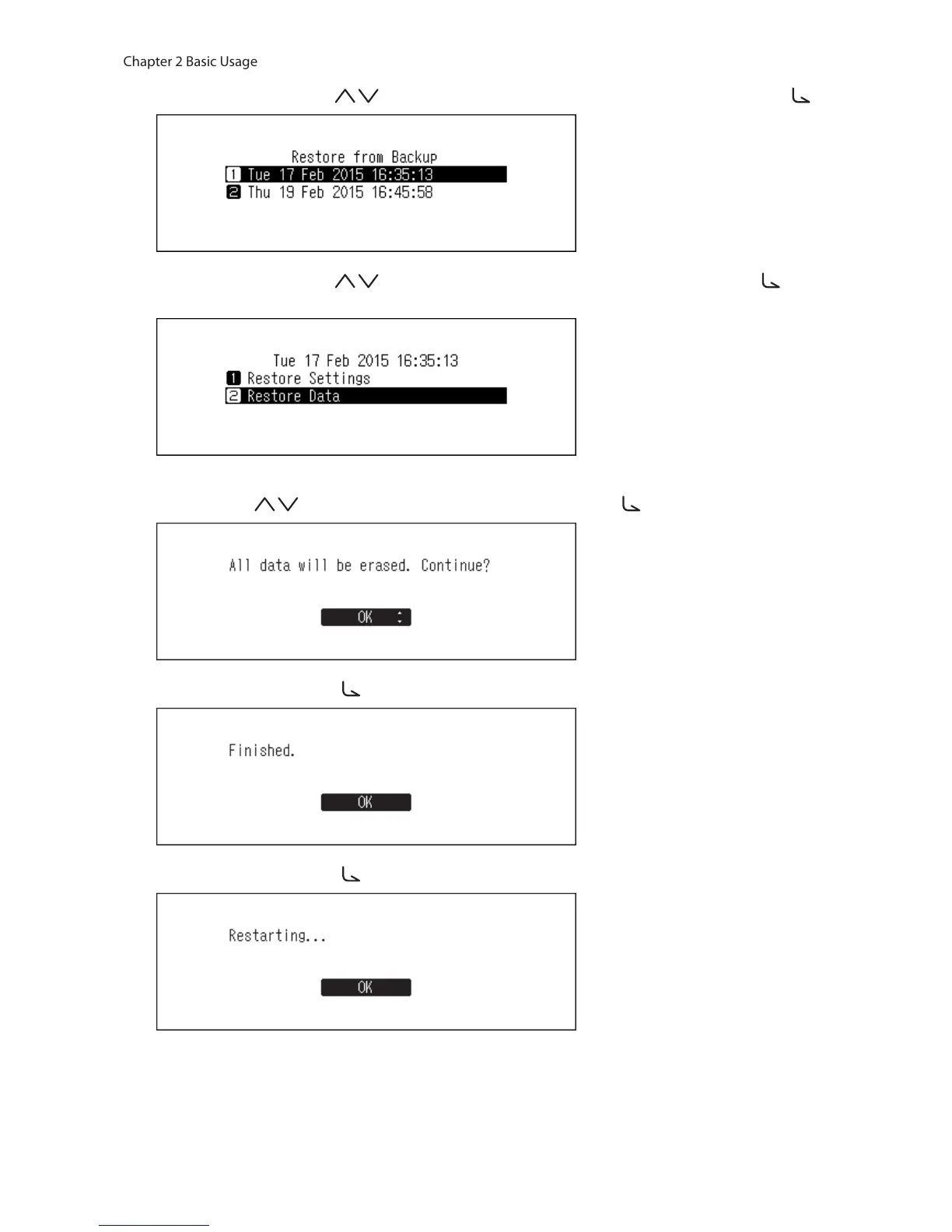
7 Press the Up/Down buttons ( ) and select the date of backup, then press the Menu/Enter button ( ).
8 Press the Up/Down buttons ( ) and select “Restore Data”, then press the Menu/Enter button ( ). If
selecting “Restore Settings”, settings other than the hostname can also be restored from the backup settings.
9 Make sure that all files on the drive can be erased before proceeding. To continue formatting, press the Up/
Down buttons ( ) and select “OK”, then press the Menu/Enter button ( ).
10 Press the Menu/Enter button ( ).
11 Press the Menu/Enter button ( ).
12 The N10/N100 will restart. Wait until the home screen is displayed.
13 When the home screen is displayed, disconnect the USB drive.



 To Next Page