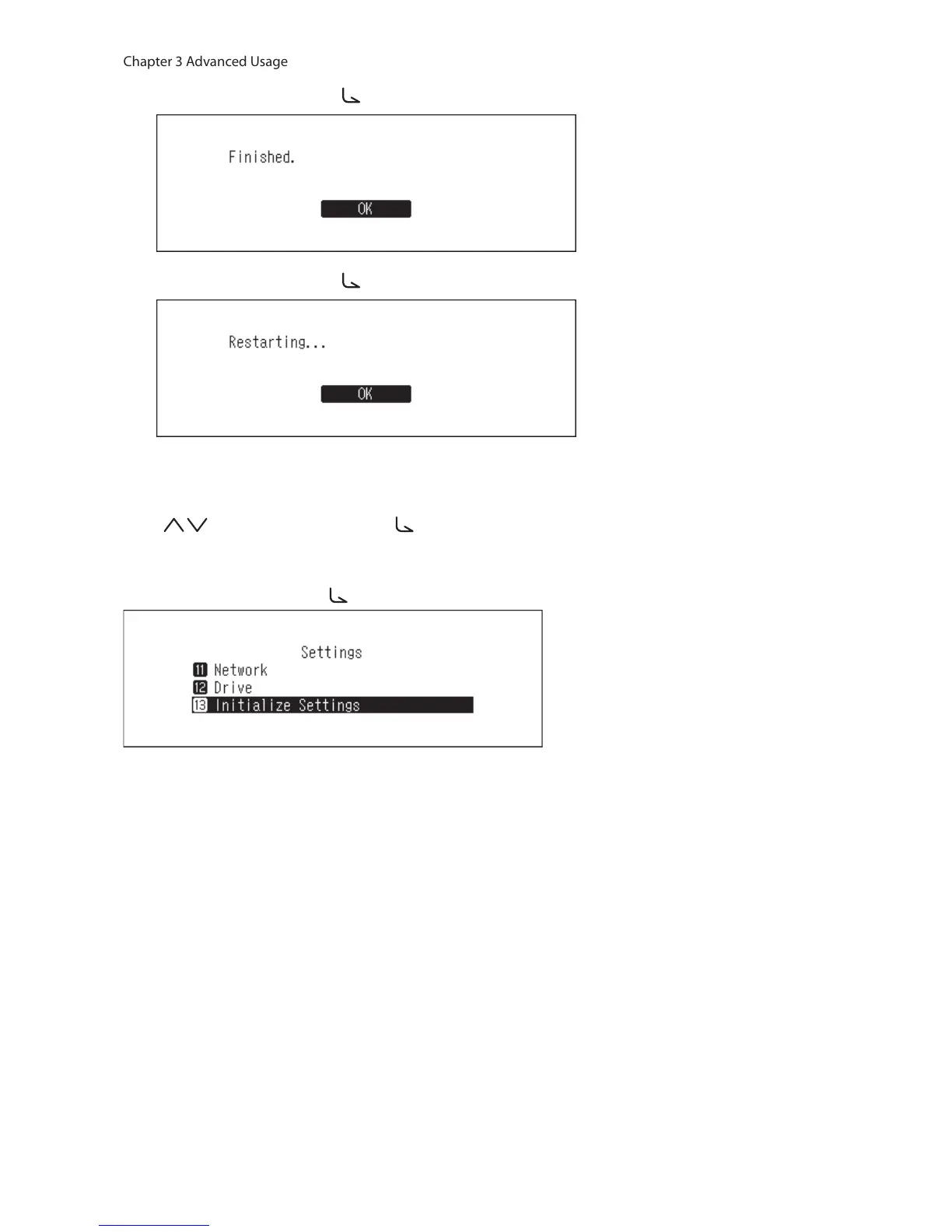
4 Press the Menu/Enter button ( ).
5 Press the Menu/Enter button ( ).
6 The N10/N100 will restart. Wait until the home screen is displayed.
7 After the restart process is completed, set the display language and time zone using the Up/Down buttons
( ) and the Menu/Enter button ( ).
If you go to Settings > Initialize Settings on the display panel, you can initialize the settings by selecting “OK”, then
pressing the Menu/Enter button ( ).



 To Next Page