— 12 —
Learning Your New Tablet
Screen Orientation
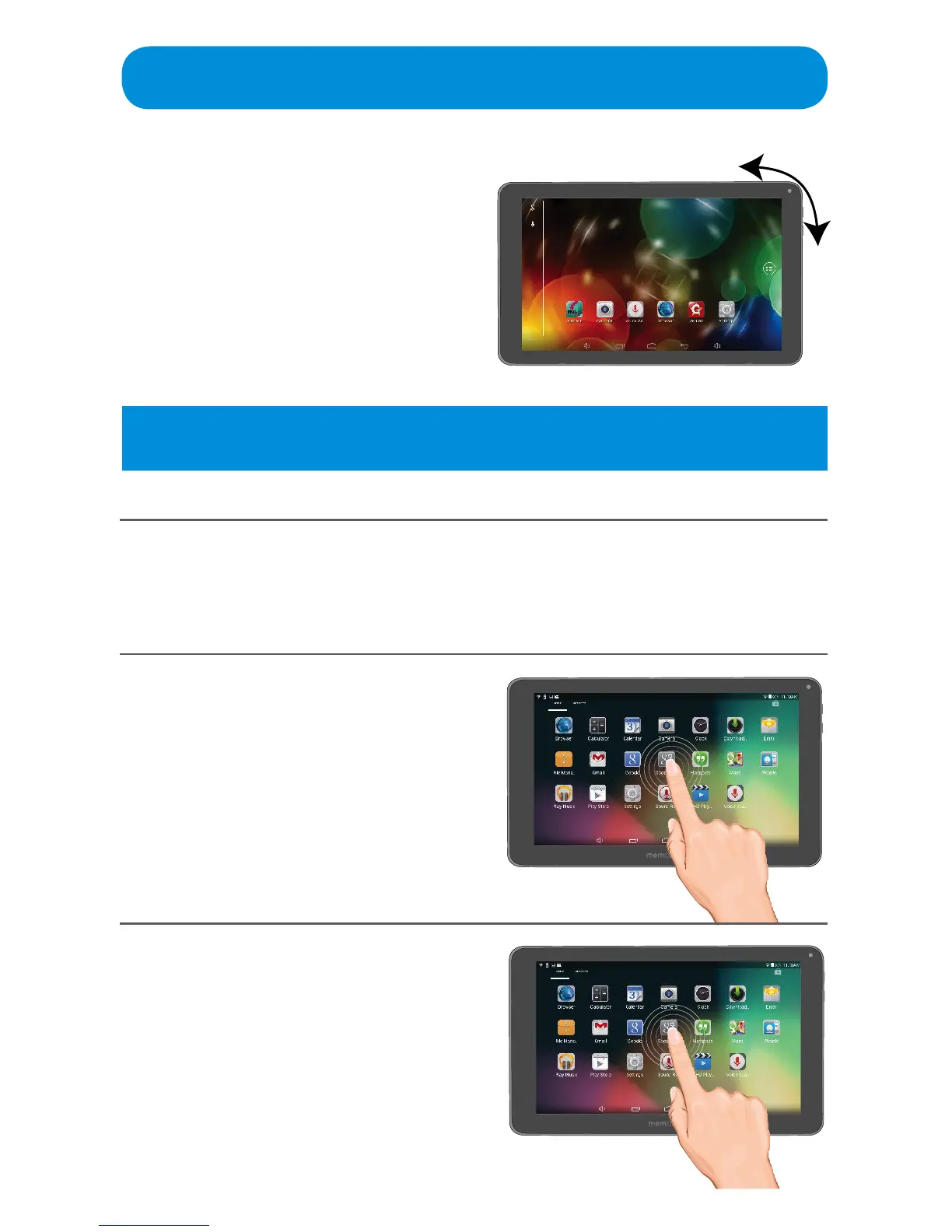
The screen can be viewed in either
portrait or landscape orientation. For
most screens, simply rotate the Tablet
to automatically change the screen
orientation. Some applications and
screens are limited to either portrait or
landscape orientation.
Screen Gestures
Throughout this manual you will receive instructions such as Tap or Stretch,
see as follows for the descriptions:
Tap
What does it do? Opens, selects
the item you tap, similar to clicking a
mouse.
How do I do it? Simply tap an item
withyournger.
Tap and Hold
What does it do? Selects an item to
move or brings up addition information.
How do I do it? Tap and hold your
ngerontheitem.
Tip:Theorientation/autorotatefeaturecanbeturnedointheSettings,see
page 56.



 To Next Page