— 27 —
Setting the Timer or Stopwatch
Select the Timer or Stopwatch functions as follows:
1
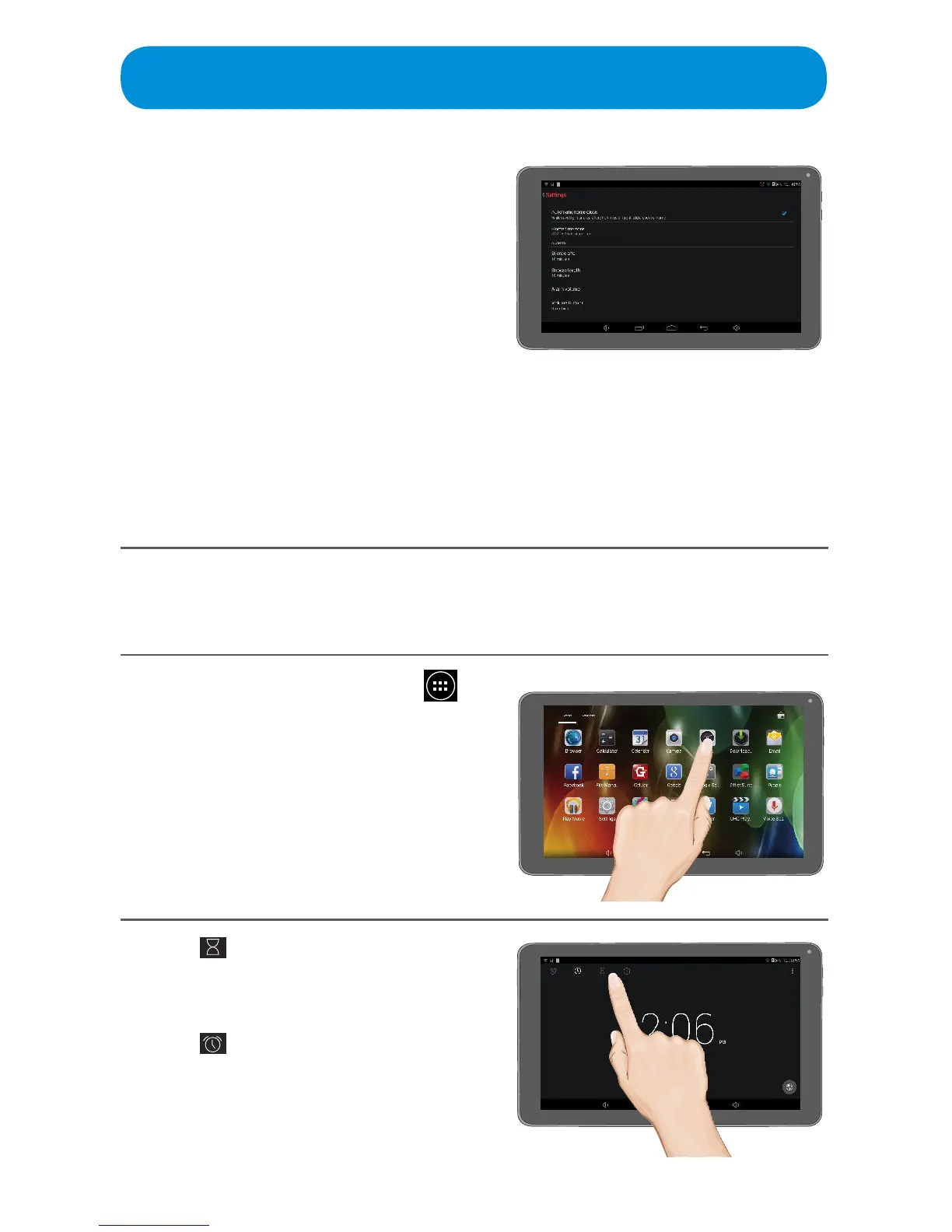
At the Home screen, tap the
icon to bring up the Apps screen.
Tap the Clock App to open.
2
Tap icon for the Timer. Enter a
time and tap START.
Tap for the Stopwatch. Tap
START to start the counting. Tap
to stop the stopwatch.
Clock/Alarm App
4
ALARM OPTIONS
Silence After: Tap to select the desired
time for the alarm to sound when
activated.
Snooze Length: When the alarm sounds
you can select Snooze. Use this option
to set the desired Snooze time.
Volume Buttons: Tap to bring up the
Volume Button options:
Tap Snooze and the Volume icons will operate as Snooze buttons.
Tap DismissandtheVolumeiconswillturnthealarmo.
Tap Do Nothing and the Volume icons will do nothing when the alarm is
sounding.



 To Next Page