— 15 —
Getting Started
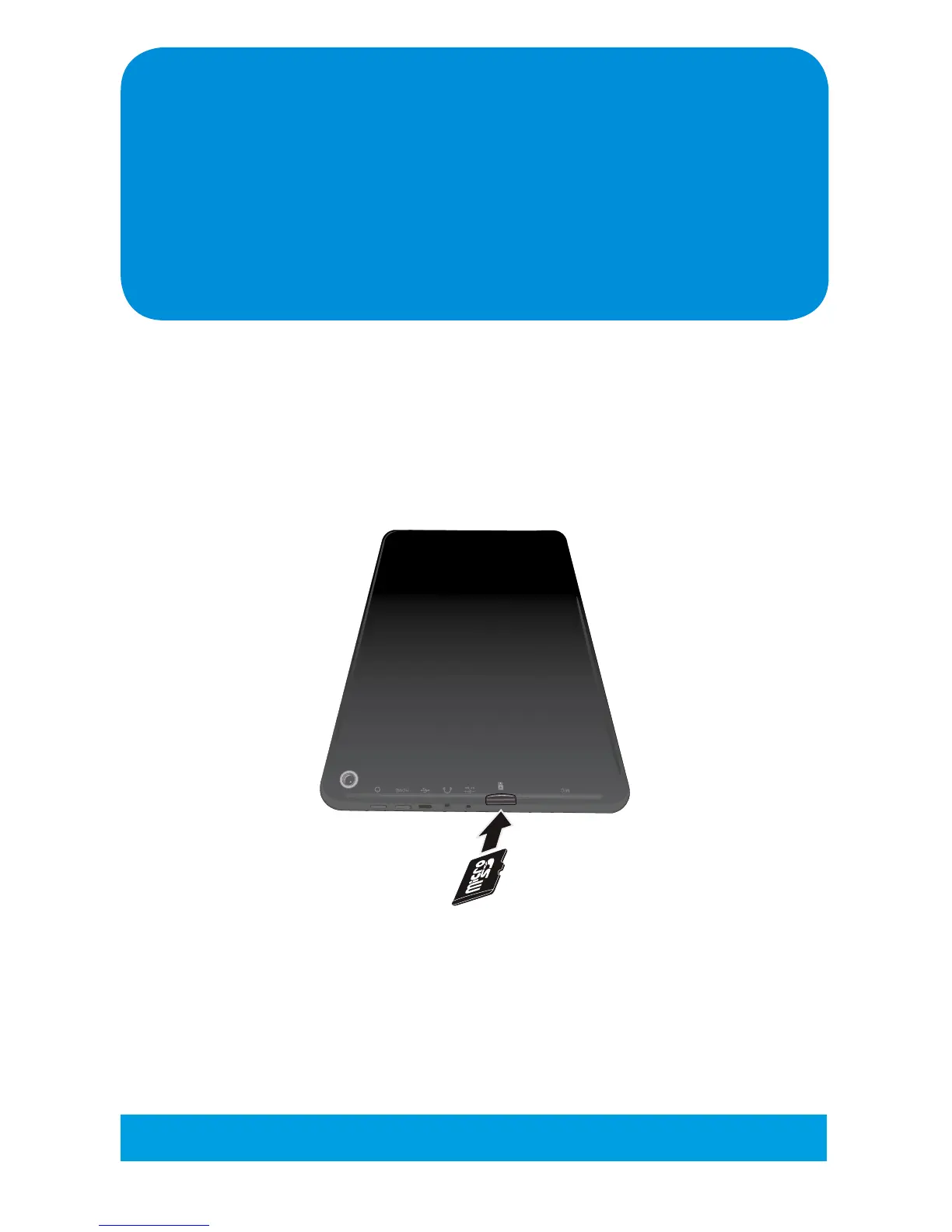
Installing a Micro SD Card
Insert a Micro SD Card (up to 32GB) with music, video, photos, etc and view
them on this Tablet. Insert the Micro SD Card as follows:
Simply slide a Micro SD Card as shown until it clicks in place.
To remove, press in on the Micro SD Card to release it.
Tip: See page 53 to mount, un-mount, erase, etc. the Micro SD Card.



 To Next Page