— 60 —
Connecting to External Storage
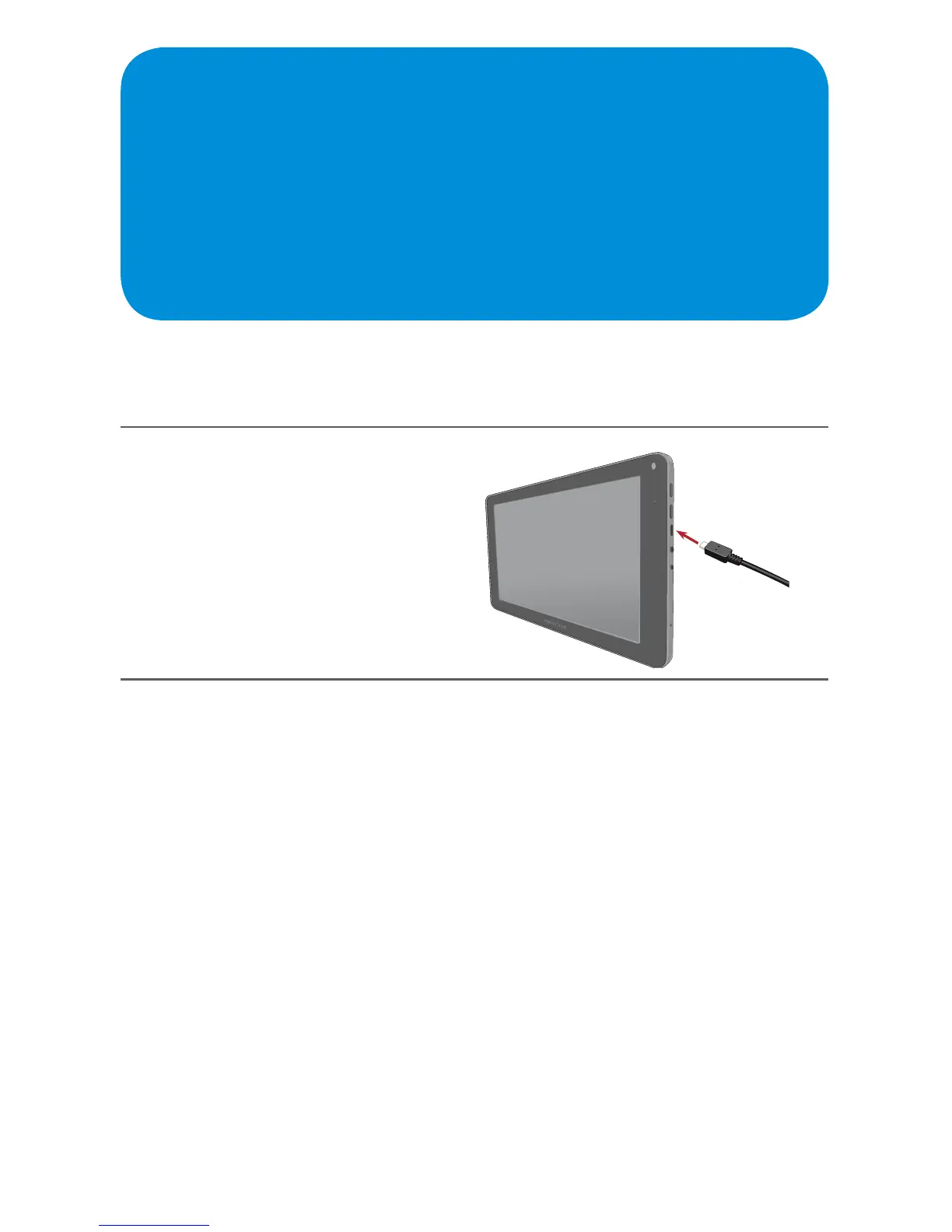
You can connect an external Flash drive or Hard drive using the included OTG
Cable as follows:
1
Connect the small “male” end
of the On the Go (OTG) cable
to the side of the Tablet.
2
Connect an external Storage unit’s standard USB plug into the “female”
end of the OTG cable.



 To Next Page