— 30 —
Web Apps
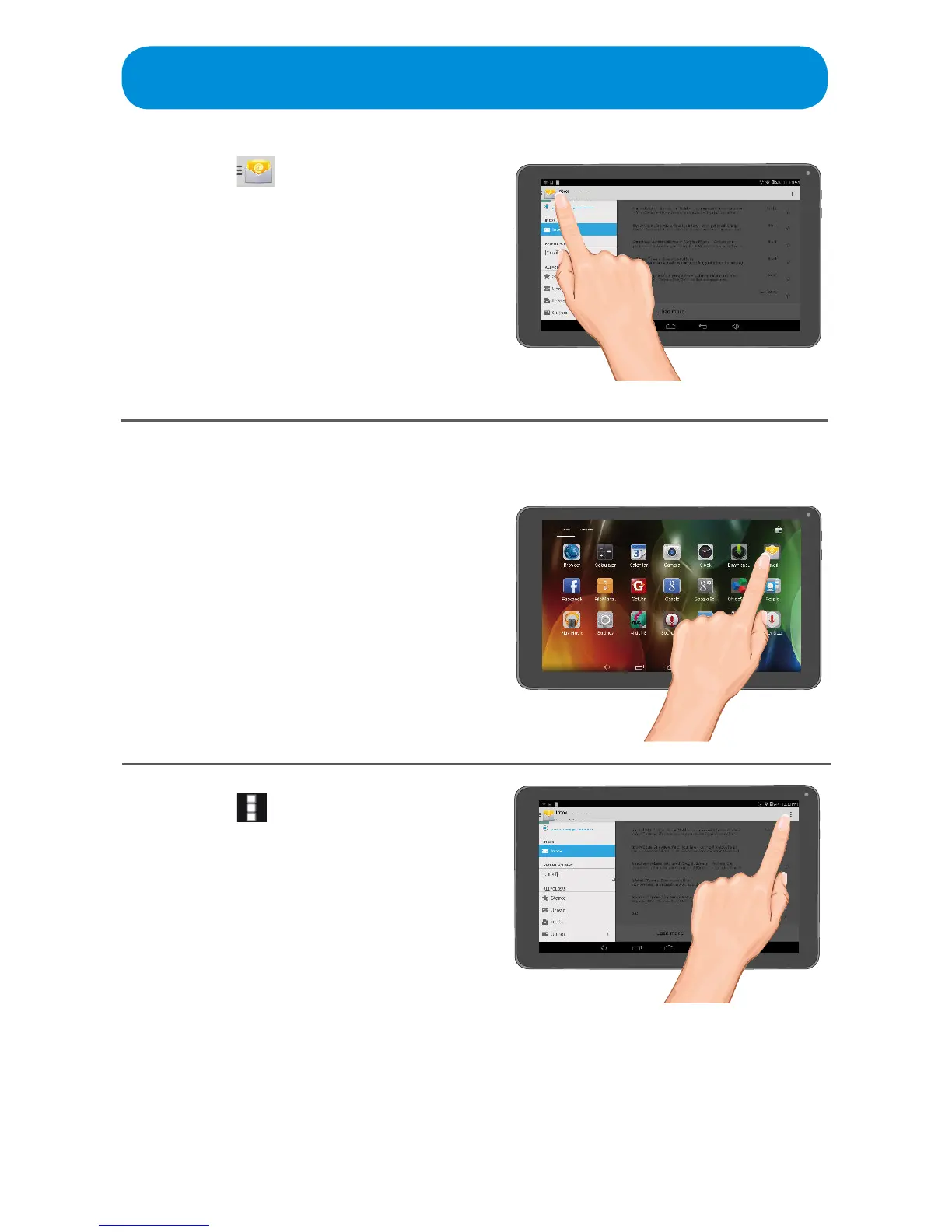
Setting the Email Options
1
At the Apps screen, tap the Email
App; the Email Options screen will
appear.
2
Tap the icon at the top right
and the tap Settings to bring up
the Email Settings.
4
Ta p the icon at the top left of
the screen to bring up the Folders
menus where you can select a
desired folder to view



 To Next Page