— 17 —
Getting Started
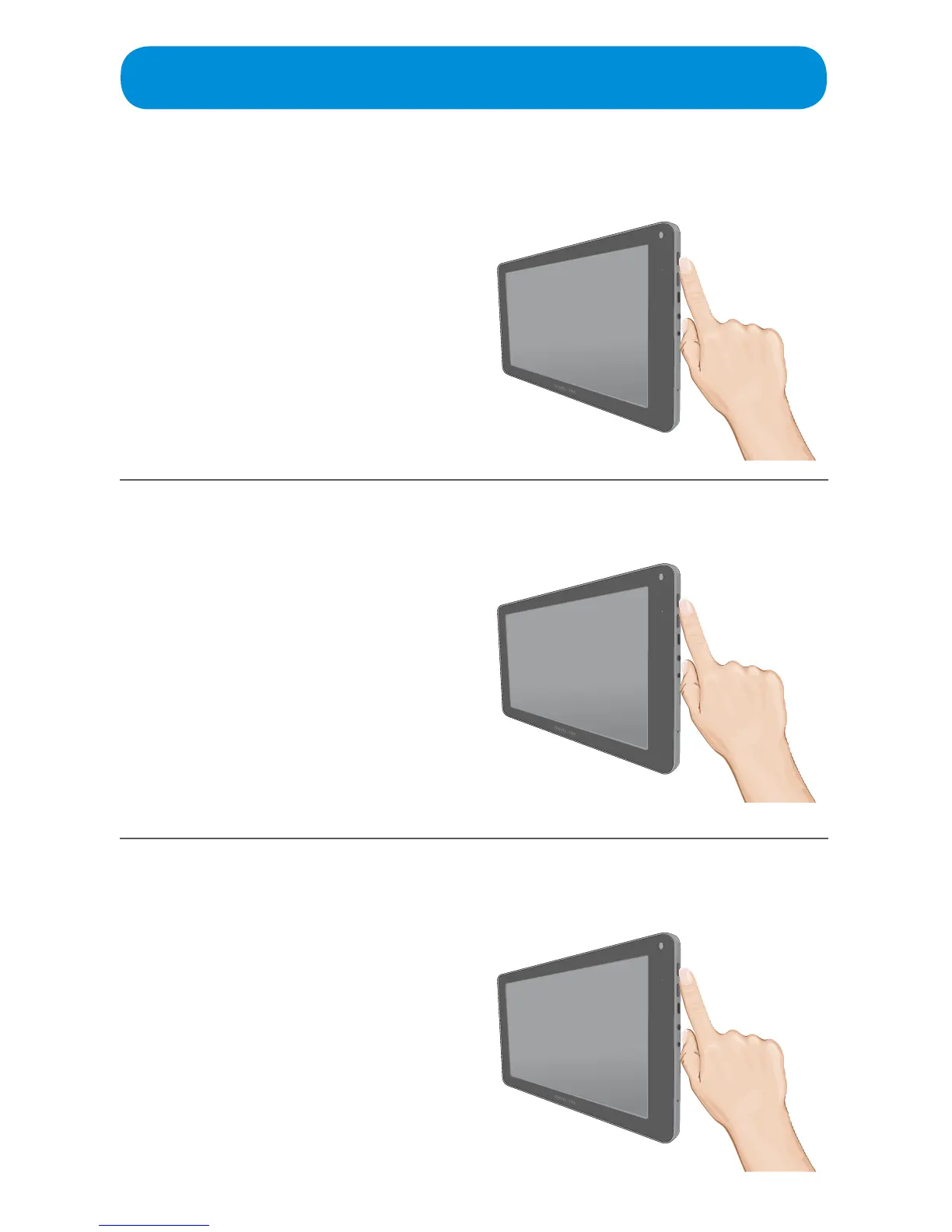
Turning the Tablet O or into Sleep Mode
Rebooting the Tablet
Muting the Tablet
When in the On mode, press and hold
the POWER button until the Pop-up
Menu appears. Select POWER OFF to
turntheunitcompletelyo.
You can also press and release the
POWER button to put the unit to Sleep
modewhereitwillnotbeturnedobut
thescreenwillbeotosavebattery
power.
When in the On mode, press and hold
the POWER button until the Pop-up
Menu appears. Select REBOOT to
restart the Tablet.
To mute the sound, press and hold the
POWER button until the Pop-up Menu
appears. Select SILENT MODE to
mute the sound.
Repeat to turn the sound back on.



 To Next Page