— 55 —
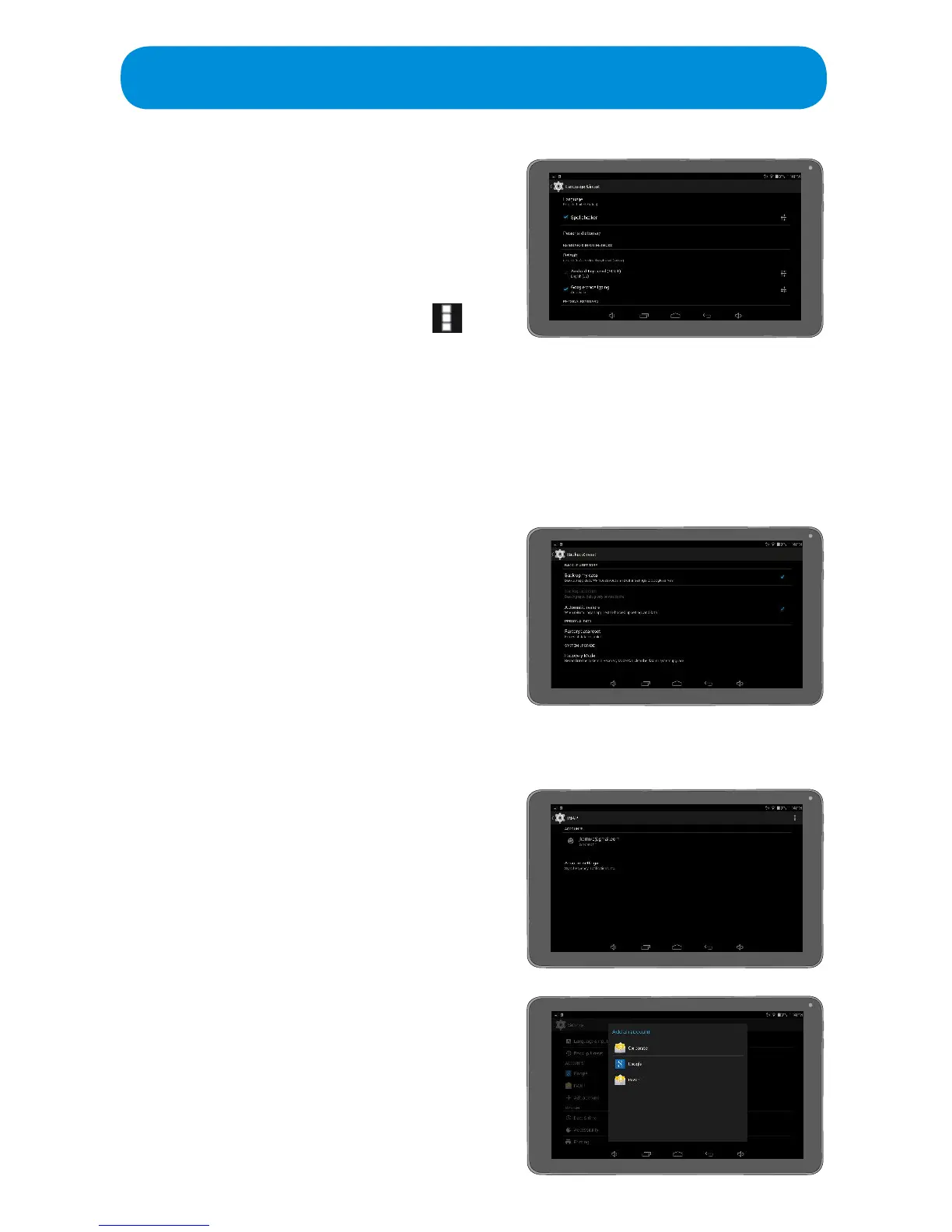
Language and Input: Tap to set options as
follows:
Language: Tap to set the desired
language.
Spell Checker: Tap to turn this option
OnorO.TurningthisoptionOnwill
enable spell checking. Tap the
icon
to set some criteria for spell
checking.
Personal Dictionary: Tap to modify the dictionary, or to add words.
Keyboard: This is where you will select Android Keyboard (AOSP) after
connecting to the included Keyboard.
Additional: This menu may have additional options, they are subject to
change without notice.
Backup & Reset: Tap to set options as
follows:
Factory Data Reset: Tap to erase all
data on the Tablet.
Additional: This menu may have
additional options, they are subject to
change without notice.
ACCOUNTS:
Google: Tap to set Google options.
IMAP: Tap to set options as follows:
Accounts: Tap to modify an existing
IMAP account.
Account Settings: Tap to modify
account settings.
+ Account: Tap to add an Account.
Settings



 To Next Page