— 51 —
Settings
3
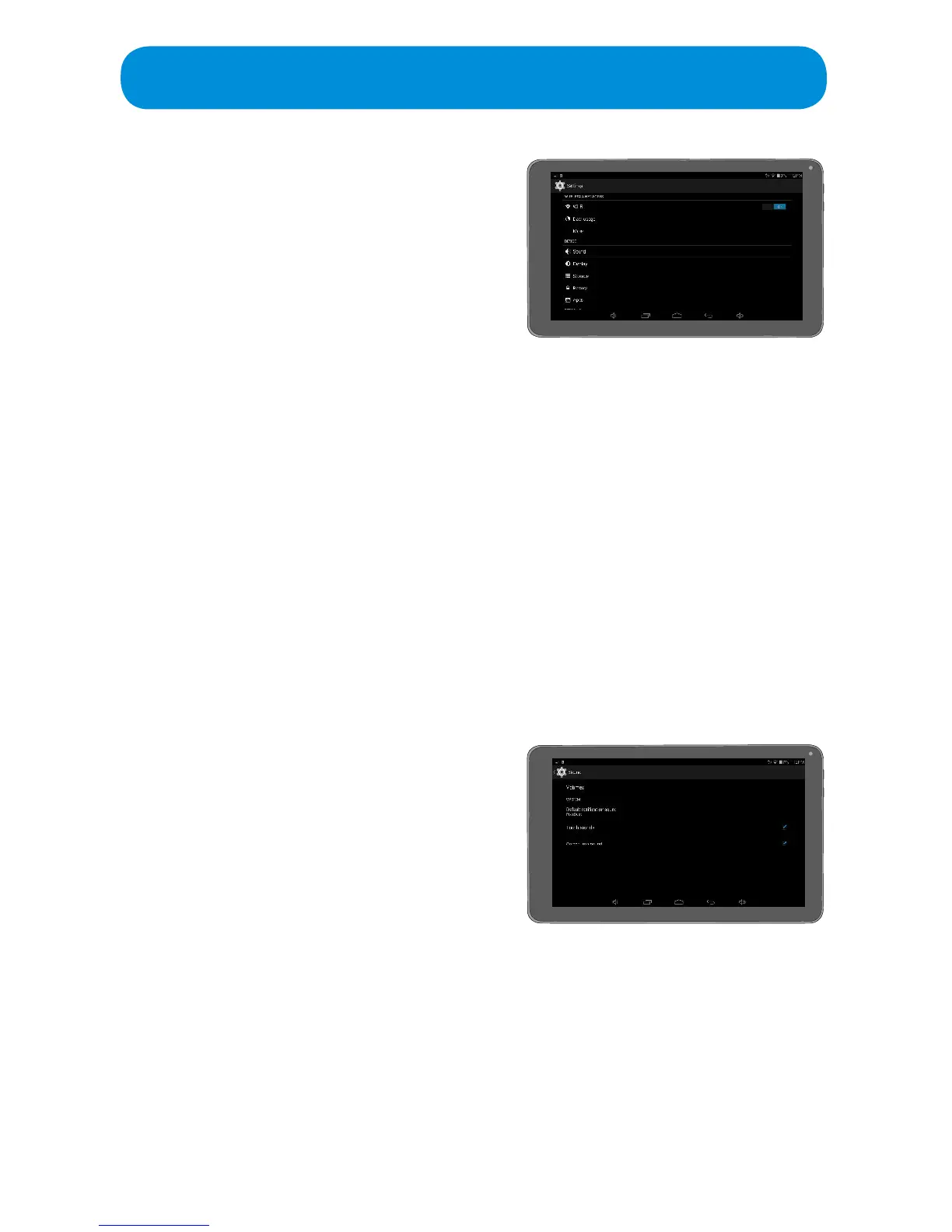
Tap on the desired setting to set:
WIRELESS AND NETWORKS:
Wi-Fi: Tap the switch to turn Wi-Fi On or
O.Tap Wi-Fi to bring up the available
networks. Select a network from the list.
Data Usage: Tap to view the current Data Usage. Tap an App to view more
details.
More: Tap to set the following:
Airplane Mode: TaptoturntheAirplaneModeOnorO.Turningthis
option On will allow you to use the tablet but not Wi-Fi.
Tethering & Portable Hotspot: Tap to Tether via USB, Set Portable
Wi-Fi Hotspot or to Set up a Wi-Fi Hotspot.
Ethernet: Not used.
VPN: You can create virtual private networks and connect to your
private network securely through a public network, such as the
internet. Ta p this option and set up a VPN username and password.
DEVICE:
Sound: Tap to set the following:
Volumes: Tap to set volumes for
the various sounds: Music, Video
Games&OtherMedia,Notications
and Alarms.
Default Notication Sound: Tap to
setthedesirednoticationsound.
Touch Sounds: Tap to turn this
optionOnorO.Turningthisoption
On will make a tap sound when the screen is tapped.
Screen Lock Sounds: Ta p toturnthisoptionOnorO.Turningthis
option On will make a sound when the screen is locked.



 To Next Page