— 33 —
Web Apps
Using the Browser
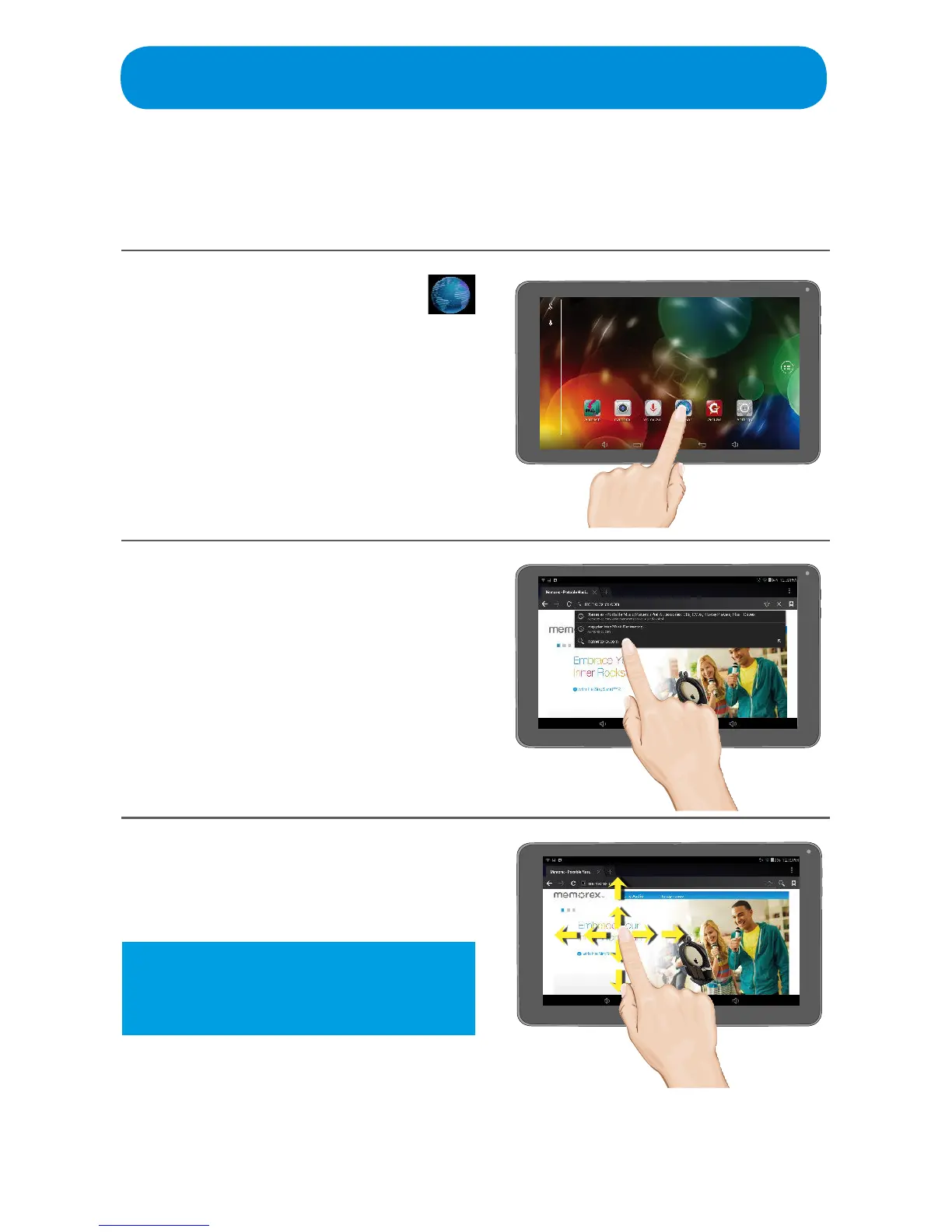
When connected to the internet, utilize the Browser as follows:
1
At the Home screen, tap the
(Browser) icon.
You can also access the Browser
by tapping the Browser App in the
Apps screen.
2
Enter a URL and tap Go (press
Enter if using the keyboard) or tap
ononeoftheoptionsthatpre-ll
as you type to go to that page.
3
When a web site appears you can
navigate it by swiping up, down,
left and right.
Tip: To zoom in or out on some web
pages, double tap the screen or
stretch.



 To Next Page