— 32 —
Web Apps
5
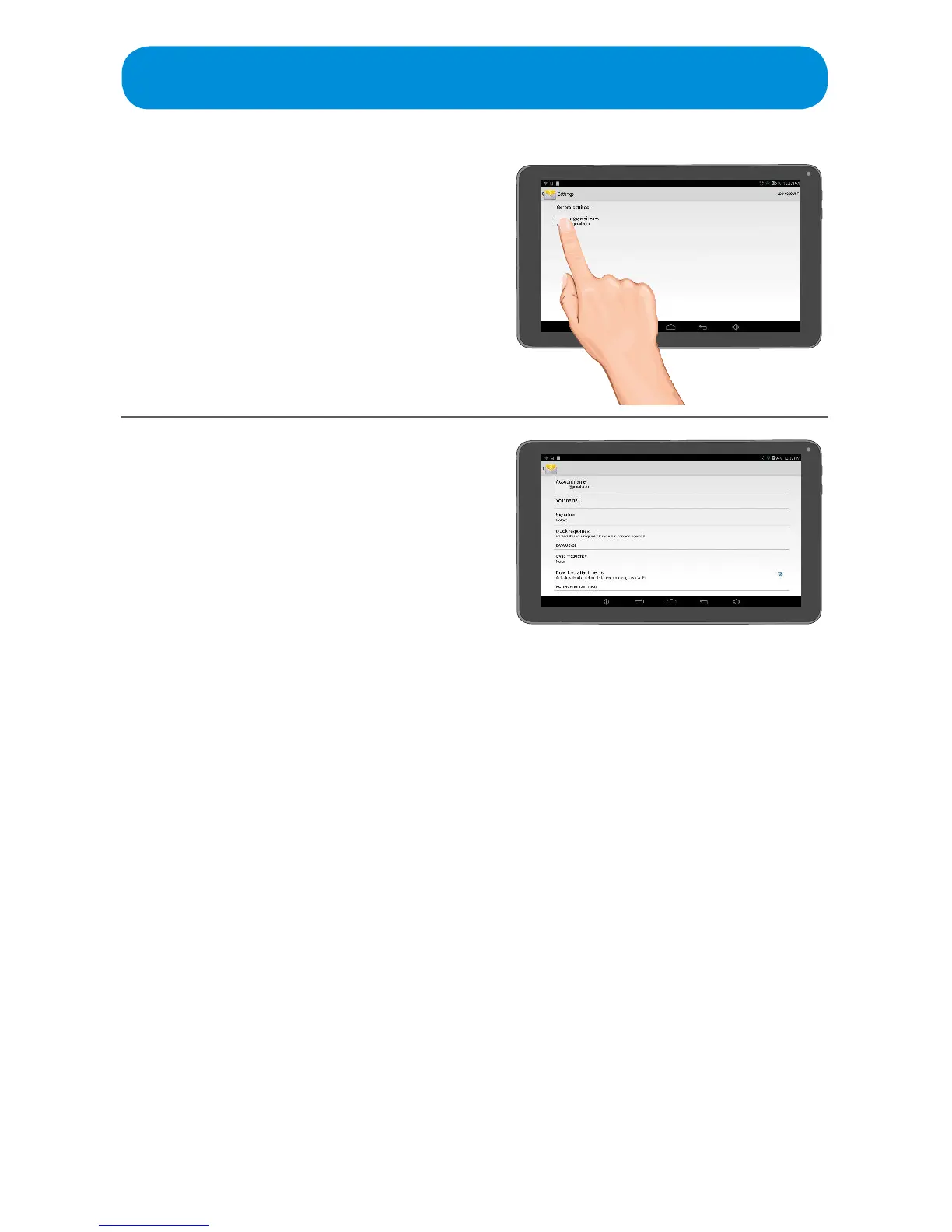
Ta p an email account to view
respective email’s Options screen.
6
Set the following on this screen:
Account Name: Name of account.
Your Name: Name that will appear on
your emails.
Signature: Text entered here will appear
on the bottom of every email you send.
Quick Responses: Freqently used
Quick Responses.
Sync Frequency: Time-frame to sync
emails.
Download Attachments: Auto-
download attachments when connected
to Wi-Fi.
Email Notications:Sendnotication
when email arrives.
Choose Ringtone: Select the desired
ringtone.
Server Setting: Select incoming and
outgoing settings.



 To Next Page