— 42 —
Camera/Video App
Viewing and Editing Photos
This section explains how to view or edit photos on this Tablet.
1
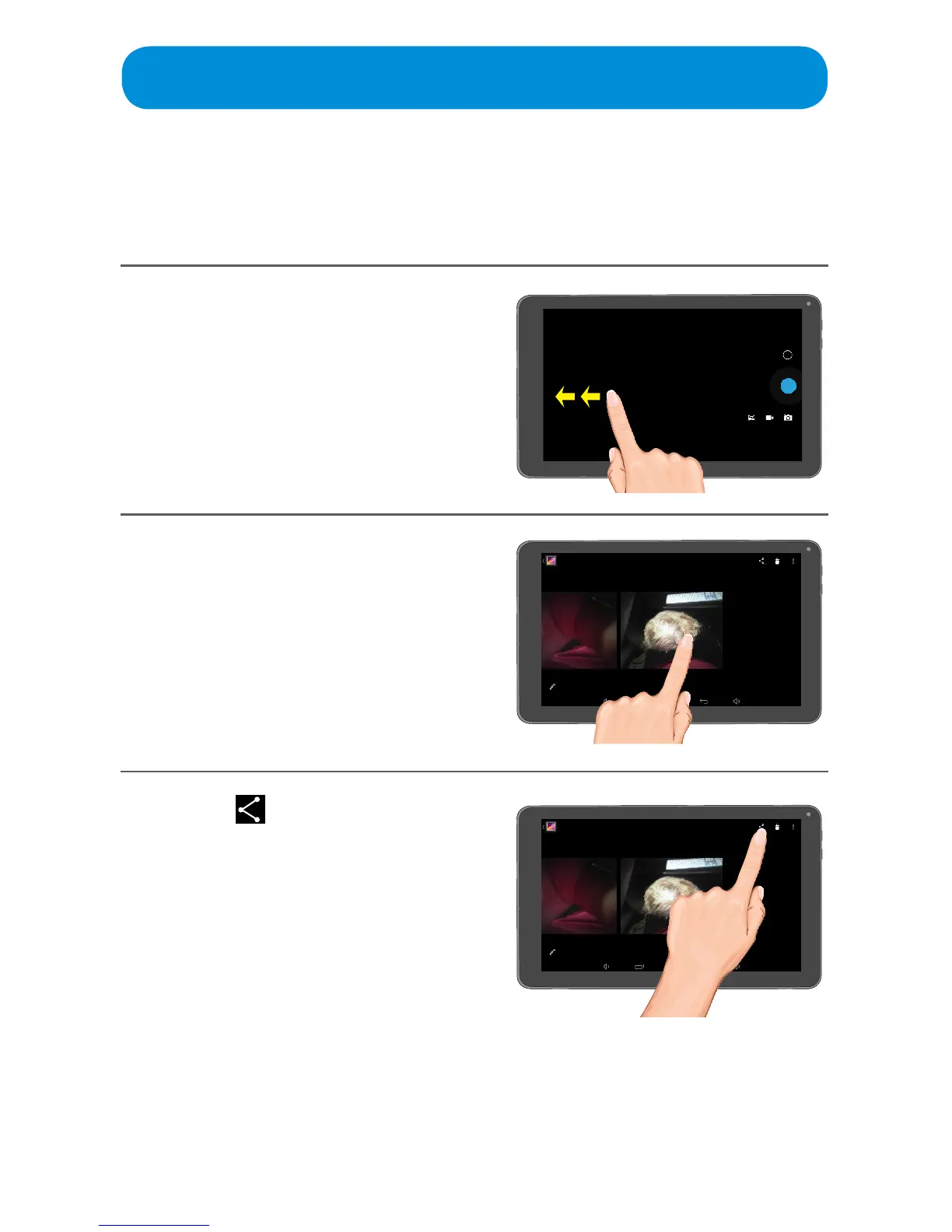
When the Camera App is open,
swipe to the left to view the videos
and photos.
2
Select a photo to edit by
tapping on it.
3
Ta p the icon to share the
photo.



 To Next Page