— 43 —
Camera/Video App
4
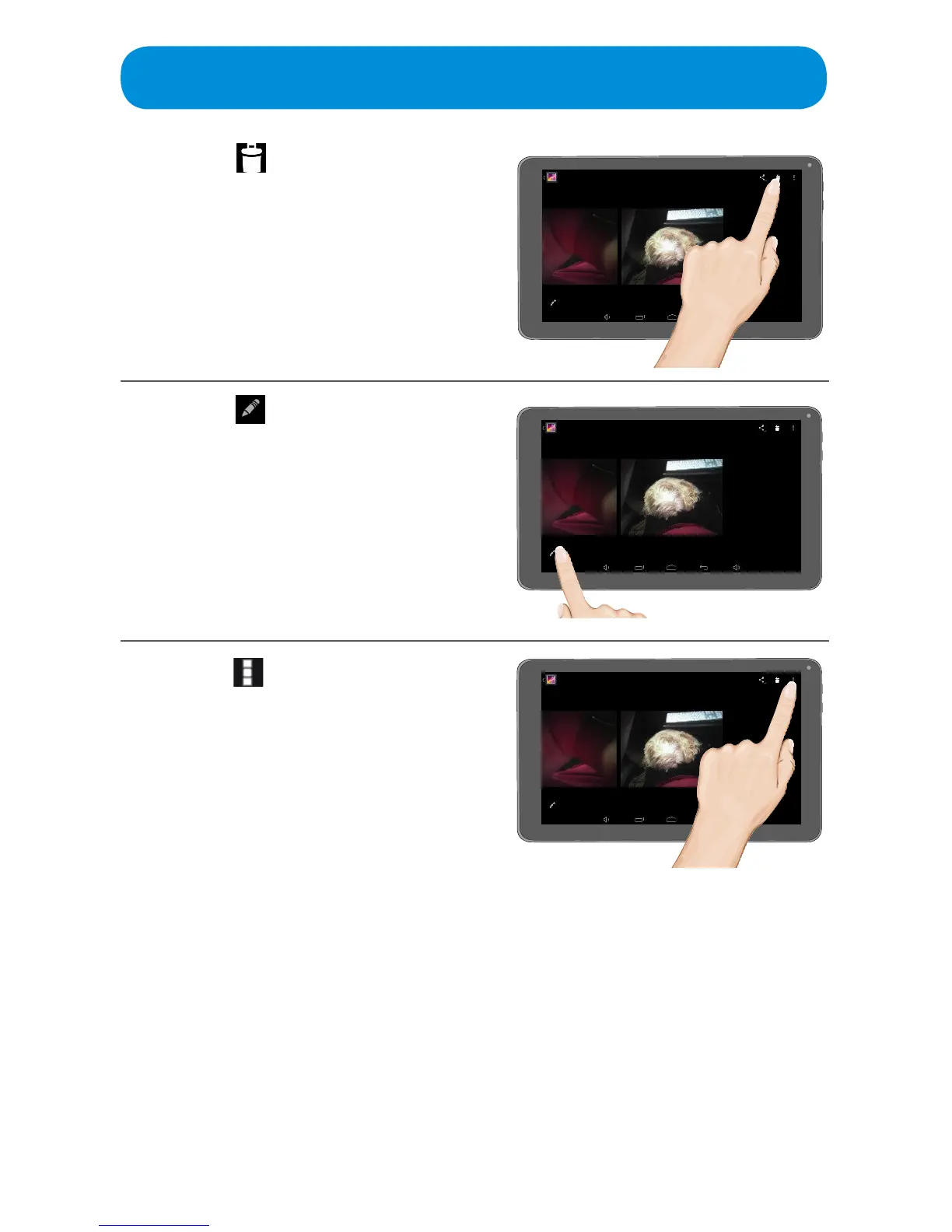
Ta p the icon to delete the
photo.
5
Ta p the icon to set the various
options such as Eects,
Cropping, Exposure, Autocolor
and more.
Tap SAVE at the top left corner to
save the altered photo.
6
Tap the icon at the top right of
the screen to bring up more
options such as Edit (same as
step 5), Rotate Left, Rotate
Right, Crop, Set Picture As and
Details.
Set Picture As option will allow
you to use the selected photo
as your Contact Photo or as
Wallpaper.
Details will give details of the
photosuchaslesize,title,date
taken and more.



 To Next Page