— 28 —
Web Apps
Setting Up Email
WhenrstusingtheTabletyouwillbeaskedtosetupanemailasfollows:
1
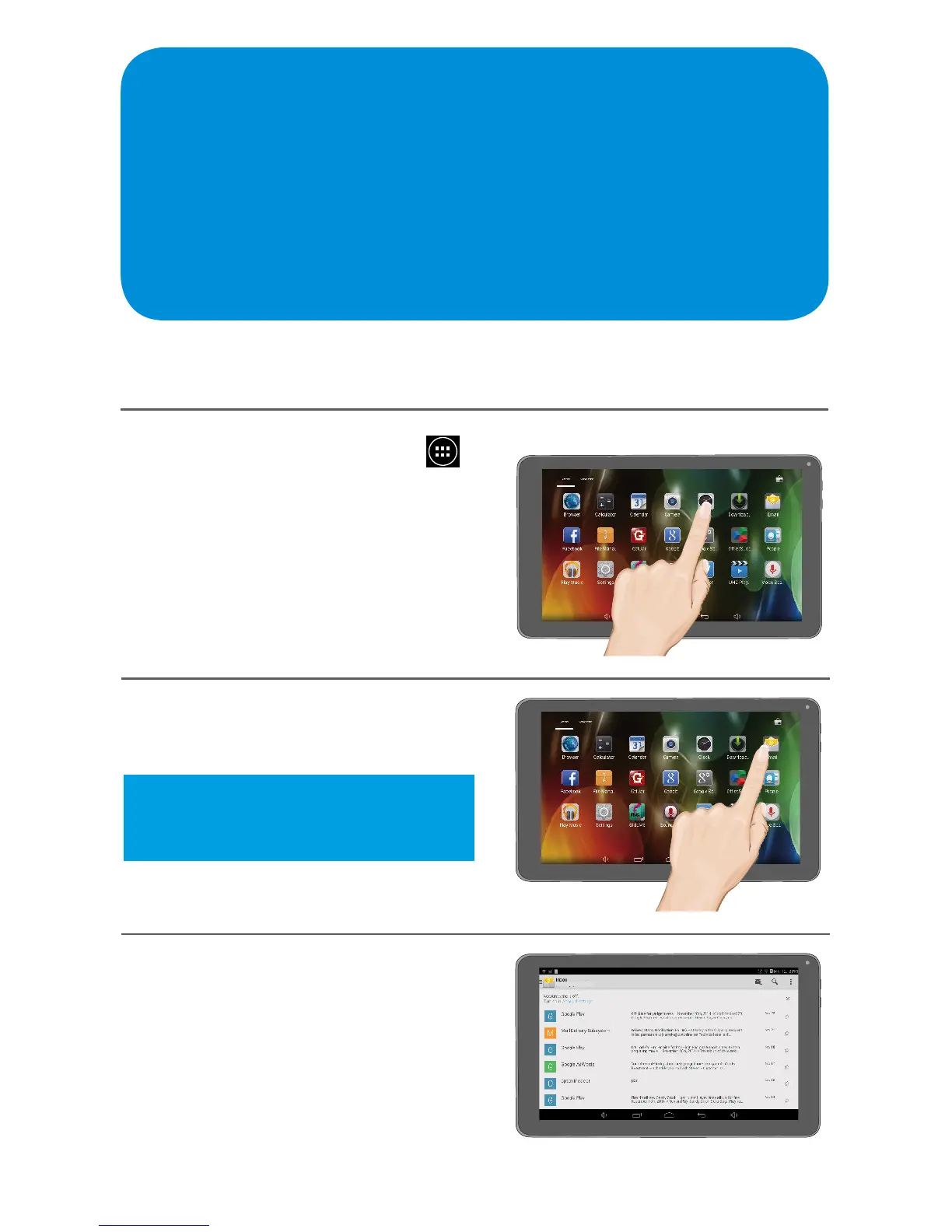
At the Home screen, tap the
icon to bring up the Apps screen.
2
Tap the Email App.
3
Enter your email address and
password and then tap Next.
If entered correctly, the Account
Options screen will appear. Set
the desired options and your email
will be set up.
Tip: You can also tap the Manual
Setup button if you would prefer to
manually setup your email.



 To Next Page