— 26 —
Clock/Alarm App
Setting the Clock/Alarm Options
Set the Alarm options as follows:
1
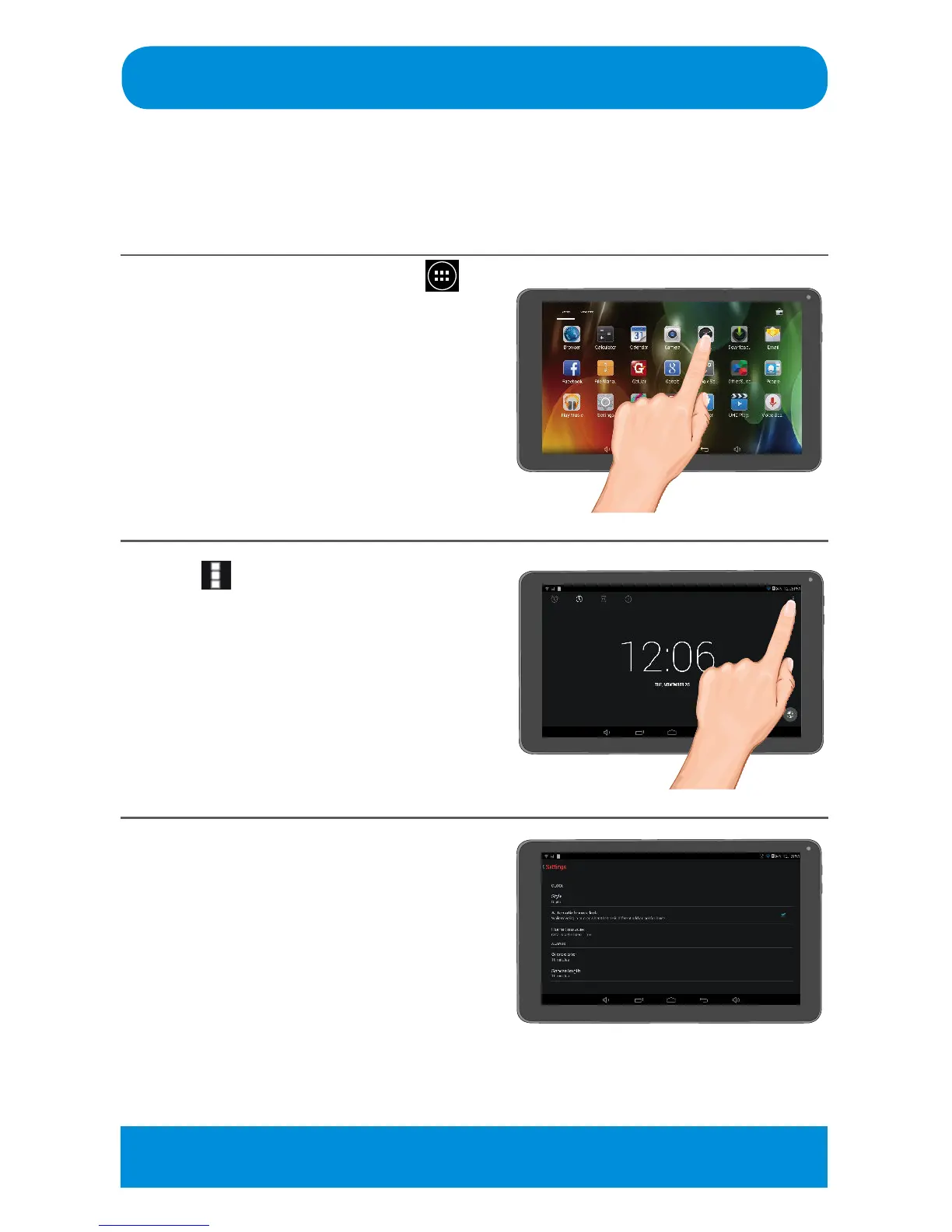
At the Home screen, tap the
icon to bring up the Apps screen.
Tap the Clock App to open.
2
Tap at the top right of the
screen and tap Settings; the
options will appear.
3
At this screen, set the following:
CLOCK OPTIONS
Style: Tap to select a clock format
(Analog or Digital).
Automatic Home Clock: Tap to turn
OnorO.TurningthisoptionOnwill
keep your home time zone time when
traveling out of your time zone.
Home Time Zone: If above option is
activated, select the home time zone.
Tip: Date and Time options can also be set/changed using the Settings App,
see page 56.



 To Next Page