— 22 —
Getting Started
Changing Desktop Wallpaper
Auto O
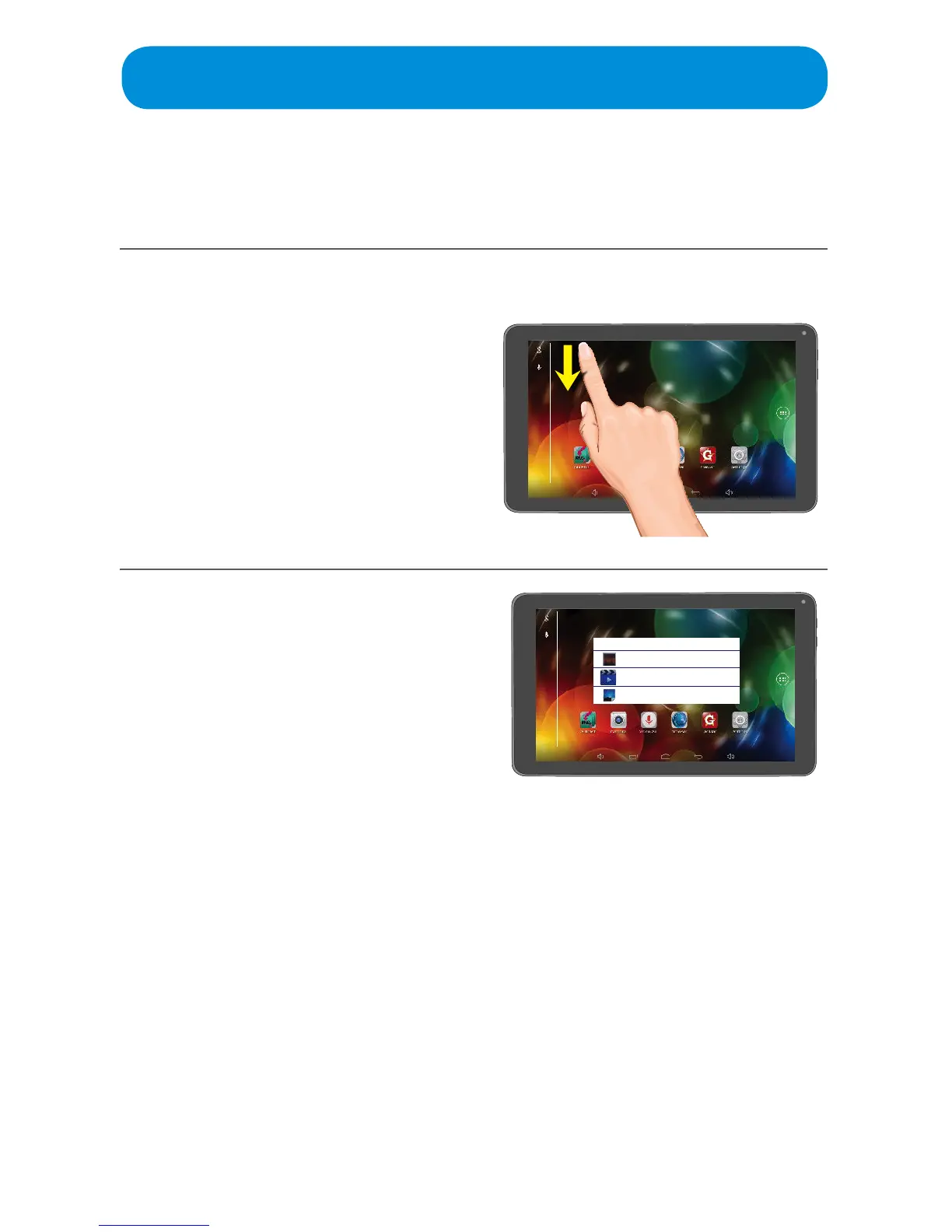
Personalize your Tablet with the Wallpaper of your choice as follows:
Toconservebatterypower,thescreencanbesettoturnoautomatically
when the tablet is not in use after a period of between 15 seconds and 30
minutes. See page 52 to set this option.
1
While on the Home screen, tap
and hold the screen until the
Wallpaper pop-up appears.
2
Select an option to set the
Wallpaper:
Live Wallpapers: Pre-installed
animated wallpapers
UHD Player: Photos taken by the
camera.
Wallpapers: Pre-installed
wallpapers.
Tap SET WALLPAPER
Choose wallpaper from
Live Wallpapers
UHD Player
Wallpapers



 To Next Page