— 21 —
Getting Started
4
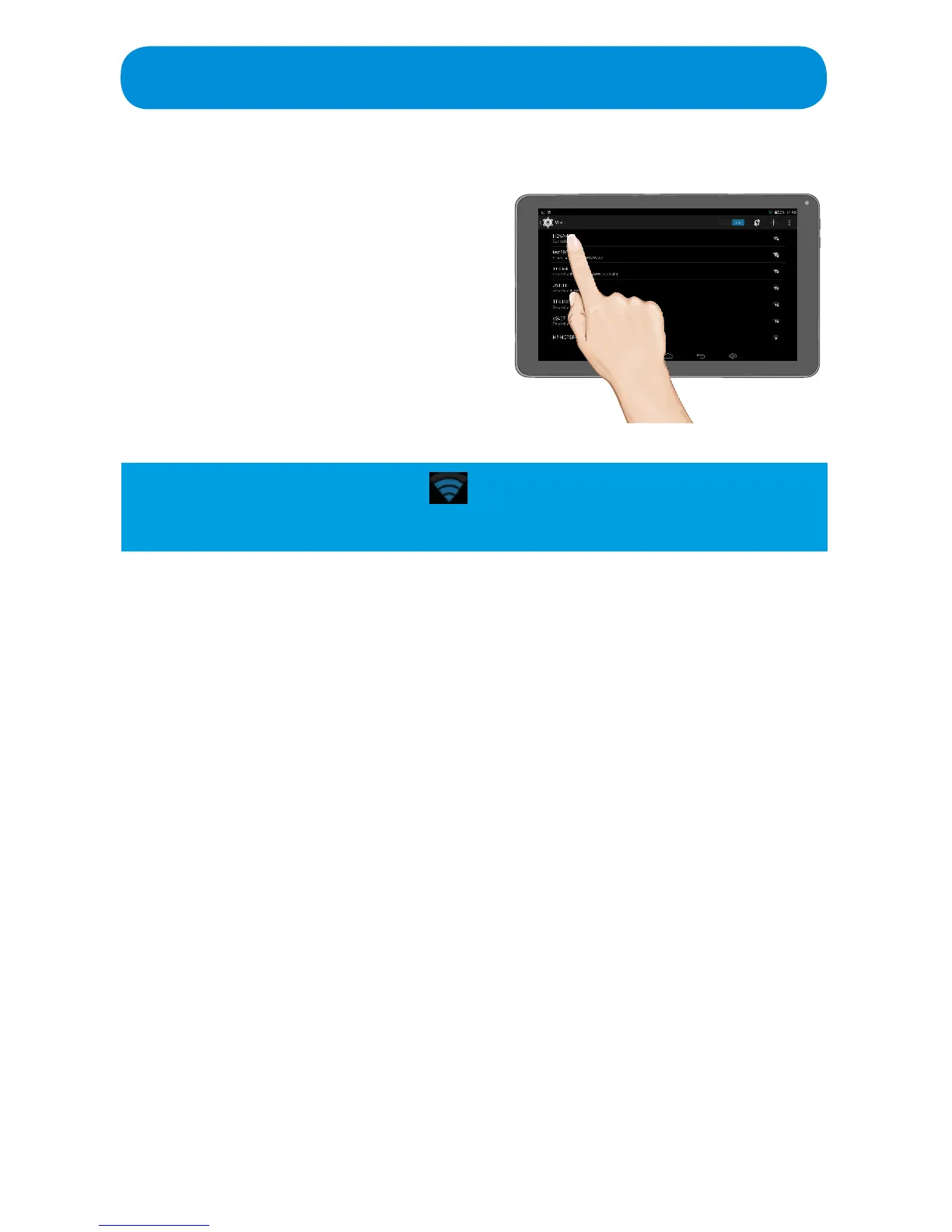
Ta p the desired network. (If
requested, enter the password
then Tap Done.)
Tap Connect and if the password
was correct and the Network is
valid, “Saved” or “Connected” will
appear under the Network name.
Tip: If a lock appears next to the icon, then the network is secure and
will require a password to connect.



 To Next Page