— 58 —
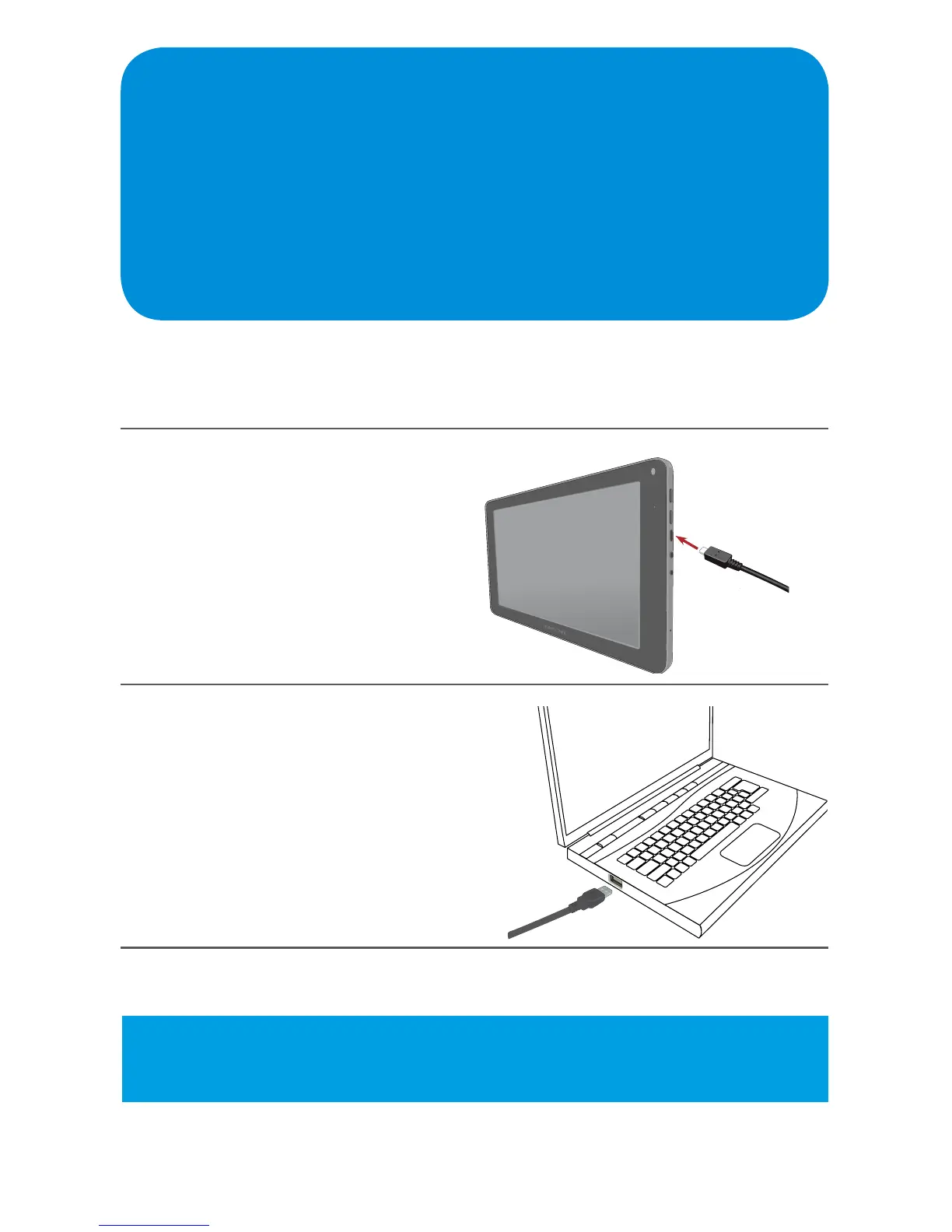
Connecting to a Computer
You can connect your Tablet to a PC or Mac (see Note below) and use it as a
removabledisk,whichallowsyouaccesstheledirectoryasfollows:
1
Connect the small end of the
micro USB cable to the side
of the Tablet.
2
Connect the other end
(standard USB plug) of the
USB cable to the USB jack
on your computer.
Mac Note: When transferring to a Mac, make sure to download the required
software at www.android.com/letransfer/.



 To Next Page