— 54 —
Settings
PERSONAL:
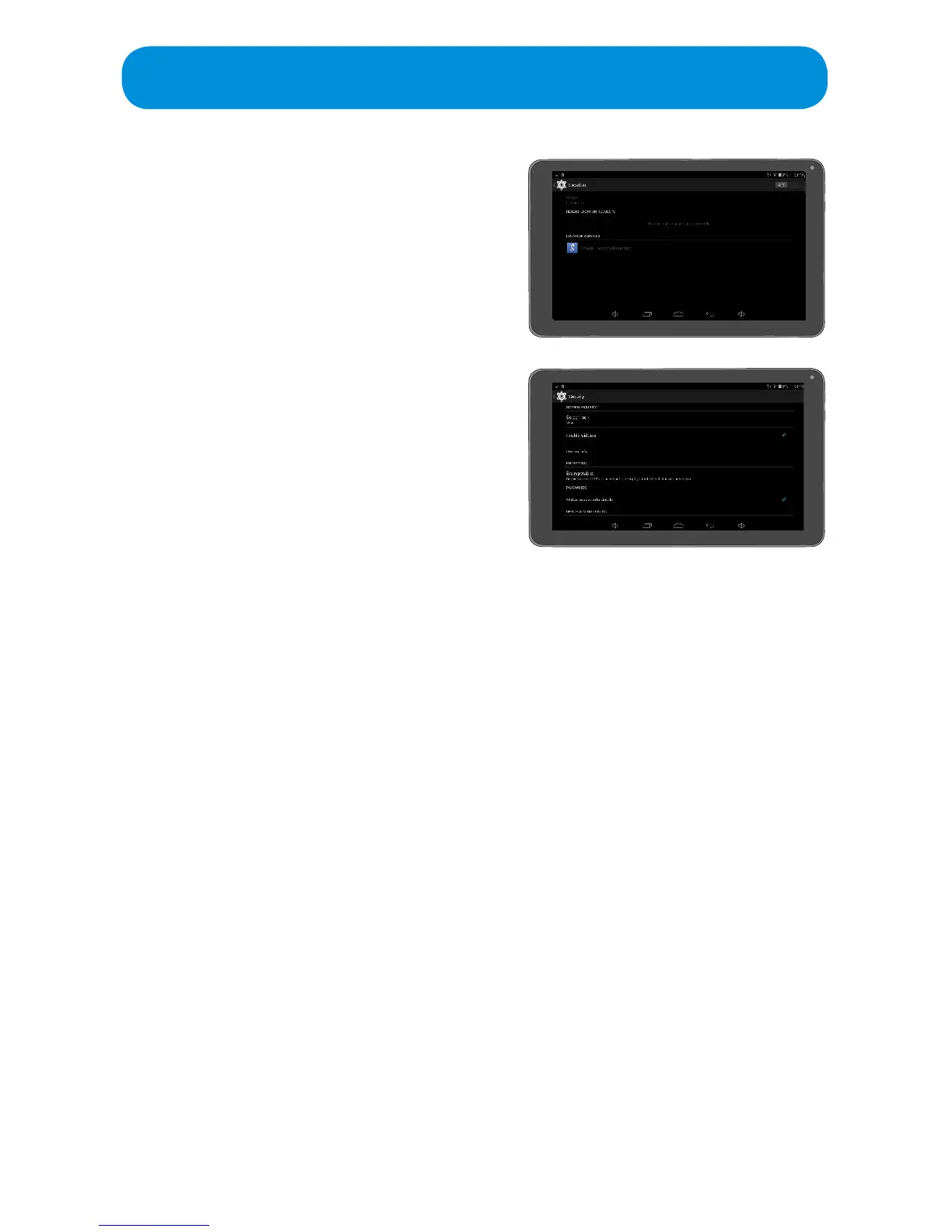
Location: Tap to view and set various
Location options.
Security: Tap to set Security options as
follows:
Screen Lock: Ta p to set the method
used for unlocking the screen. Please
note that Face Unlock is less secure
than the other methods.
Enable Widgets: Tap to turn this option
OnorO.TurningthisoptionOnwill
enable Widgets.
Owner Info: Tap to set a welcome message on the Lock screen. Do this
by making sure Show Owner Info On Lock Screen is checked. Then tap
thetexteldandenterthedesiredLockScreentext.
Encrypt Tablet: Tap to encrypt your accounts, downloaded Apps, data,
mediaandmostles.OnceyouencryptyourTablet,youneedtotypea
numeric PIN or password to decrypt it each time you turn it on. Make sure
to read the Encrypt Tablet page for details.
Make Passwords Visible: Tap toturnthisoptionOnorO.Turningthis
option On will allow the passwords you type to be visible to you.
Tablet Administrators: Tap and the make sure the item is checked to
allow the Android Tablet manager to lock and erase a lost Tablet.
Unknown Sources: Ta p toturnthisoptionOnorO.Turningthisoption
On to allow unknown sources to install Apps. Note that this will make your
Tablet and personal data vulnerable to attack.
Verify Apps: TaptoturnthisoptionOnorO.TurningthisoptionOnto
disallow or warn before installing Apps that may cause harm.
Storage Type: Not used.
Trusted Credentials: Tap to view the Trusted Credentials for the system
and the user.
Install from SD Card: Tap toinstallacerticatefromaninsertedSDCard.
Clear Credentials: Ta p to clear installed credentials.



 To Next Page